Procedures
Procedures
The procedures section lists all calibration procedures that have been pre-downloaded to the mobile device. To view a calibration procedure, simply double tap the procedure.
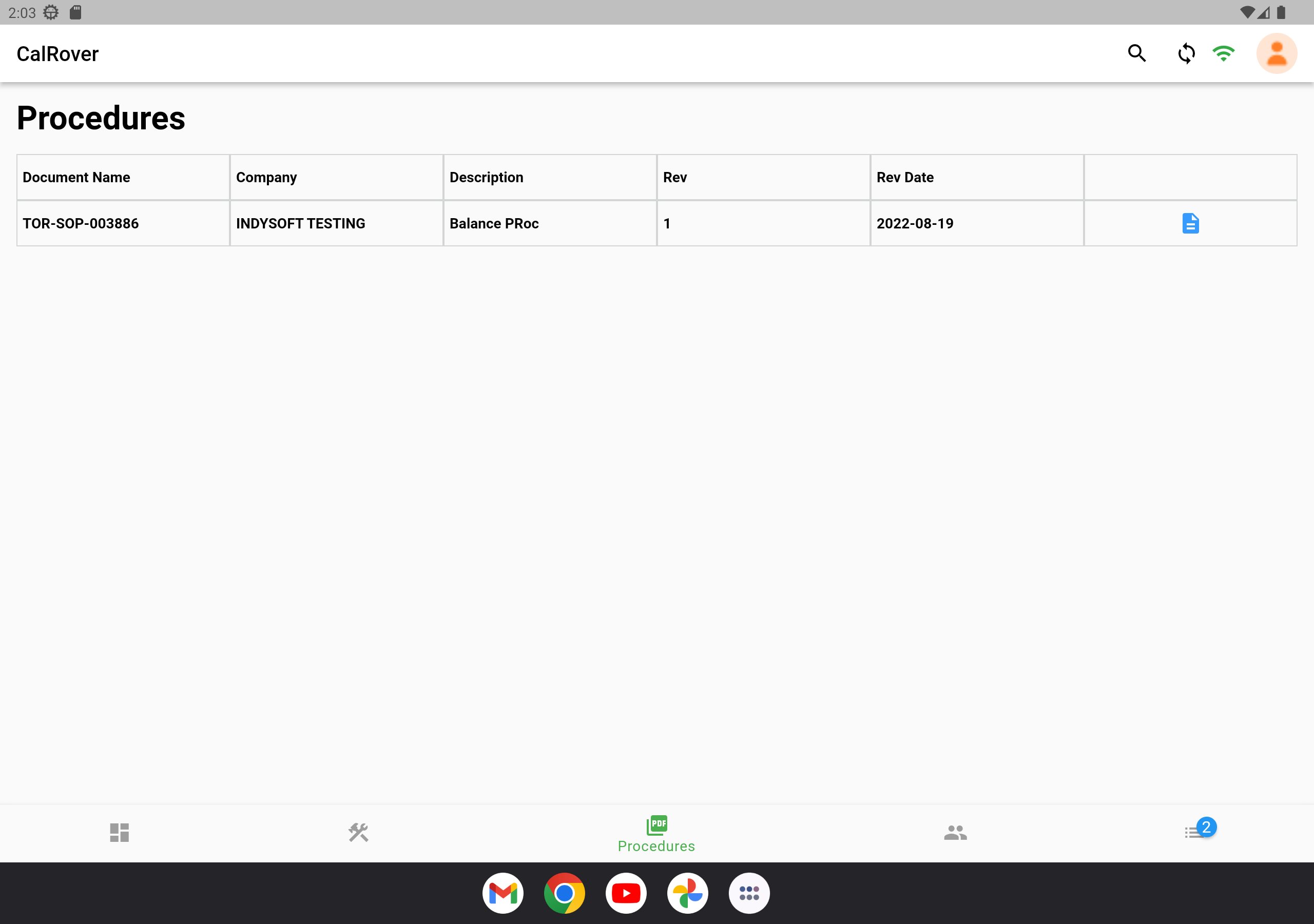
Procedures Screen
Double tapping this icon on a procedure will bring up the document for viewing. 
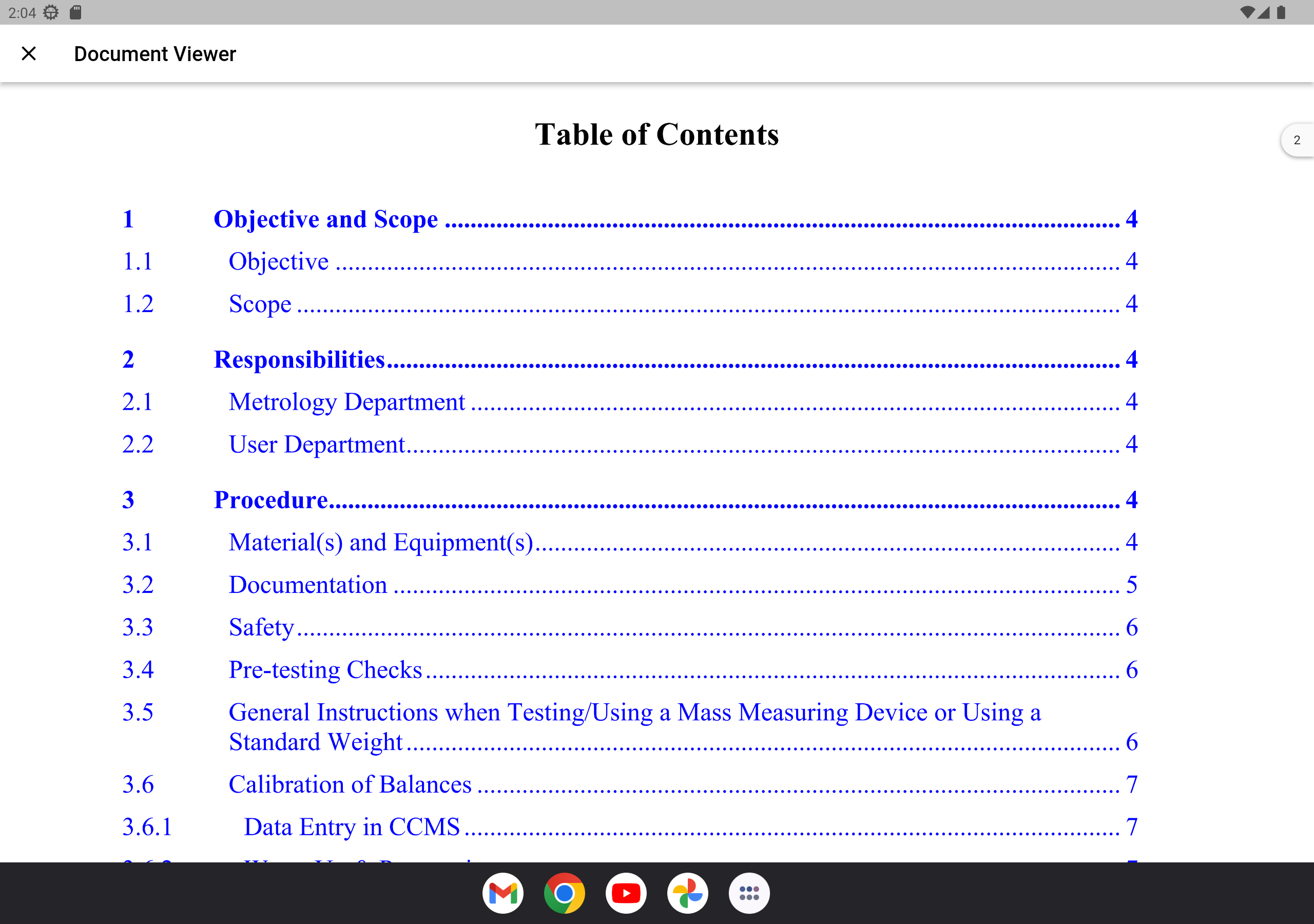
Calibration Procedure
 Procedures Search
You also have the option of using the 'Search' icon in the top-right hand corner to further narrow your selection
This is a wildcard search on any field within the grid.
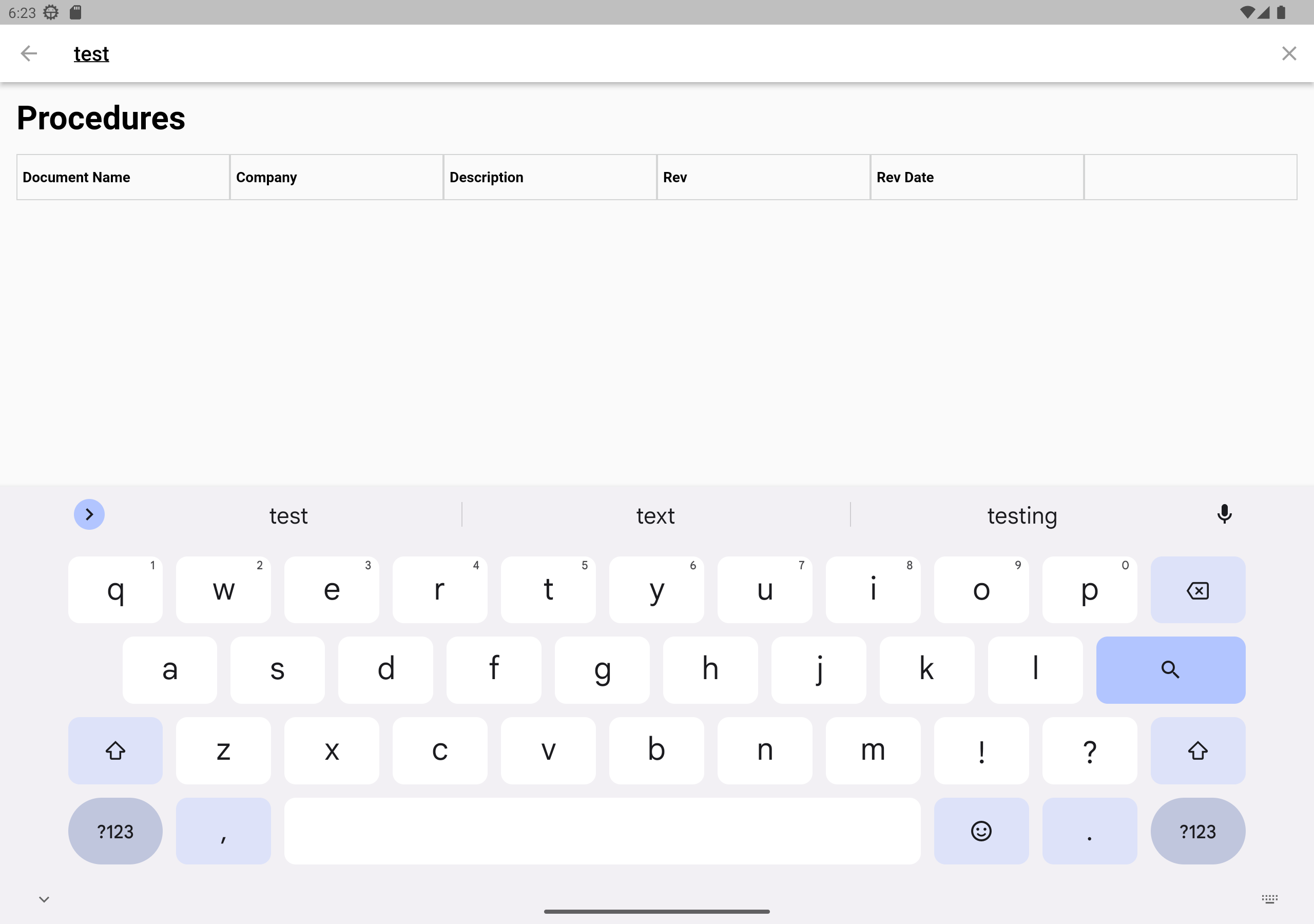
Procedures Search
© IndySoft. All rights reserved. Send feedback on this topic to IndySoft.