Registration and Logging In
Once you have your licensing purchased, a couple of fields filled out, and your REST service running, registering your device and logging in is easy.
Install your IndyGo application from the Play Store, Apple Store, or download it directly from IndySoft. Once done, enter your REST server URL and Log In as a System Administrator. The user should not need to enter https:// nor the /IndyData at the end of the URL. (Note: If attempting to use http as opposed to https:// then the user must explicitly specify http:// before the URL or IP.
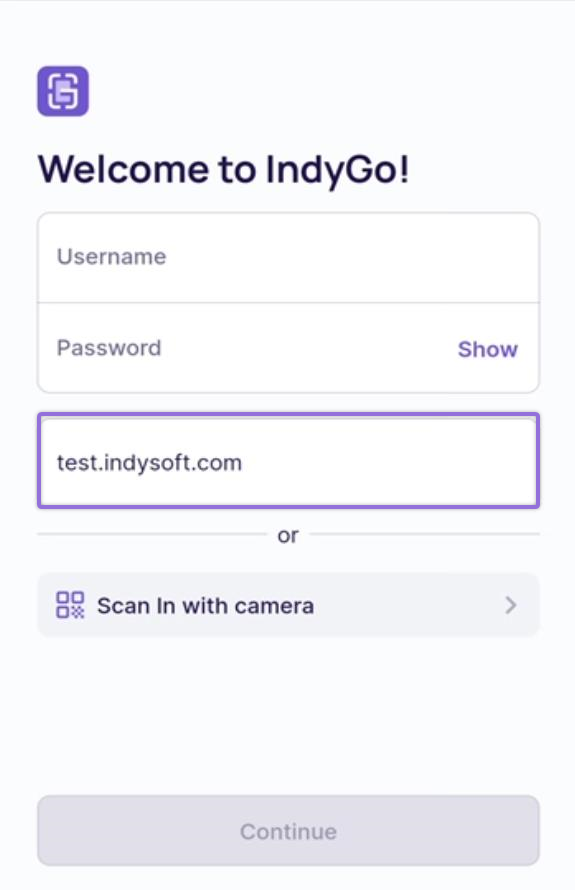
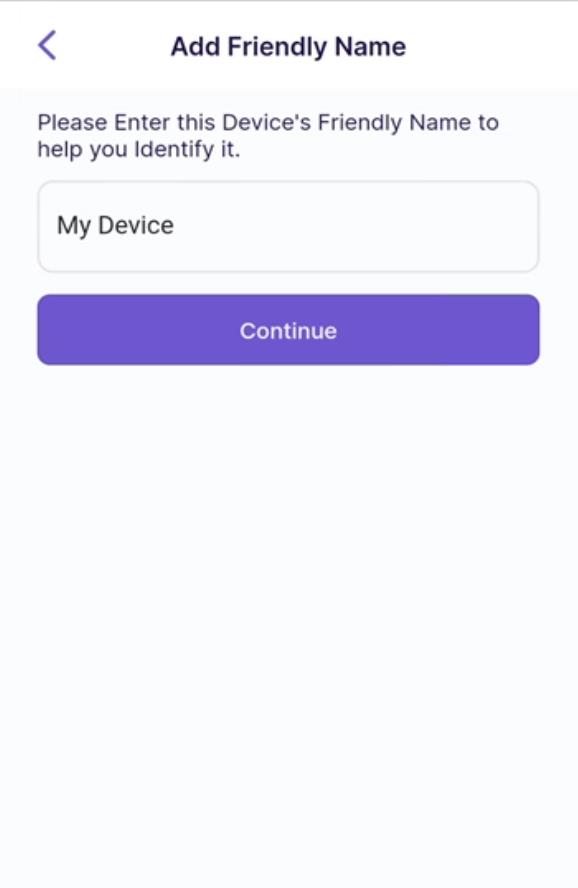
If the device has not yet been registered, the Administrator will be asked if they would like to register it. Upon answering "Yes," the user will be prompted to enter the device's friendly name to help you and the IndySoft staff easily identify the device. The device is registered once the name has been entered, and the user continues.
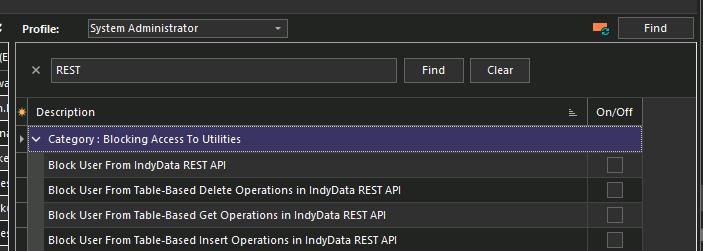
If the user cannot log in, ensure you confirm the user's profile is not blocked from accessing the REST API in Profile Manager.
Note: Admins can manually deregister the device from the bottom of the settings tab.