Examples
Below are examples of how to actually use the functions and variables described in this section.
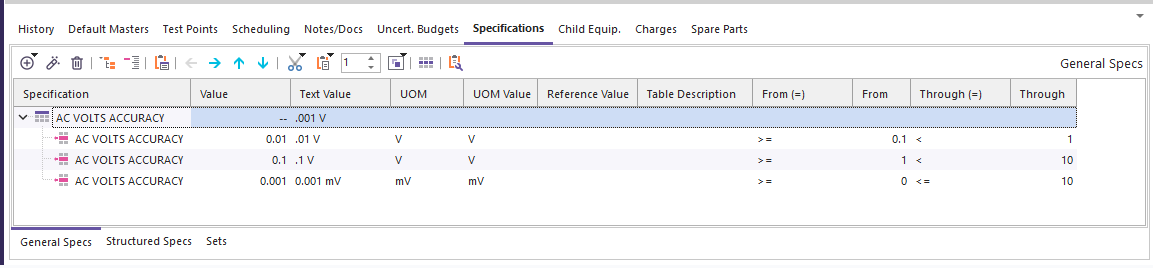
- "20man version" usage of primary lookup functions
- "20man version" usage of total error function
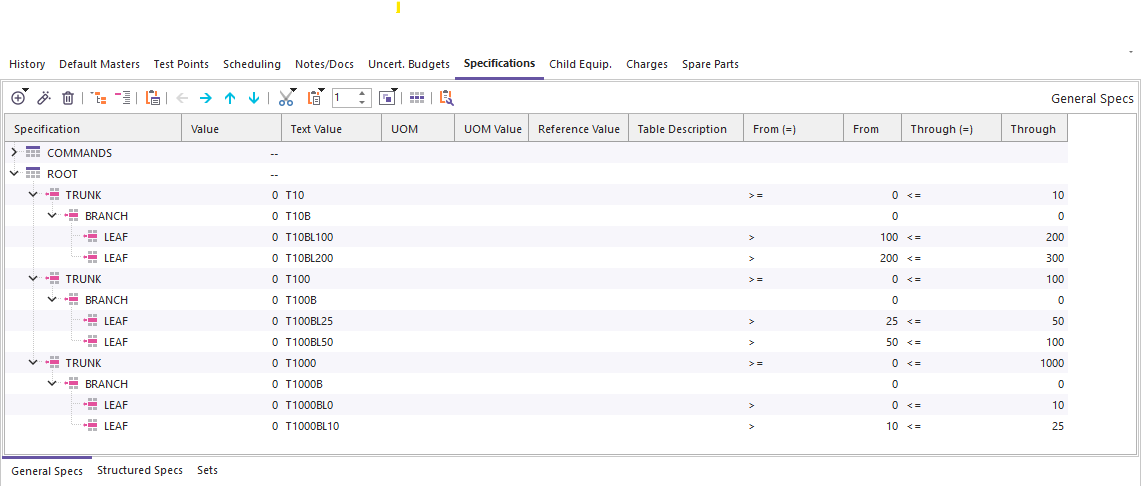
- "Linn version" usage of primary lookup functions
- "Linn version" usage of total error function
- usage of set lookup functions
Initial Considerations
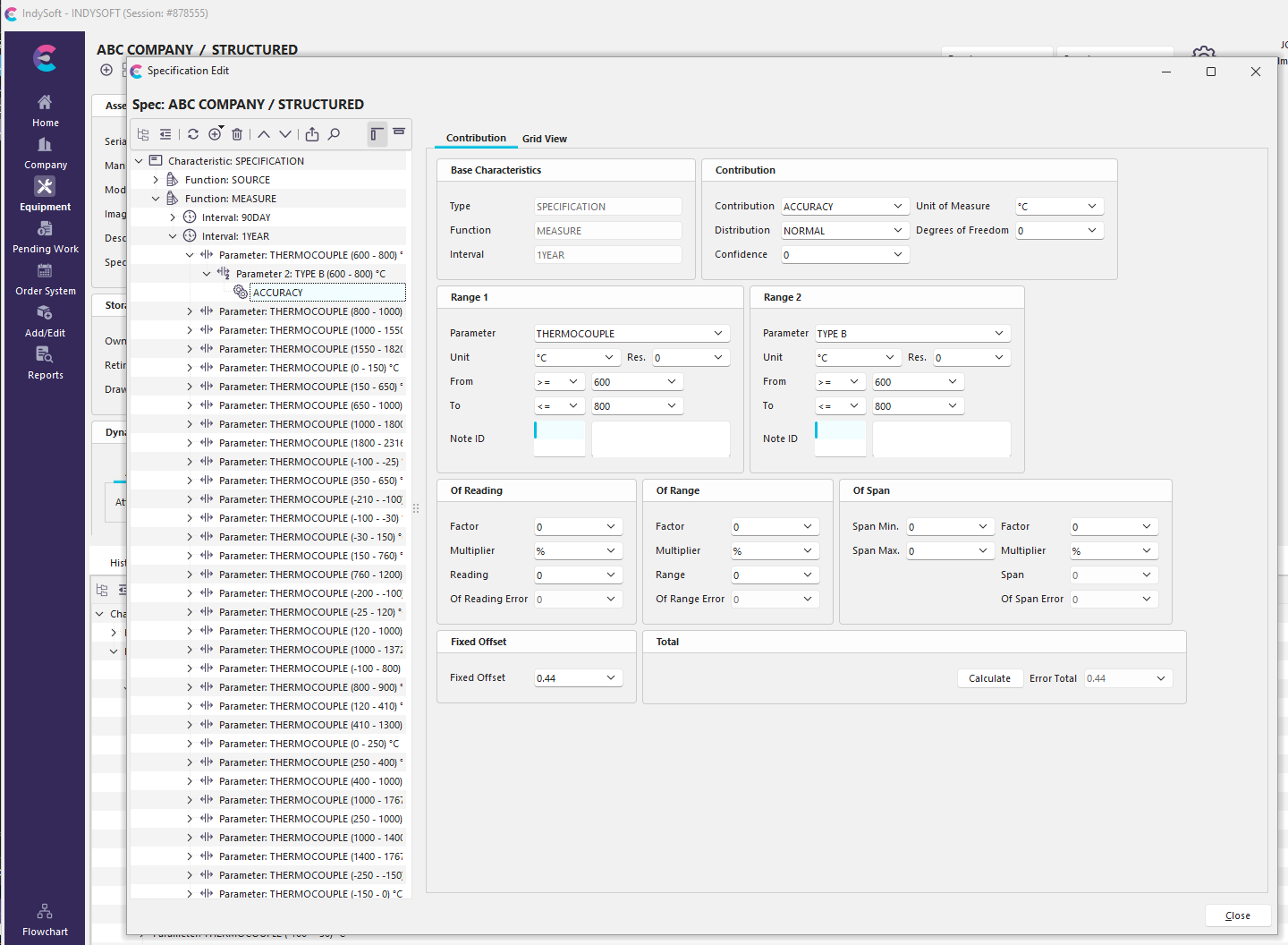
Before going into examples, it is worth noting that there are now two major ways to organize specifications, and they need slightly different awareness. The new method is SpecManager/Structured Specs. This is the recommended approach for working with specs going forward. An example can be seen here:
The older version (now called General Specs) is the version that was used from 12.0 on (and those were converted from the even older Uncertainty Attributes from 11.1 and earlier). An example can be seen here:
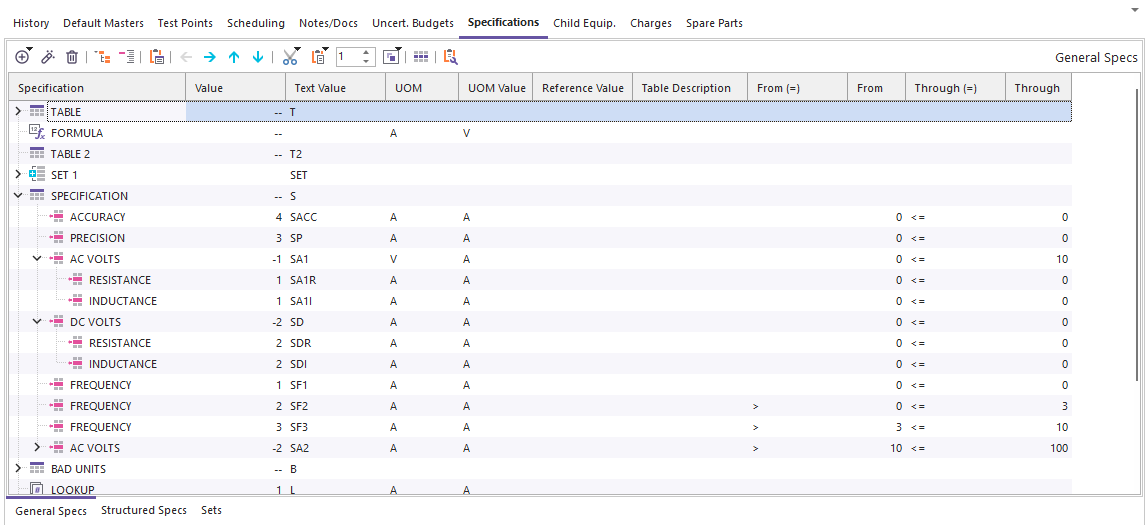
IndySoft recommends using structured specs, going forward, while recognizing that many customers already have General Specs in use for older development of uncertainty budgets. For the most part, the functions will behave the same, regardless of which specs you are using.
TotalError
The primary function for looking up Structured Specs and linked SpecManager specs is the TotalErrorByID function. An example of using it would resemble the following:
| sLookupPrefix = "SPECIFICATION,MEASURE,1YEAR" 'this picks the first three branch options to be used for all following lookups
if TotalErrorByID("ABC COMPANY","STRUCTUREDGAGE","[THERMOCOUPLE,300,°C],TYPE U,ACCURACY") then
'we found the total error!
fError = dTotalError 'get the numeric error, 0.44 in the screenshot above
sUOM = sTotalErrorUOM 'get the UOM, °C from Accuracy box in the screenshot above
'do more stuff here
else
showmessage(sUncErrorMessage) 'let you know something went wrong
fError = 0
sUOM = ""
end if |
For the first set of examples, consider the specification below: