CalRover Main Screen
CalRover Main Screen
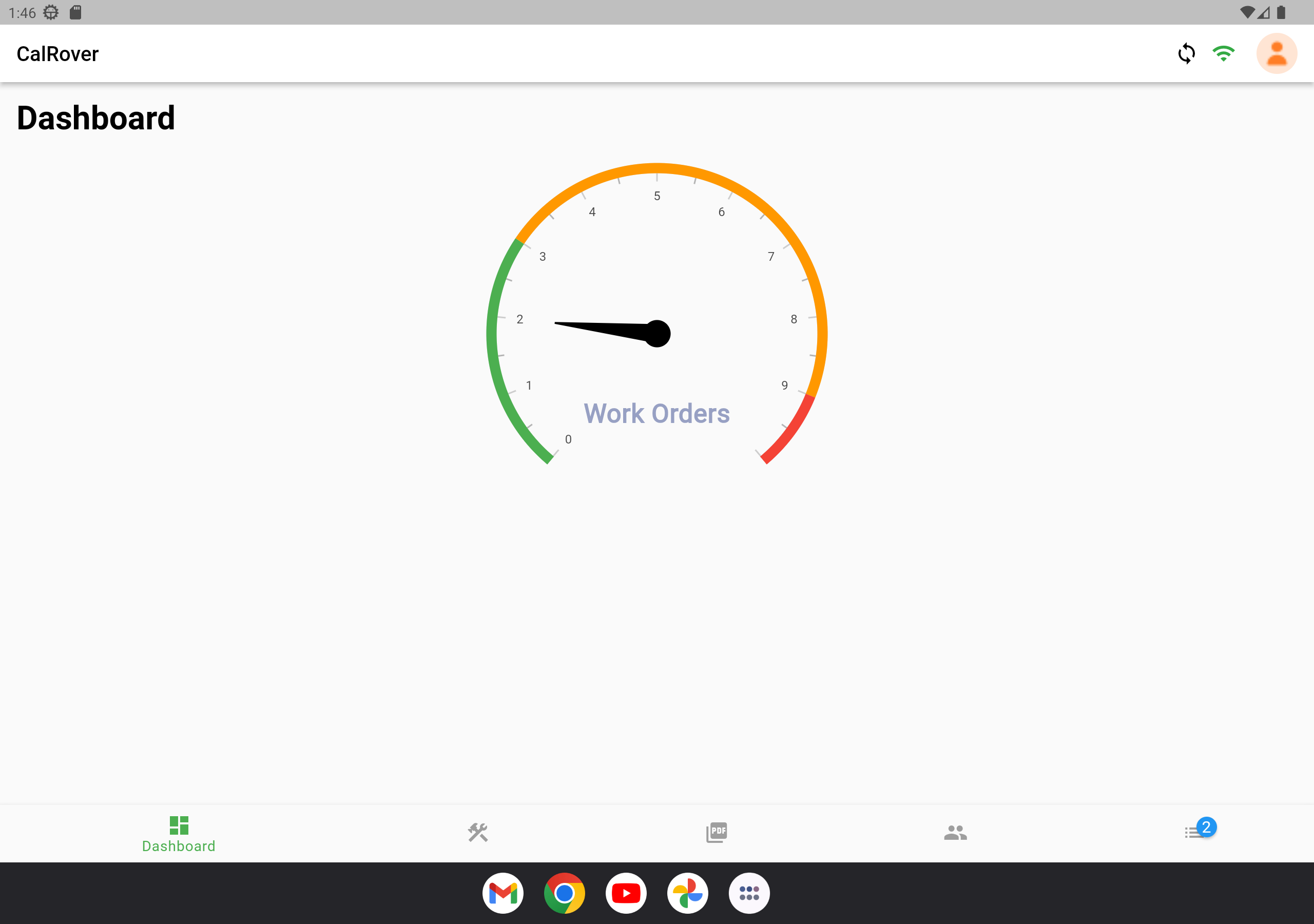
Main CalRover Screen
Menu System
Once logged in, the CalRover main screen shows 5 options on the left hand panel. This panel will only show Text description of the currently selected option in order to save screen real-estate.

Dashboard
The Dashboard is available whenever your mobile device is Online.

Masters
The Masters screen lists all relative masters that have been scheduled for the technician as well as relevant equipment that are flagged as being calibration standards.

Procedures
The Procedures screen lists all procedures currently downloaded to your mobile device. By default, only procedures that are used in scheduled calibrations will be downloaded - however you can also use this option while online to download calibration procedure documents on the fly.

Employees
The Employees screen displays additional employees.

Work Orders
The Work Orders screen displays the pending Work Orders scheduled under the logged in technician.
© IndySoft. All rights reserved. Send feedback on this topic to IndySoft.