Event Reports - Overview
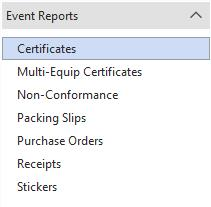
Event reports and the Report Designer can be launched from PrintBuilder. See below for an overview:
 Note: This feature is specific IndySoft version 12.1.0 and on.
If you are using version 12.1.0 and on, you will see a new option in the data pipelines of each event report called 'Equip. Single I.D.' combines the I.D. and Company of an asset into a single text value to be used in a barcode.
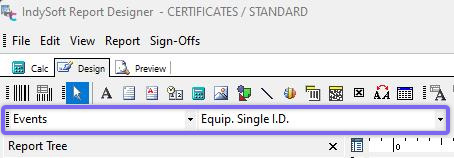
Report Designer - Equip. Single ID Data Pipeline
Now, when you have this data pipeline setup with a barcode in your report, that barcode will scan in both the accurate Company and I.D. of your asset.
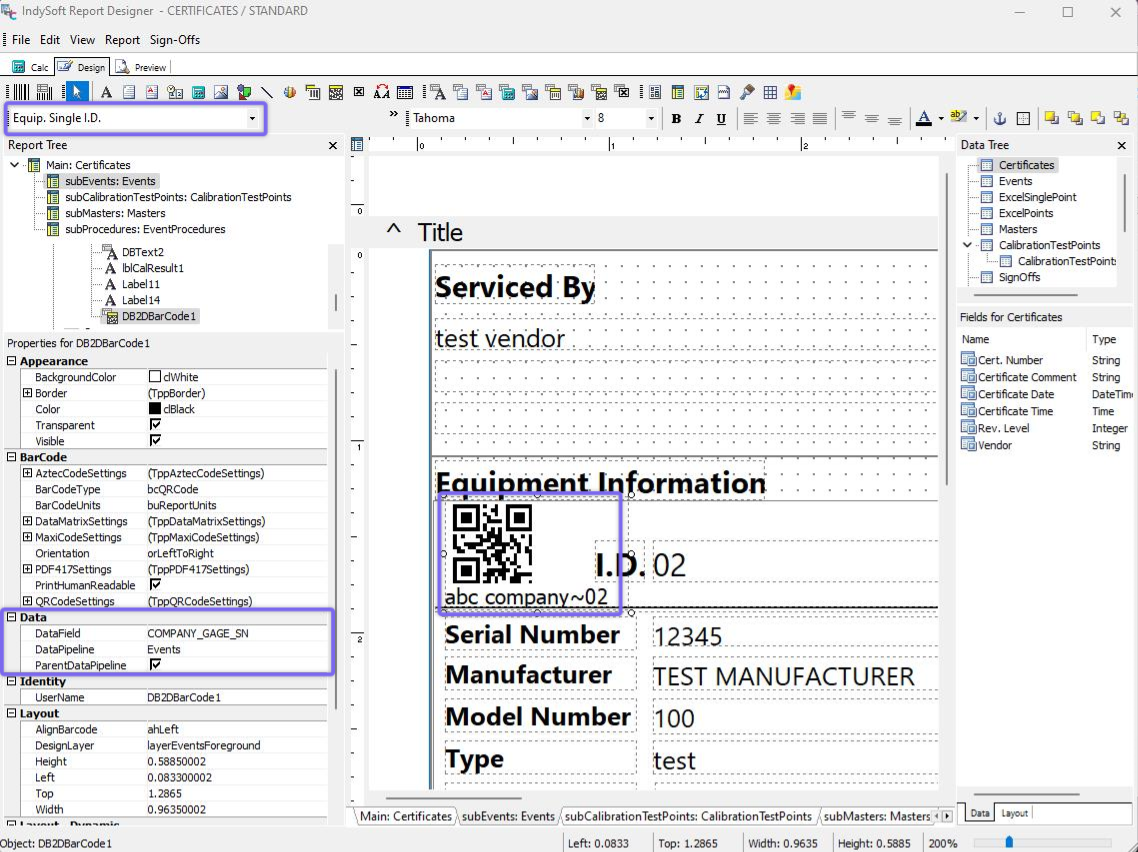
Event Report (Certificate) with Barcode - Equip. Single ID
For example, if you have the same I.D. number across multiple companies in your system, you can now use a barcode scanner to pull in the correct asset since the 'Equip. Single I.D. field is a unique identifier. This pipeline is available in all event report types besides Purchase Orders.
Event Reports - Overview