System Preferences - Template Approvals
 ../Storage/indysoft-help-publication/hm_clip3251.png
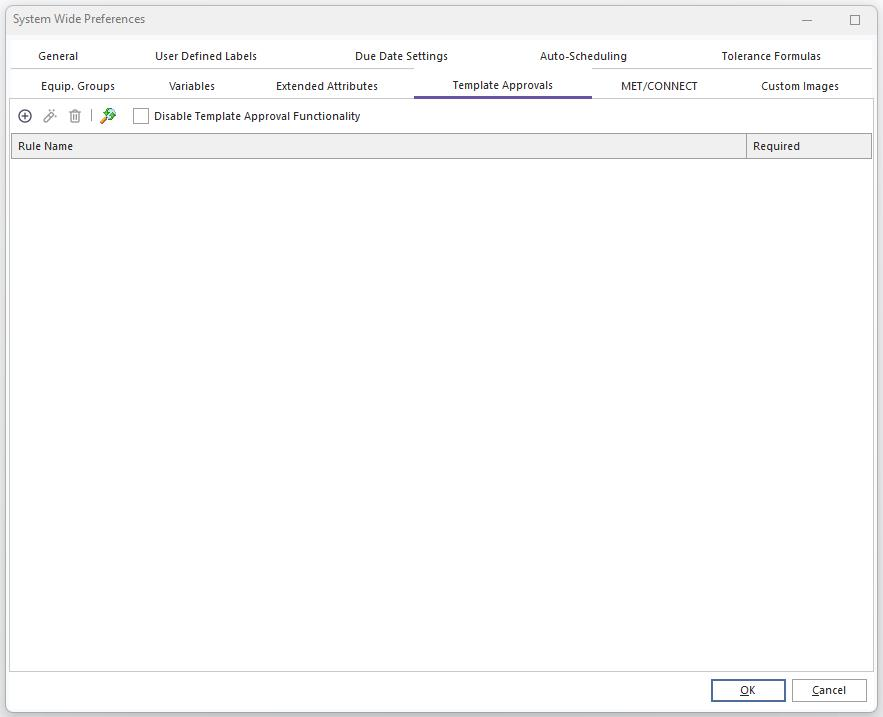
Template Approvals - System-Wide Preferences
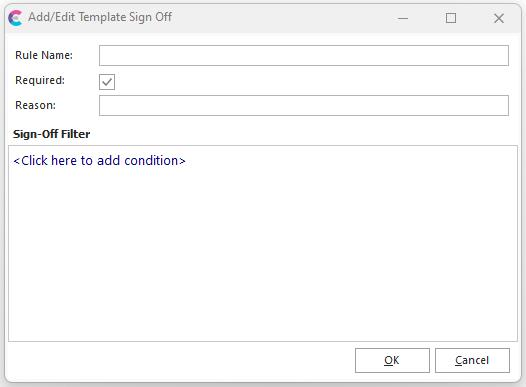
This setup tab sets the requirement(s) for Template Approvals. If you want to use the template approval system, set up one or more rules here. Each rule can be either Required or Non-Required. Rules are set up through a filter box of employee-specific fields. The login name is also included as a potential search field:
 ../Storage/indysoft-help-publication/hm_clip3252.png
Add/Edit Template Sign Off
After the exit of System-Wide Preferences, and upon (re)selection of a template in Template Editor - you will note the requirements listed in the upper-right of the Template Editor:
 ../Storage/indysoft-help-publication/hm_clip3253.png
Template Editor - Template Status |