Using
Using the RP1 events is a simple matter of using Rp1 Calibration instead of using the default Calibration event.
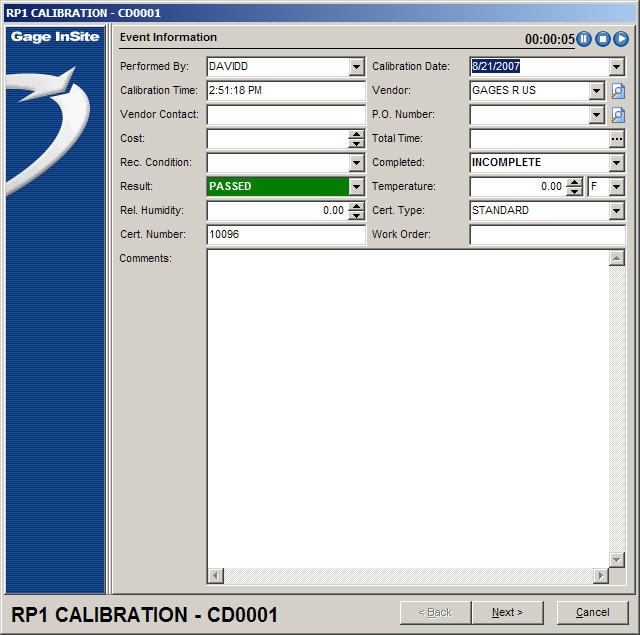
The event information screen is the default screen.
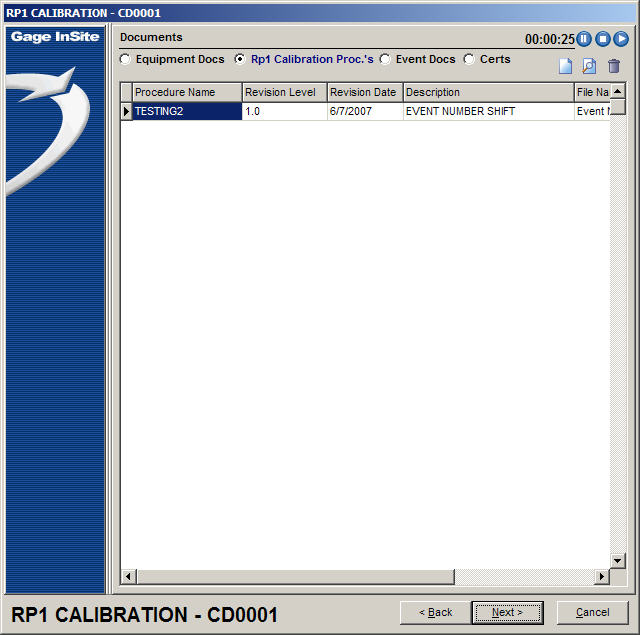
The documents screen is the default screen.
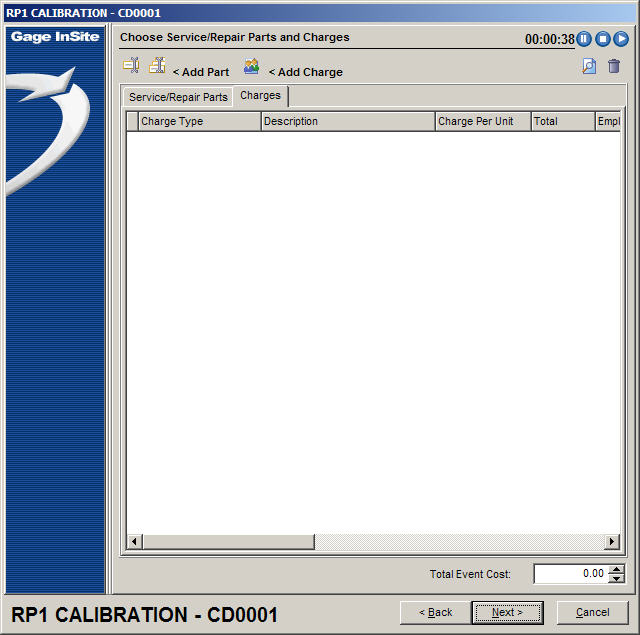
The charges screen is the default screen.
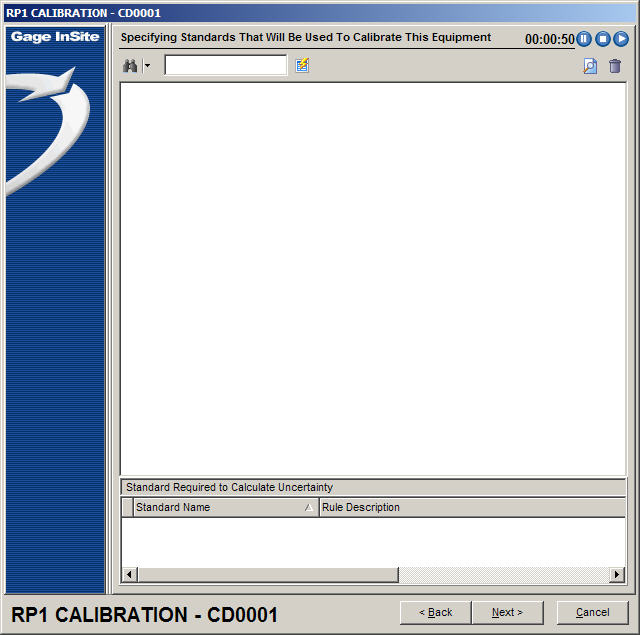
The standards screen is the default screen.
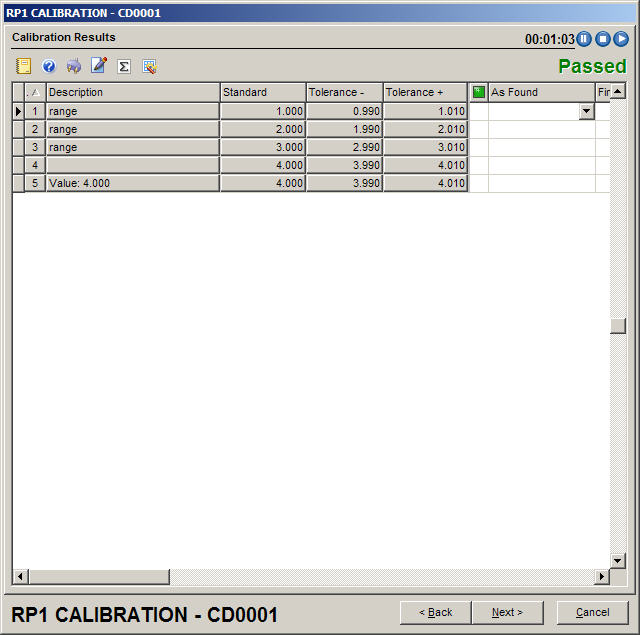
The testpoints screen is the default.
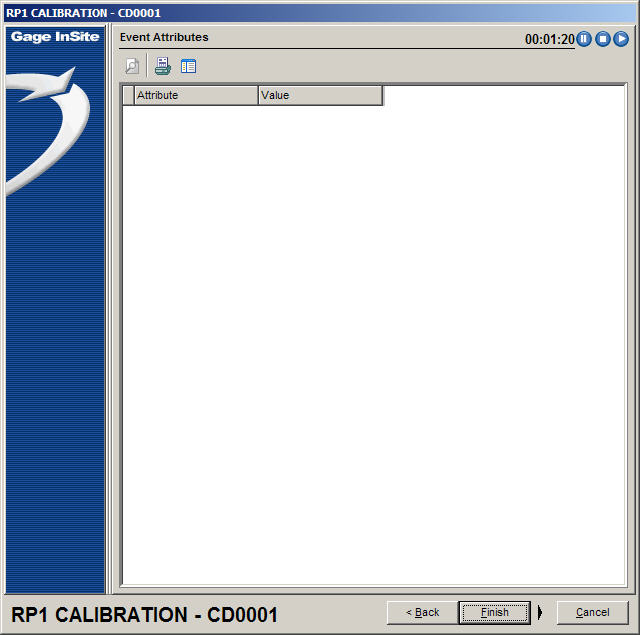
If there are testpoints, the event attributes screen will be blank.
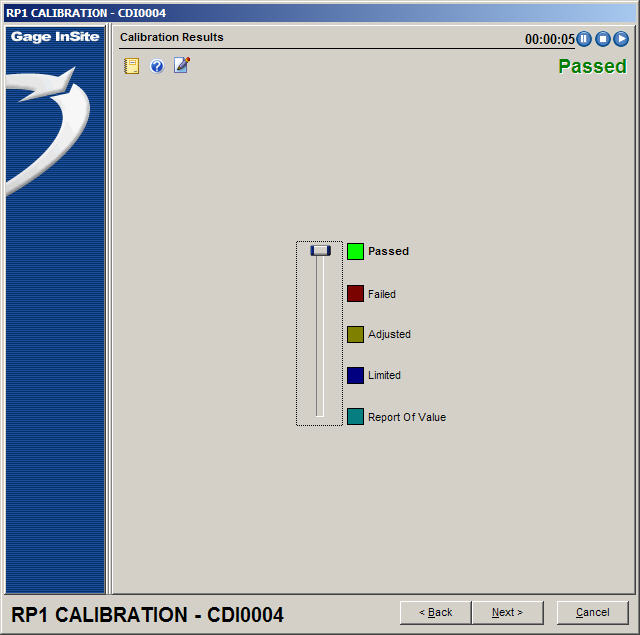
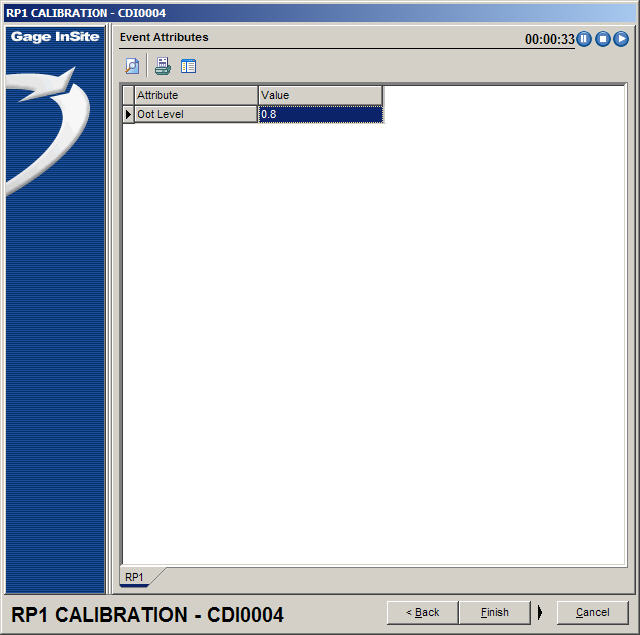
If there are no testpoints, the event attributes screen will have an OOT Level attribute visible. This is to record the OOT Level so RP1 calculations can still be performed. A value from 0 to 1 indicates "In Tolerance". 1-2, 2-3, 3-4, 4+ indicate increasingly OOT conditions, and will have increasingly negative impacts on the new calibration interval.
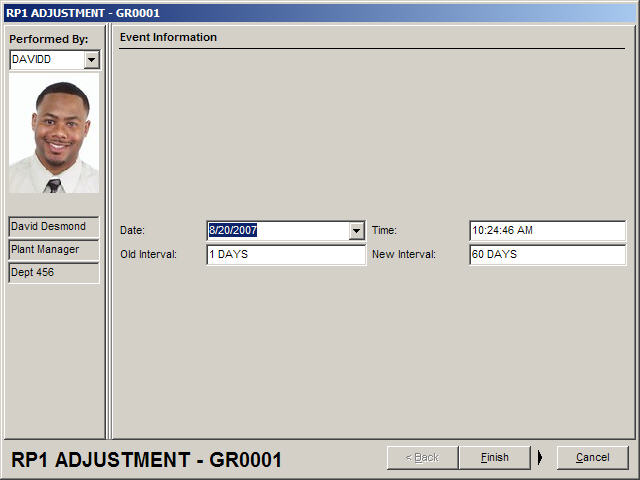
If there has been a change in the calibration interval, it will be logged as Rp1 Adjustment.
If child equipment has been synchronized, there will also be an Rp1 Child Synch event.
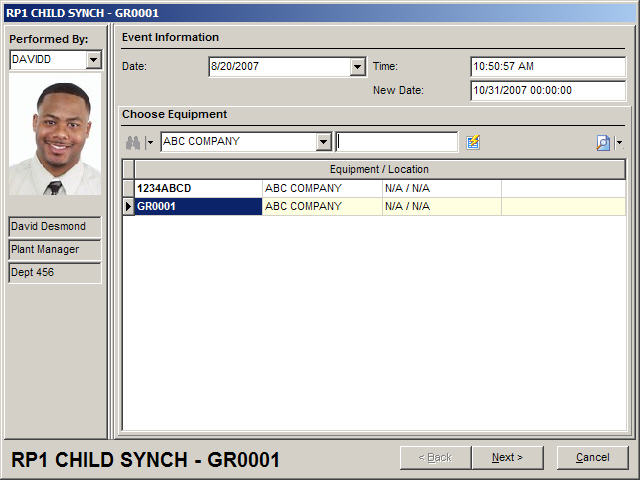
The main screen shows the children that have been synchronized.
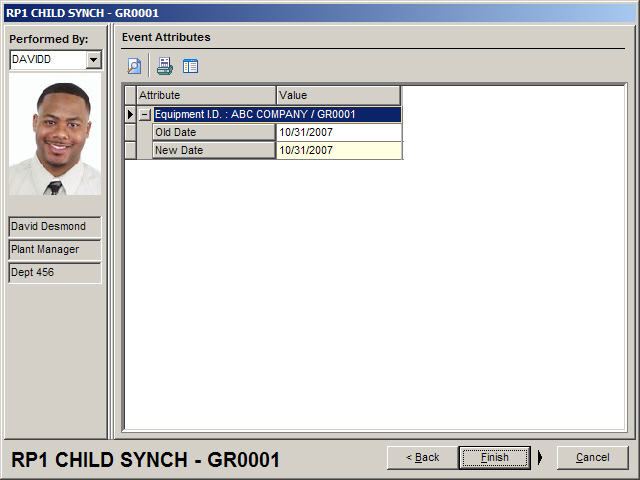
The event attributes show the old and new due dates for the child equipment being viewed. |