Event Steps - Component Parts
Entering Component Parts During An Event
The 'Component Parts' event tab appears if the 'Component Parts' event tab has been selected for the current event type through the Event Configuration Wizard (see the Event Configuration - Event Tabs section for more details).
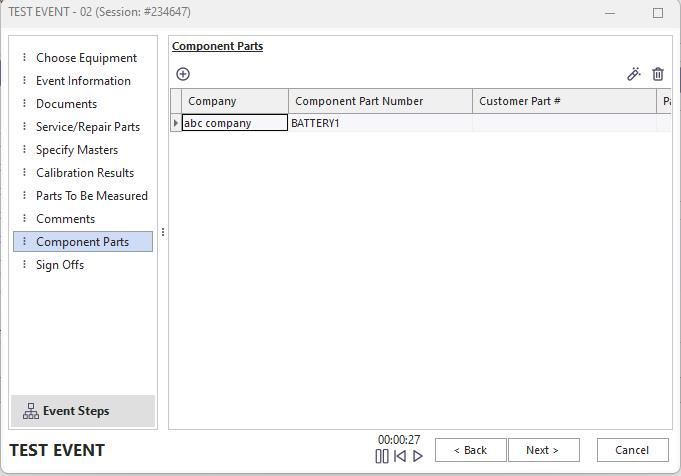
Event Steps - Component Parts
When an event is launched, the component parts can automatically populate from the parts already set up on the equipment or linked-template levels. This default is based on the Component Parts...Default From Equipment At Start setting in Workflow Configuration...Miscellaneous:
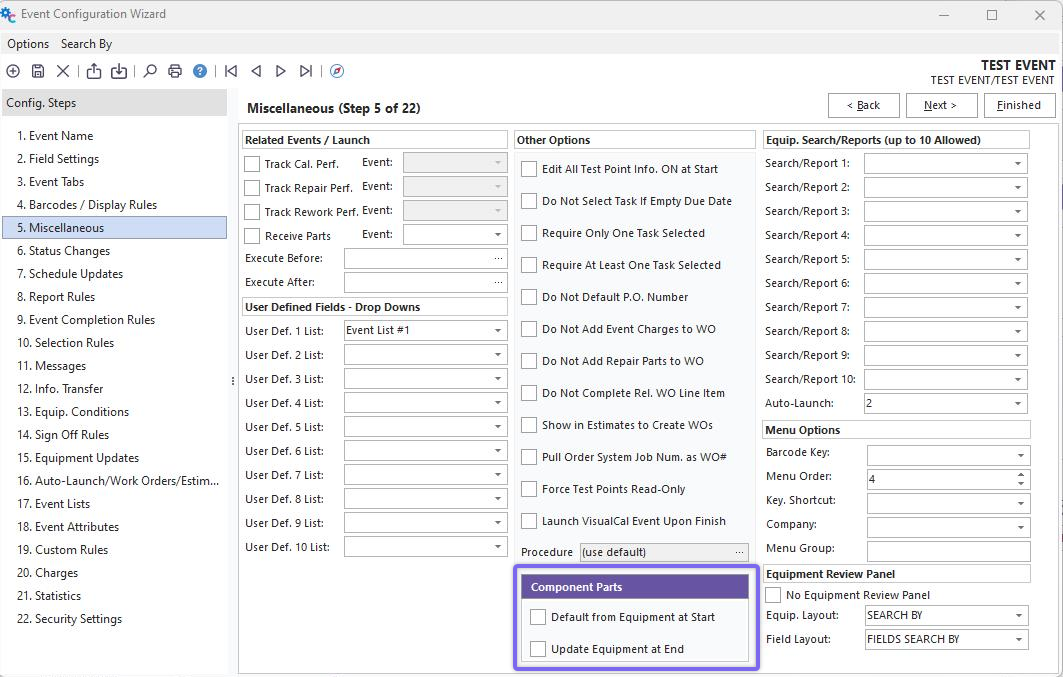
Workflow Configuration...Component Parts Settings
If the 'Update Equipment At End' checkbox is checked, then any parts in the event will be saved to the equipment level upon event completion. To add/edit/delete parts within the event, use the three buttons above the Component Parts grid:
 Add Component Parts
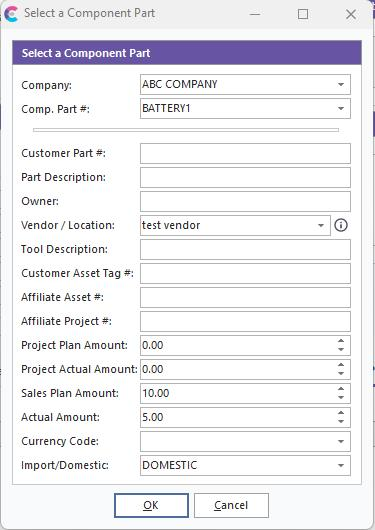
Add Component Part dialog.
 Edit Selected Component Part
 Remove Component Part
The fields available for editing on the part level in the event are the same as those available on the equipment level in Component Parts. |