Reports Tab
The Reports Tab is the final tab shown on the Dashboard main screen left-hand navigation panel (if all tabs are set to be visible). The Reports tab is an enhanced menu for viewing searches/reports that have been created in the software. In versions prior to V14, these were only accessible through the Search/Reports menu dropdown (which has been updated to 'Search', displaying the basic searches only)
Reports Tab - Overview
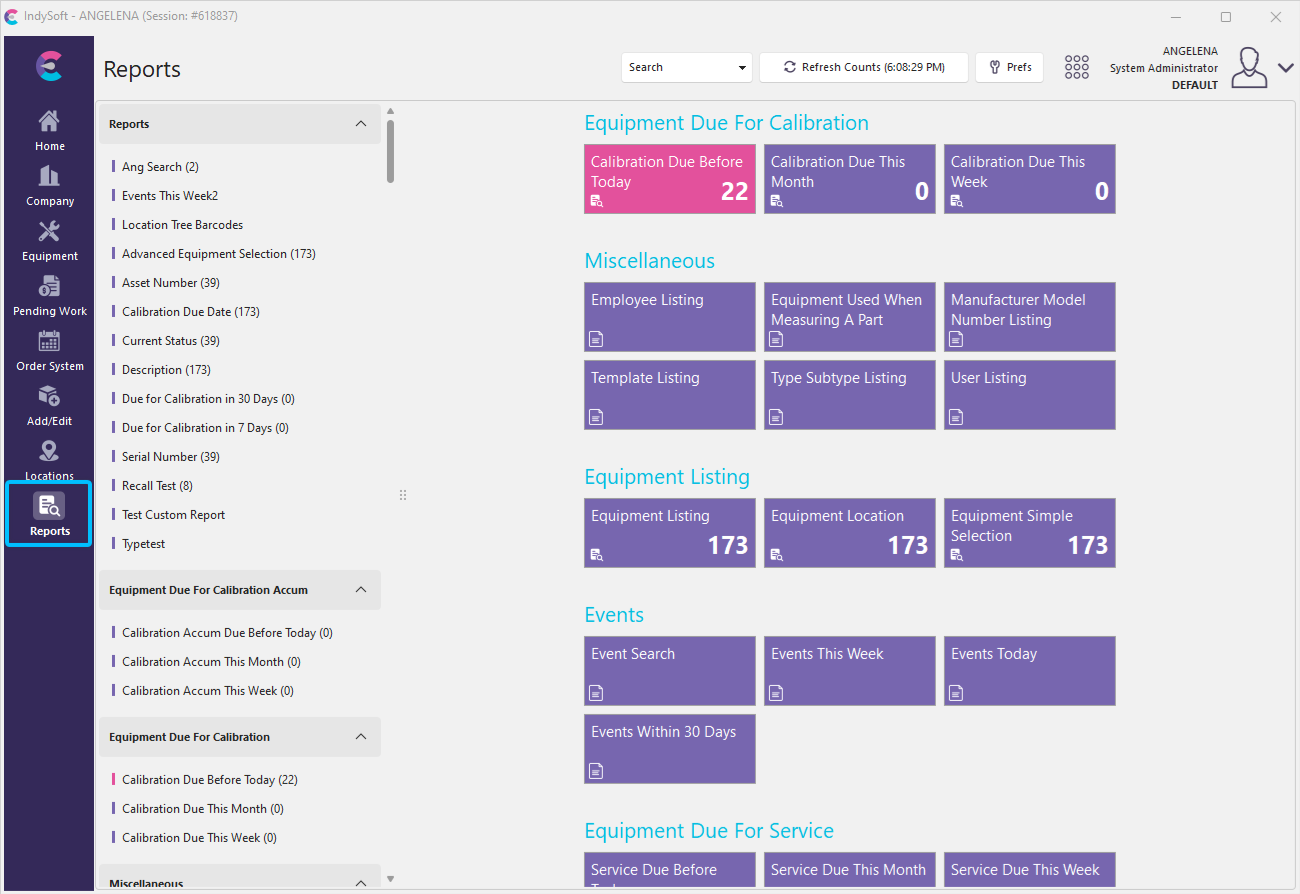
Reports Tab - Dashboard main screen
Along the top of the tab is a header.