Export To Options - Grids
You will notice that nearly all IndySoft grids have a right-mouse click submenu for 'Export To'. This submenu provides several quick export options for the grid:
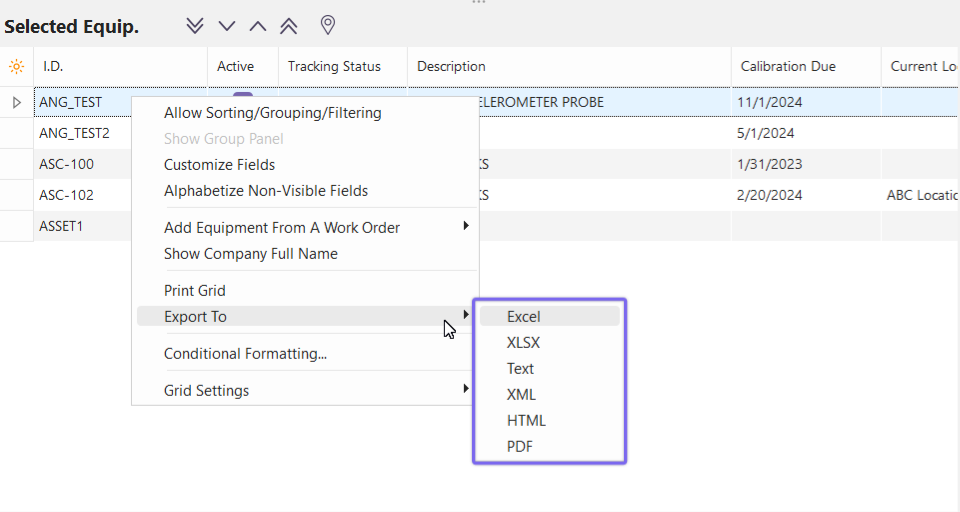
·Excel
·XLSX (more recent Excel format)
·Text
·XML
·HTML
·PDF
These export options will take a snapshot of the current grid and save it to the desired format - attempting to retain as much of the onscreen formatting as possible. You will first be prompted to select a file name and directory for the file. The file should contain all visible columns (including columns that might require horizontal scrolling to view onscreen), all column captions, all grid records, relative field widths, and even field groupings (see Show Group Panel). Some of these options will not be retained in simple formats like 'Text'.

Example Grid Export to Excel |
](/it/Storage/indysoft-help-publication/hm_clip0347.png)