System Preferences - Custom Images
 ../Storage/indysoft-help-publication/hm_clip3251.png
Systemwide Preferences - Custom Images
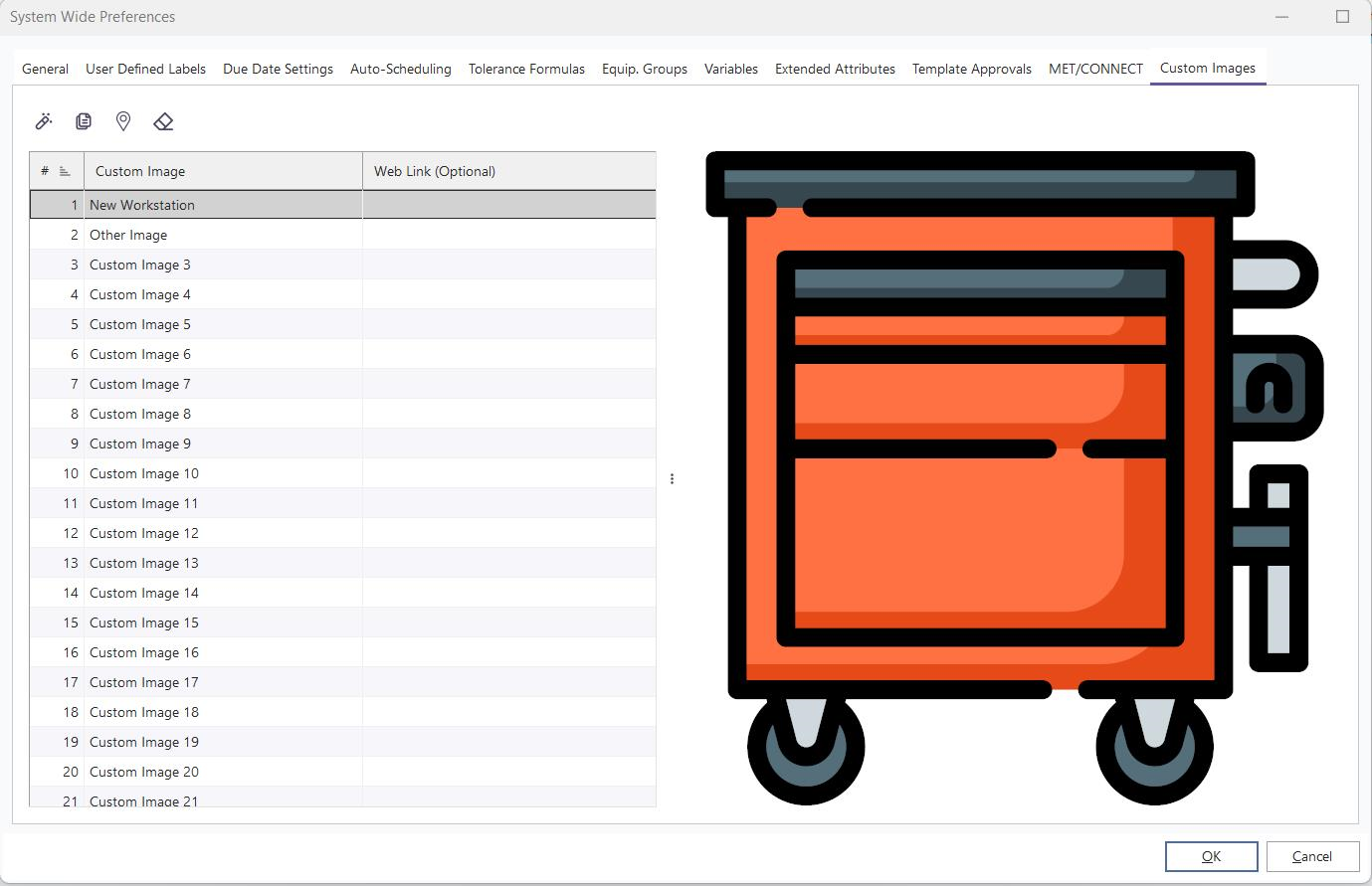
IndySoft allows you to store up to 50 custom images in the database that can be used in different ways across the software. These images must be .svg format - this allows for dynamic resizing while maintaining quality.
 Edit Custom Image - Use this button to add/edit a custom image to one of the associated image fields.
 Edit Image Name- Use this button to edit the image name (this will display in customize dialogs).
 Edit Weblink (Optional)- Use this button to associate a weblink URL to the selected image.
 Clear Image- Use this button to clear the image association.