Explanation of Pipette Certs
As mentioned in Configuration Elements of the Pipette Module, there are two example Pipette Certificates provided: PIPETTE and PIPETTE COLUMNS. The two are identical except for a couple small differences.
Starting with the differences: SubReport5 and SubReport6 are used to display the individual samples, respectively.
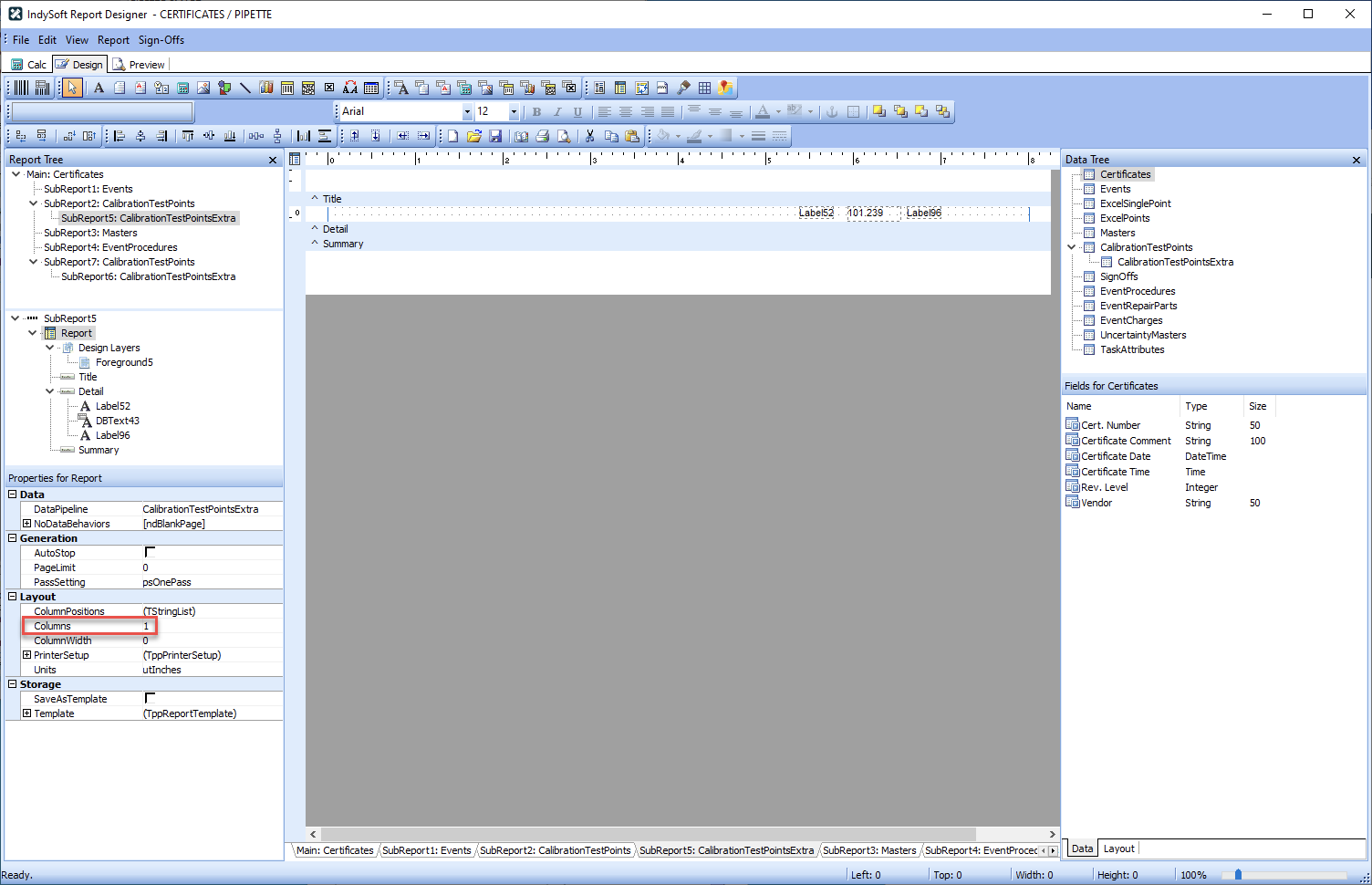
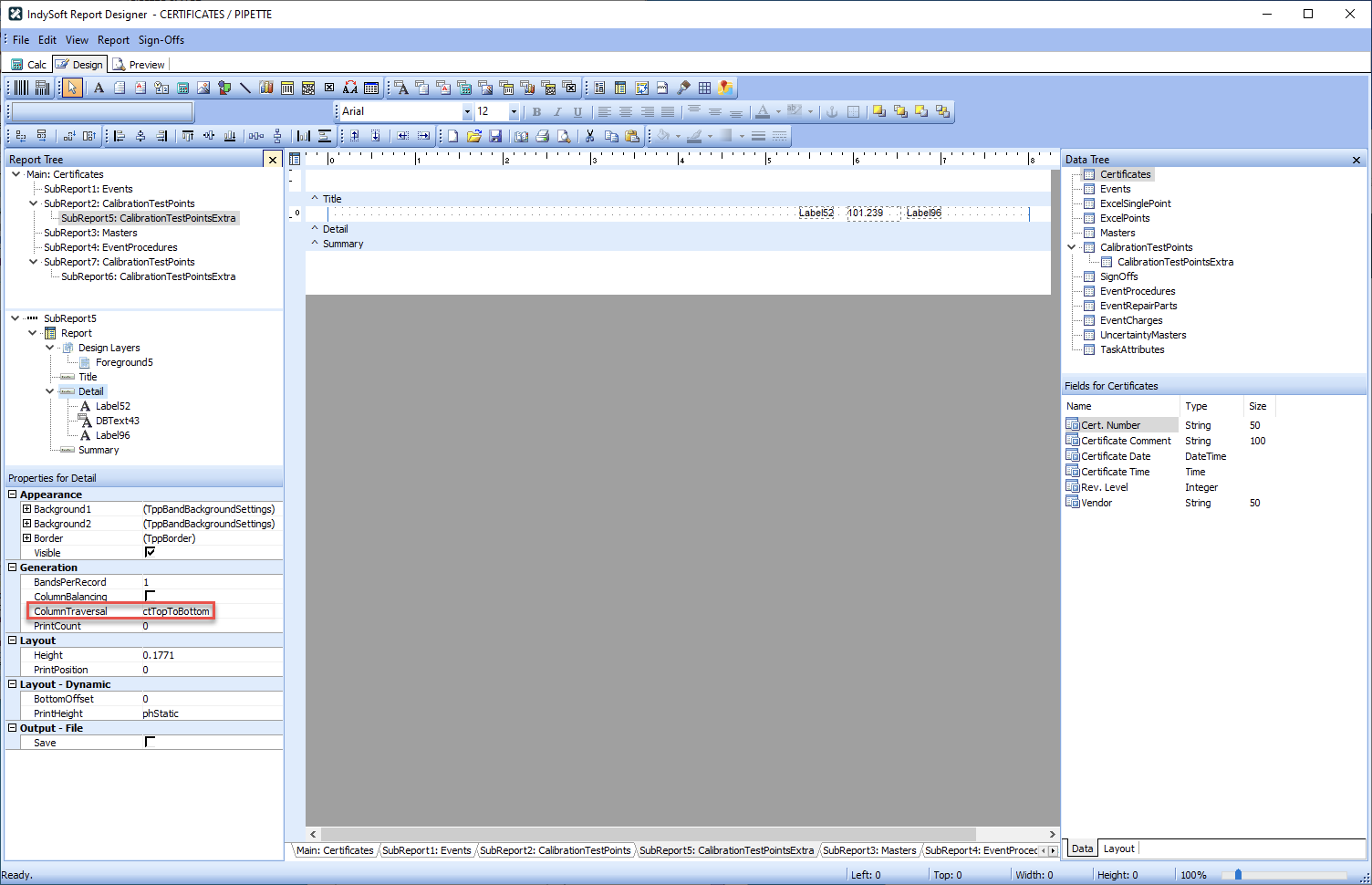
In PIPETTE, SubReport5: Report has Columns set to 1, and SubReport5: Detail has ColumnTraversal set to ctTopToBottom.
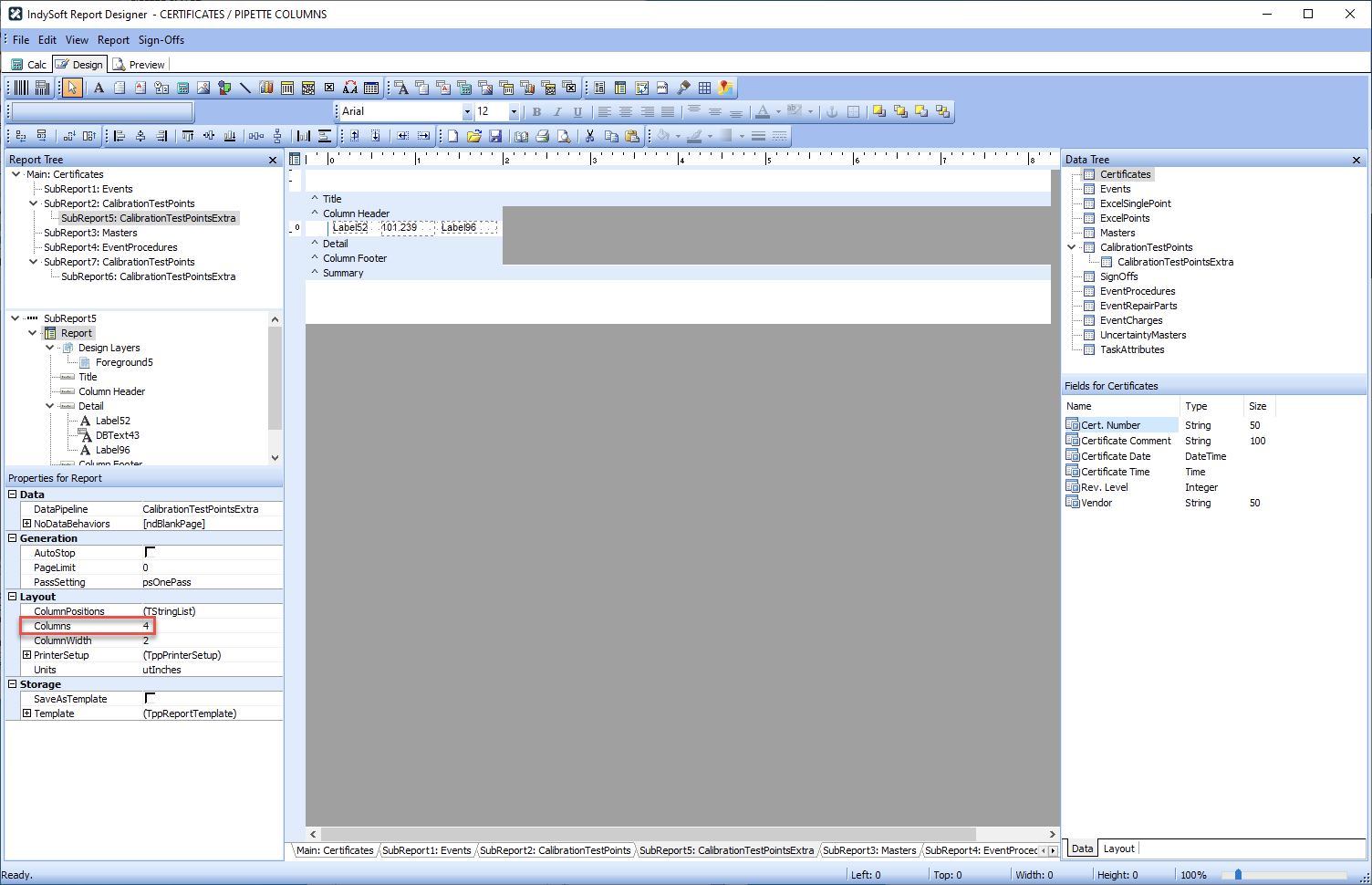
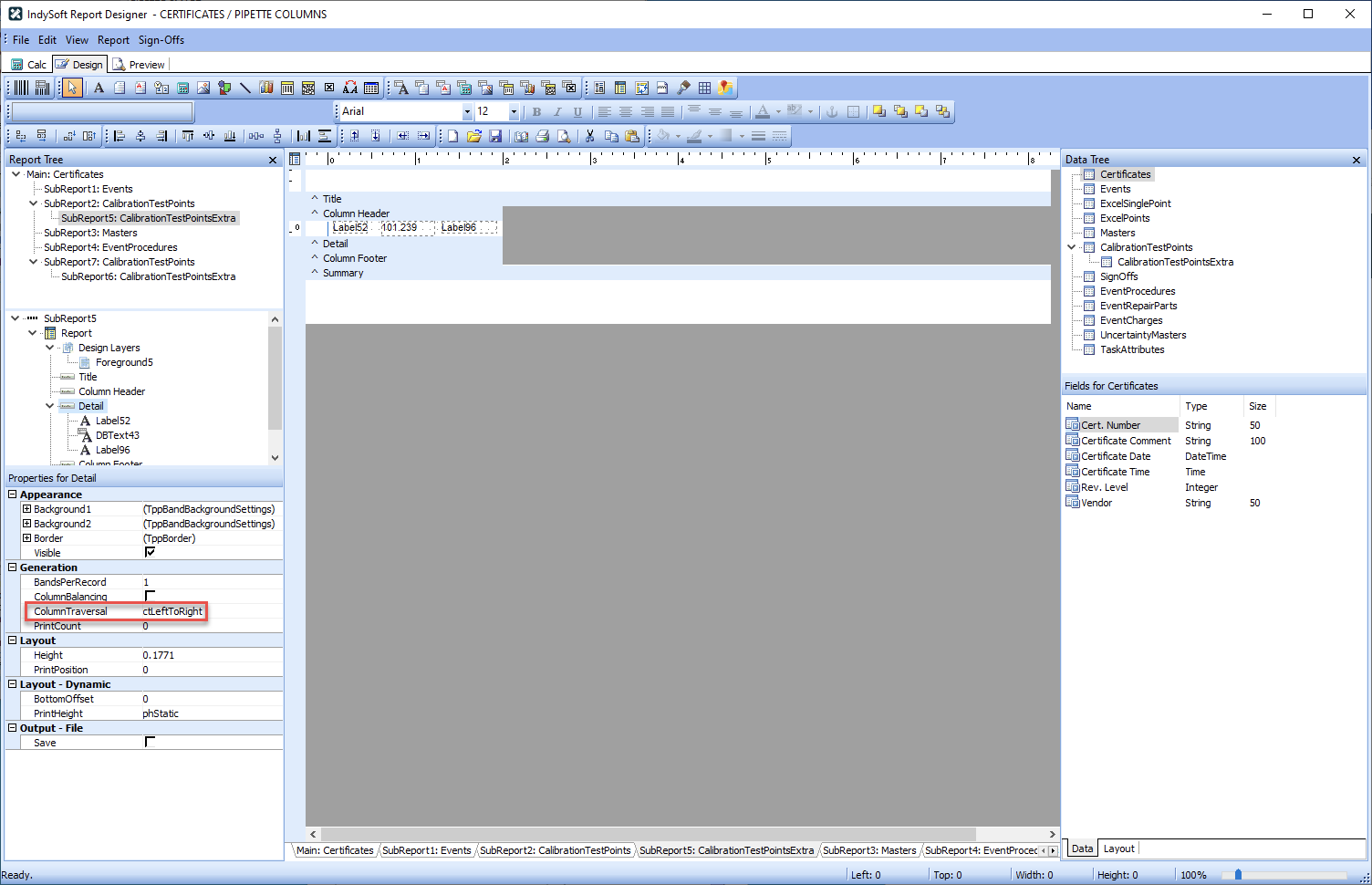
By contrast, in PIPETTE COLUMNS, SubReport5: Report has Columns set to 4, and SubReport5: Detail has ColumnTraversal set to ctLeftToRight.
For the rest of this discussion, the PIPETTE cert template will be used. Looking at the Report Tree, the Main, SubReport1, SubReport3, and SubReport4 reports for Certificates, Events, Masters, and EventProcedures are fairly standard. As a result, they will not be reviewed.

SubReport2 and SubReport5 are used to show the As Found data, if there is any. SubReport7 and SubReport6 are used to show the As Left data, if there is any.
Looking at SubReport2, you can see the basic setup.
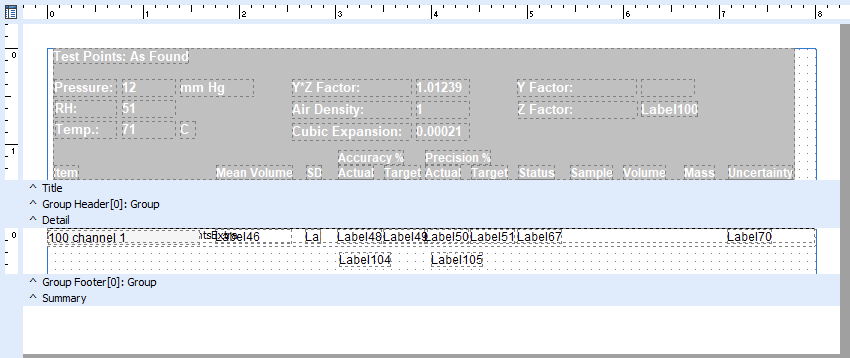
Since all the environmental data for As Found is stored in all the test points, the Title contains that. Each group of four test points that represent a given channel/sample have the same text in the Group column, so a Grouping is set up on that field, with "a test point" displaying in the Group Footer. Calc tab logic is used assemble the data appropriately. For the PIPETTE cert, SubReport5 overlaps the data so the first sample data appears in line with the summary data. In PIPETTE COLUMNS, it appears beneath the summary data.
The rest of what makes this special is in the Calc tab. For reference, the Event Handlers are shown below for each SubReport:
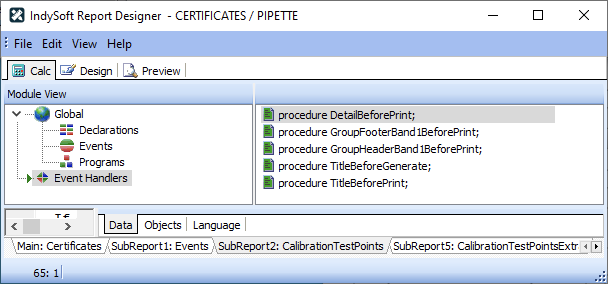
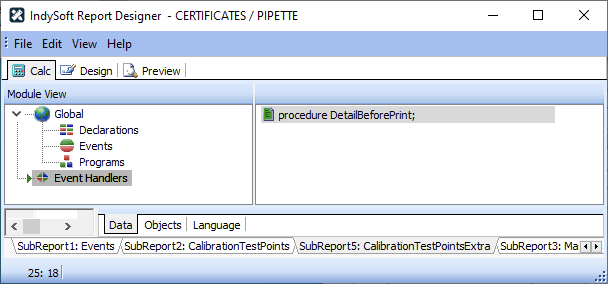
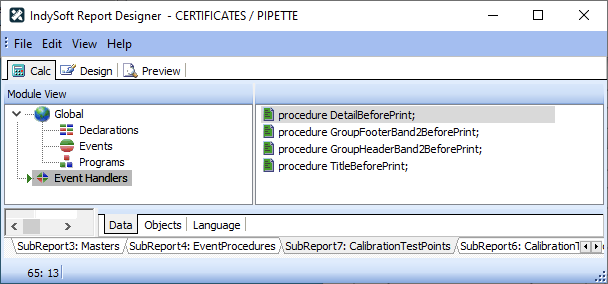
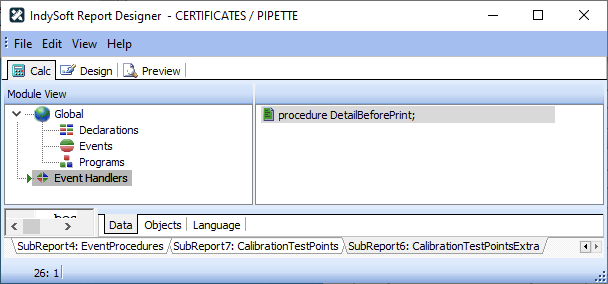
Going through them in order of execution, we'll start with SubReport2.
procedure TitleBeforeGenerate;
begin
if UncertaintyOn = '1' then
begin
Label61.visible := true;
Label70.Visible := true;
end
else
begin
Label61.visible := false;
Label70.Visible := false;
end;
end;
The only purpose of TitleBeforeGenerate is to hide the Uncertainty column if Uncertainty isn't registered. In clients since version 11, Uncertainty is always registered.
procedure TitleBeforePrint;
begin
if '0' = ReturnFromSQL('SELECT COUNT(*) FROM CALPNTSEXTRA WHERE EVENT_NUM='+IntToStr(Events['Event Number'])+' AND FIELD_NAME LIKE ''AS FOUND%''') then
begin
Title.Visible := false;
end
else
begin
Title.Visible := true;
end;
end;
TitleBeforePrint is used to determine if there is any As Found data, and hide/show the title accordingly.
procedure GroupHeaderBand1BeforePrint;
begin
Label46.Caption := '';
Label47.Caption := '';
Label48.Caption := '';
Label49.Caption := '';
Label50.Caption := '';
Label51.Caption := '';
Label67.Caption := '';
Label70.Caption := '';
Label67.Caption := 'Passed';
if CalibrationTestPoints['As Found Num 4'] <> 0 then
Label100.Caption := FormatFloat('0.00000',CalibrationTestPoints['As Found Num 1']/CalibrationTestPoints['As Found Num 4'])
else
Label100.Caption := '';
end;
GroupHeaderBand1BeforePrint is used to reset the data in the footer. This ensures we don't have any lagging data. It also calculates the raw Z-factor (Label100).
For DetailBeforePrint, I'm going to break things up into chunks.
procedure DetailBeforePrint;
Var
I, I2, I3, iNumResolution, iResResolution, iUncResolution : Integer ;
sRes, sRes2, sResUnc, sDummy : String ;
begin
iNumResolution:=StrToIntDef(CalibrationTestPoints['Res.'],6);
iResResolution:=StrToIntDef(CalibrationTestPoints['Result Res.'],0);
iUncResolution:=StrToIntDef(CalibrationTestPoints['Uncertainty Res.'],6);
sRes := '#######0';
sRes2 := '#######0';
sResUnc := '#######0';
If ((iNumResolution >= 0) and
(iNumResolution <= 12) then
i2:=iNumResolution else i2:=6;
If i2>0 then
begin
sRes:=sRes + '.';
for i := 0 to i2-1 do
begin
sRes:=sRes + '0';
end;
end;
If ((iResResolution > 0) and
(iResResolution <= 12) then
begin
i3:=iResResolution;
sRes2:=sRes2 + '.';
for i := 0 to i3-1 do
begin
sRes2:=sRes2 + '0';
end;
end else sRes2 := sRes;
If ((iUncResolution > 0) and
(iUncResolution <= 12) then
begin
i3:=iUncResolution;
sResUnc:=sResUnc + '.';
for i := 0 to i3-1 do
begin
sResUnc:=sResUnc + '0';
end;
end else sResUnc := sRes;
The above section has only one purpose: to create the strings for setting resolution used in FormatFloat calls below. This is how the data in the cert displays with the same resolution as in the results grid.
if CalibrationTestPoints['Description']=(CalibrationTestPoints['Group']+' mean') then
begin
Label46.Caption := FormatFloat(sRes,CalibrationTestPoints['As Found']);
Label70.Caption := FormatFloat(sResUnc,CalibrationTestPoints['Uncertainty']);
end
else if CalibrationTestPoints['Description']=(CalibrationTestPoints['Group']+' SD') then
begin
Label47.Caption := FormatFloat(sRes,CalibrationTestPoints['As Found']);
end
else if CalibrationTestPoints['Description']=(CalibrationTestPoints['Group']+' acc') then
begin
Label48.Caption := FormatFloat(sRes,CalibrationTestPoints['As Found']);
Label49.Caption := FormatFloat(sRes,CalibrationTestPoints['Tolerance +']);
Label59.Caption := 'Accuracy '+CalibrationTestPoints['Unit'];
Label104.Caption := FormatFloat(sRes,CalibrationTestPoints['As Found Num 5']);
end
else if CalibrationTestPoints['Description']=(CalibrationTestPoints['Group']+' prec') then
begin
Label50.Caption := FormatFloat(sRes,CalibrationTestPoints['As Found']);
Label51.Caption := FormatFloat(sRes,CalibrationTestPoints['Tolerance +']);
Label65.Caption := 'Precision '+CalibrationTestPoints['Unit'];
Label105.Caption := FormatFloat(sRes,CalibrationTestPoints['As Found Num 5']);
end;
if (CalibrationTestPoints['Verdict']='A') or (CalibrationTestPoints['Verdict']='F') then
Label67.Caption := 'Failed';
end;
This section looks at the Group and Description fields and uses them to determine which piece of data is being looked at (the if CalibrationTestPoints['Description']=(CalibrationTestPoints['Group']+ lines). For each section, the As Found, Tolerance, and unit are set for the Group Footer. It also checks to see if the As Found results failed or not.
As you can see, this is where the bulk of the logic is.
procedure GroupFooterBand1BeforePrint;
begin
if '0' = ReturnFromSQL('SELECT COUNT(*) FROM CALPNTSEXTRA WHERE EVENT_NUM='+IntToStr(Events['Event Number'])+' AND SEQ='+CalibrationTestPoints['#']+' AND FIELD_NAME LIKE ''AS FOUND%''') then
begin
GroupFooterBand1.Visible := false;
end
else
begin
GroupFooterBand1.Visible := true;
end;
end;
GroupFooterBand1BeforePrint just hides/shows the Group Footer based on whether or not there is any As Found Data for the current "test point". This will suppress any data you've skipped collected data for.
Moving on the SubReport5, there is only one Event Handler.
procedure DetailBeforePrint;
Var
I, I2, iNumResolution : Integer ;
sRes, sDummy, sValue, sUnits : String ;
begin
iNumResolution:=StrToIntDef(CalibrationTestPoints['Res.'],6);
sRes := '#######0';
If ((iNumResolution >= 0) and
(iNumResolution <= 12) then
i2:=iNumResolution else i2:=6;
If i2>0 then
begin
sRes:=sRes + '.';
for i := 0 to i2-1 do
begin
sRes:=sRes + '0';
end;
end;
DBText43.DisplayFormat := sRes;
sDummy := CalibrationTestPointsExtra['Field Value (Text)'];
sValue := copy(sDummy,1,pos(' ',sDummy)-1);
sUnits := copy(sDummy,pos(' ',sDummy)+1,length(sDummy));
Label96.Caption := FormatFloat(sRes,StrToFloat(sValue))+' '+sUnits;
if copy(CalibrationTestPointsExtra['Field Name'],1,8) = 'AS FOUND' then
begin
Label52.Caption := inttostr(strtoint(copy(CalibrationTestPointsExtra['Field Name'],10,10000)));
Detail.visible := true;
end
else
begin
Label52.Caption := inttostr(strtoint(copy(CalibrationTestPointsExtra['Field Name'],9,10000)));
Detail.visible := false;
end;
end;
The only purpose of this logic is to calculate the resolution string, apply that resolution to the mass and volume, and control the visibility based on whether it's an As Found sample or not.
The custom rules for SubReport7 and SubReport6 are basically the same, except they've been tweaked to correspond to As Left instead of As Found.