Event Script Trigger Actions - Start Event
On Event Creation
When an event is created (generally by selecting the event from the events menu or toolbar) the following actions take place. Where triggers exist within this process, they are noted in blue text.
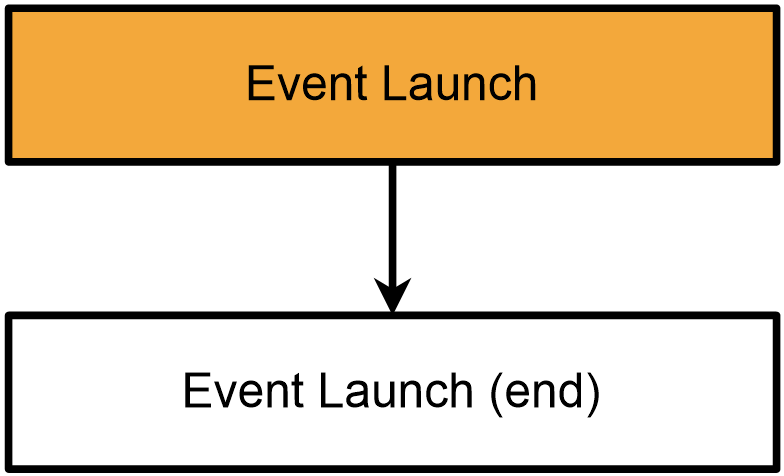
Any flowchart step with an orange background is one where you can invoke AbortAction to abort execution.
- ·event settings are read, fields created
- ·event field data is defaulted from numerous Workflow Configuration Settings
- ·Event Launch
- ·event timer is started
- ·cert number is created
- ·sign off rules are created
- ·event is drawn onscreen, shown to user
- Event Launch (end)
From this we can see that the Event Launch trigger is primarily intended to be used right after the default field data is loaded (step 2 of 2 in the event configuration wizard) or to prevent event execution. The Event Launch (end) trigger is intended to be the last occurrence of any changes as the event interface is displayed to the user.
It should also be noted that any auto-adding of equipment (based on step 3 of workflow config, or launching the event from a search) will happen immediately after Event Launch (end). |