CalRover Overview
Overview
IndySoft's CalRover for Mobile Calibration is an application targeted at Android and iOS for quickly performing calibrations on a Mobile Device. The application was designed to allow technicians to perform calibrations in any environment where a Tablet is viable - both Offline or Online. This is achieved by downloading only the data a technician will need to perform their assigned calibration work from - based upon IndySoft work order assignments. Once the calibration data is downloaded, a technician can record calibration results, view necessary calibration procedure documentation, choose from Standards that are available, and print calibration stickers on-site. As online connectivity allows - data is automatically uploaded to the main IndySoft database and calibration certificates are generated and the necessary schedules updated. This process is repeated as technicians are assigned equipment due for calibration from the main IndySoft application. For users that want 100% of all client functionality - please see our Field Service edition of the IndySoft client. This product allows any Windows based mobile device to perform similar functionality as CalRover - but also provide more options for in-depth use and is an option when serving up very large amounts of data is required.
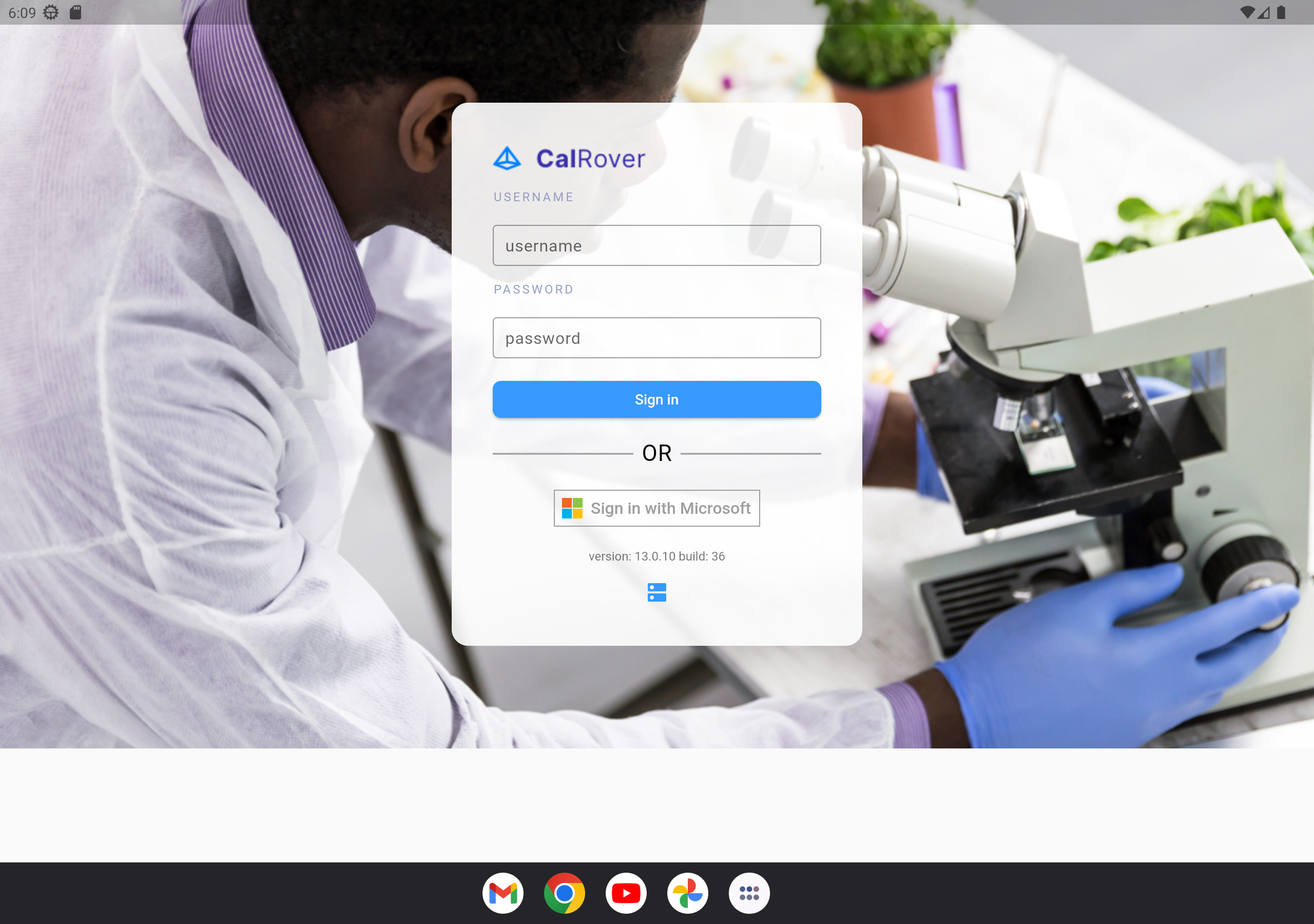
CalRover Login
CalRover Features
The following is a list of capabilities that CalRover can perform:
- Operate on iOS or Android mobile devices
- Work in Online or Offline modes
- Only downloads the necessary information required for the technician to perform their calibration duties
- Record calibration data with Standards Used and access to Calibration Procedure Documentation
- Print Calibration Stickers
- Calibration results are automatically uploaded to the main IndySoft database
- Certificates of Calibration are created
- Calibration Schedules are updated
- All report rules in main IndySoft client are respected (automatic emailing, printing, etc.)
- View and Download additional Calibration Procedures when online
- View Critical Equipment Information such as Current Location, schedules, etc.
© IndySoft. All rights reserved. Send feedback on this topic to IndySoft.