Using the Search-By Menu for Simple Searches
Type / Sub-Type
IndySoft Commercial Lab Management's Search-By features allow users quick and easy access to gage data. When you select the Search-By option you wish to use, begin typing the first few numbers or letters, and IndySoft will automatically begin searching and narrowing the data down using the items you typed. In this example, you will be shown two simple search types.
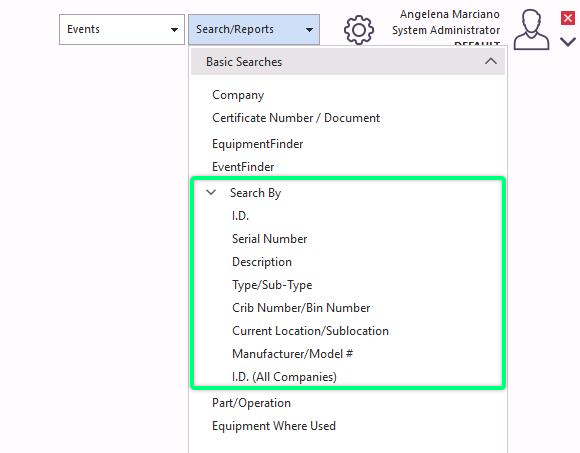
In this first example, we will perform a Search-By using the "Type" option:
Select "Search/Reports" from the main screen menu and then "Type/Sub-Type."
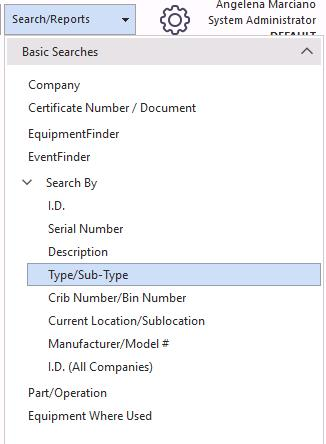
The dialog box shown below will appear.
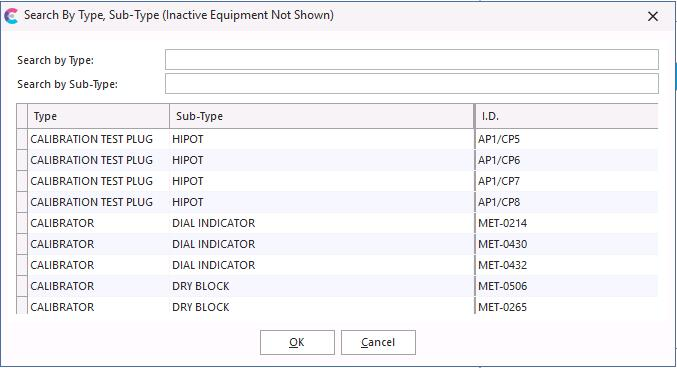
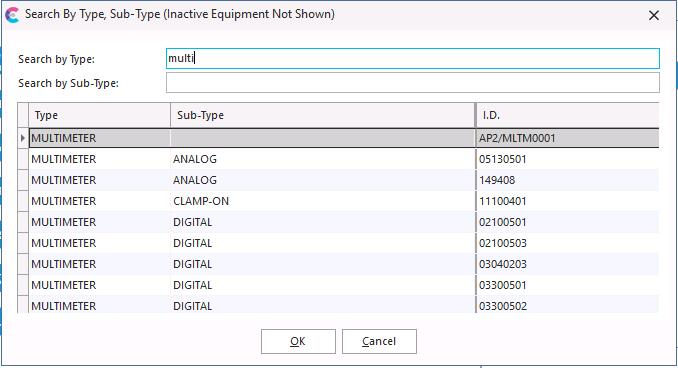
As you begin typing the equipment you are searching for, the information will automatically begin narrowing the list down by the letters you have entered. Finding exactly what you are looking for only takes a few keystrokes. In this example, by typing the letters TEN, the list was quickly narrowed down to all the equipment containing those letters. I would then select the equipment I needed and click "OK," the information would be available on the main screen. These searches also include selecting the Sub-Type for a particular piece of equipment.
Manufacturer / Model #
IndySoft Search-By features allow the user quick and easy access to equipment data. When you select the Search-By option you wish to use, begin typing the first few numbers or letters, and IndySoft will automatically begin searching and narrowing the list down using the items you typed.
In this second example, we will perform a Search-By using the "Manufacturer / Model #" option:
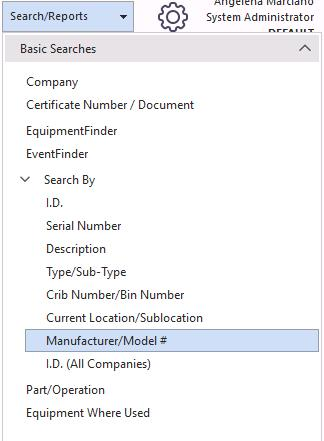
Select "Search/Report" from the main screen menu and then "Manufacturer / Model #."
The dialog box shown below will appear.
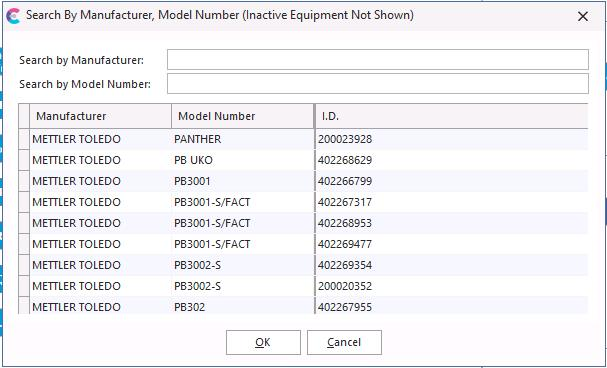
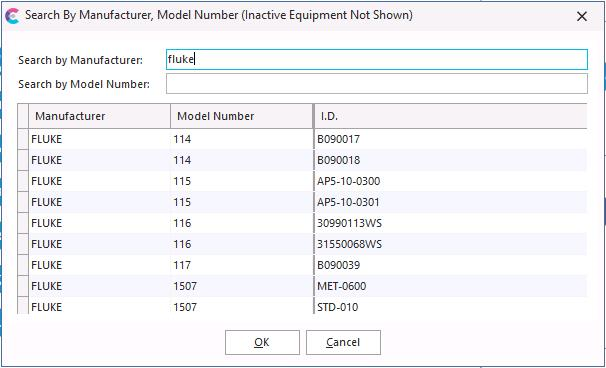
As you begin typing the Manufacturer name you are searching for, the information will automatically begin narrowing the list down by the letters you have entered. Finding exactly what you are looking for only takes a few keystrokes. In this example, by typing the letters NO, the list was narrowed down to all the Manufacturers that contain those letters very quickly. I would then select the item I needed and click "OK," the information would then be available on the main screen for me to view. These searches also include selecting the Model Number for a certain Manufacturer.
 |
|