Task Editor - Overview
 Note: the topic below only applies to the Preventive Maintenance version of IndySoft.
PLEASE NOTE
The following topic may include references to the custom scripting aspects of the IndySoft product line and as such some aspects of the discussed features may not be accessible by end customers. For reference, the affected features will either use the word 'script' or phrase 'custom script.' Refer to the Custom Scripting Overview topic for more information about custom scripting and how it is implemented and supported within the product.The Task Editor is used to input tasks for equipment in the IndySoft database. A task allows you to create an interactive document that can be performed/logged as a historical event in IndySoft for one or more assets at a time. Each task has associated equipment requirements, part requirements, and schedule update rules. Fields (hyperlinks) in the process document can be quickly modified much like Equipment View and/or Template Editor. In addition, expanded interfaces can be created through the IndySoft Services Group utilizing custom scripting and project features. Any hyperlink in the task document can launch a script project. These projects can have their own forms & interface, all configurable within IndySoft. These scripts can directly modify the database or more often they simply return a line of text back to the task document itself.
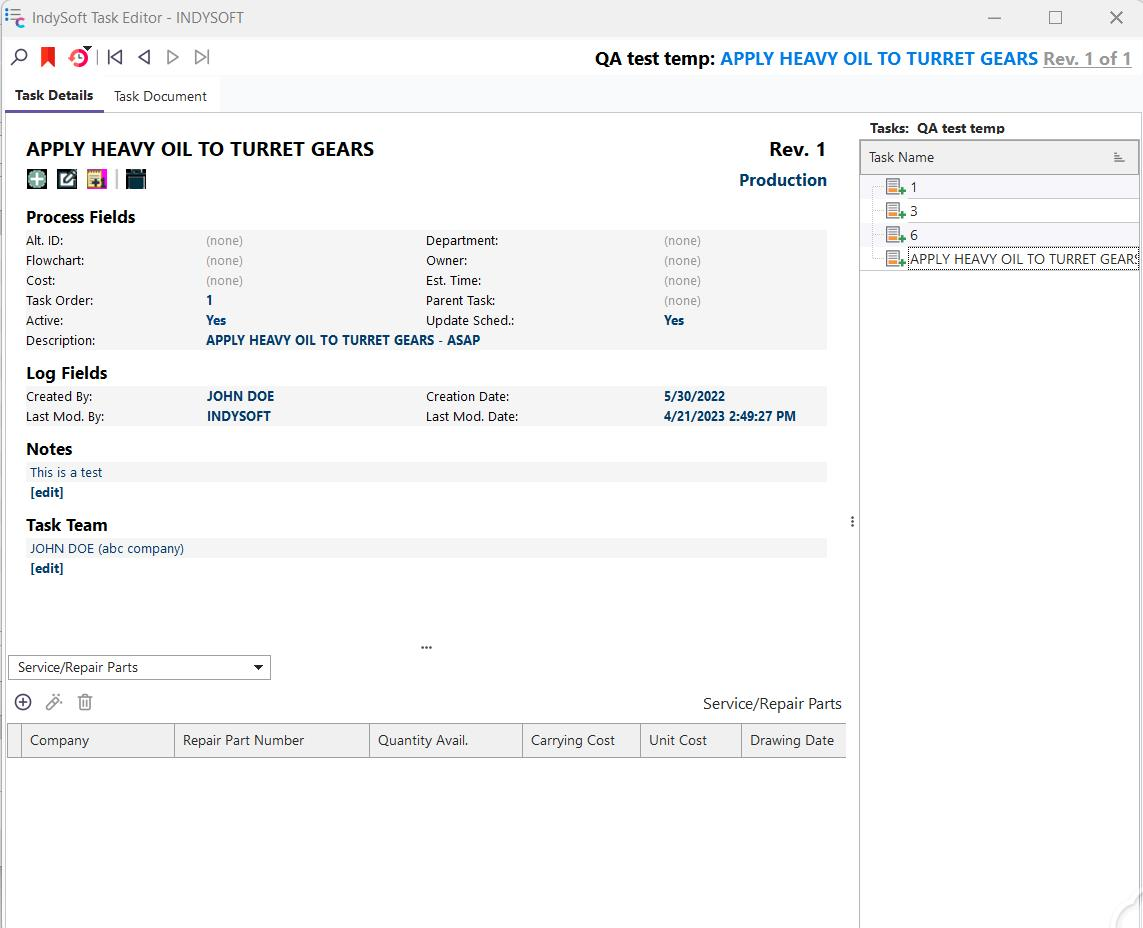
IndySoft Task Editor - Task Details
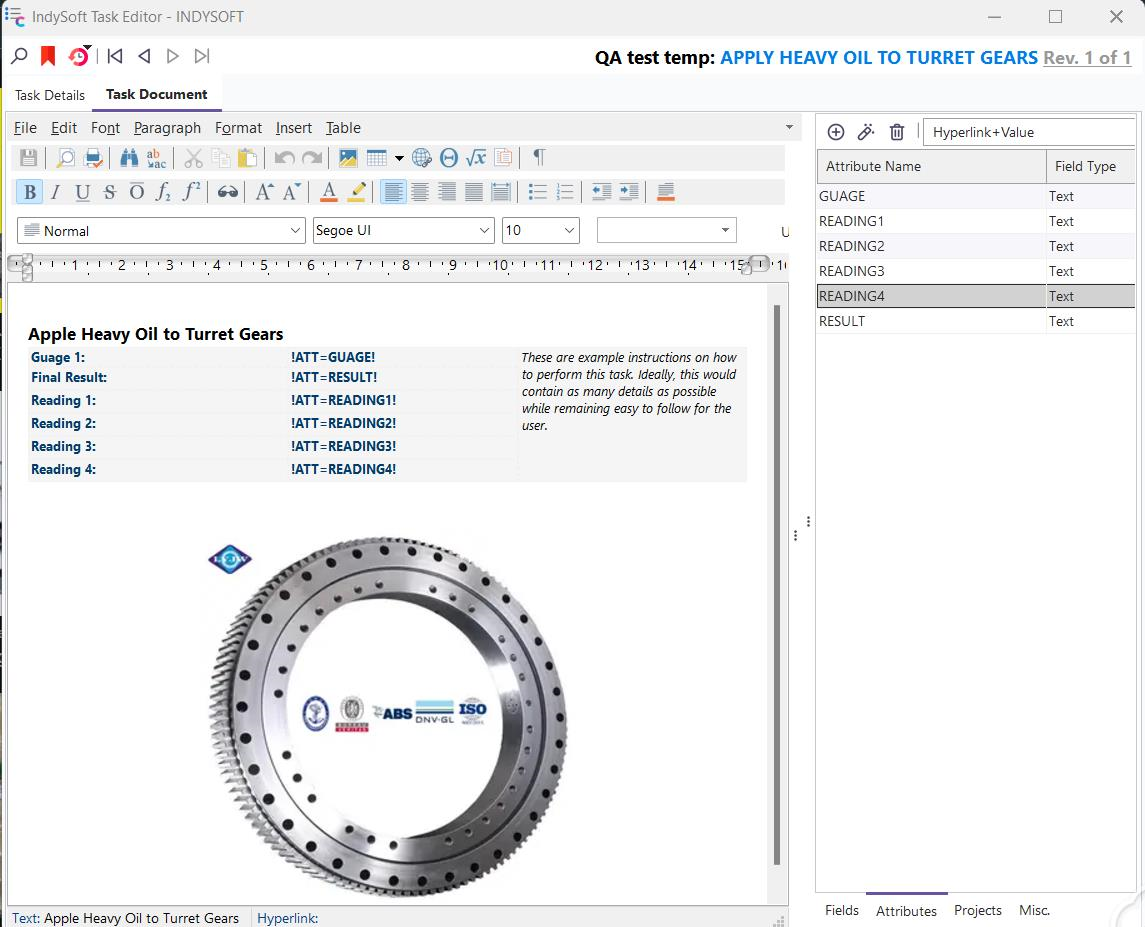
IndySoft Task Editor - Task Document |