Equipment Layouts...Setup Dialogs
Use this dialog to modify the dialogs that will be visible on the right side of the Equipment View in the 'Details' section or available as tabs on the bottom of the Equipment Layout:
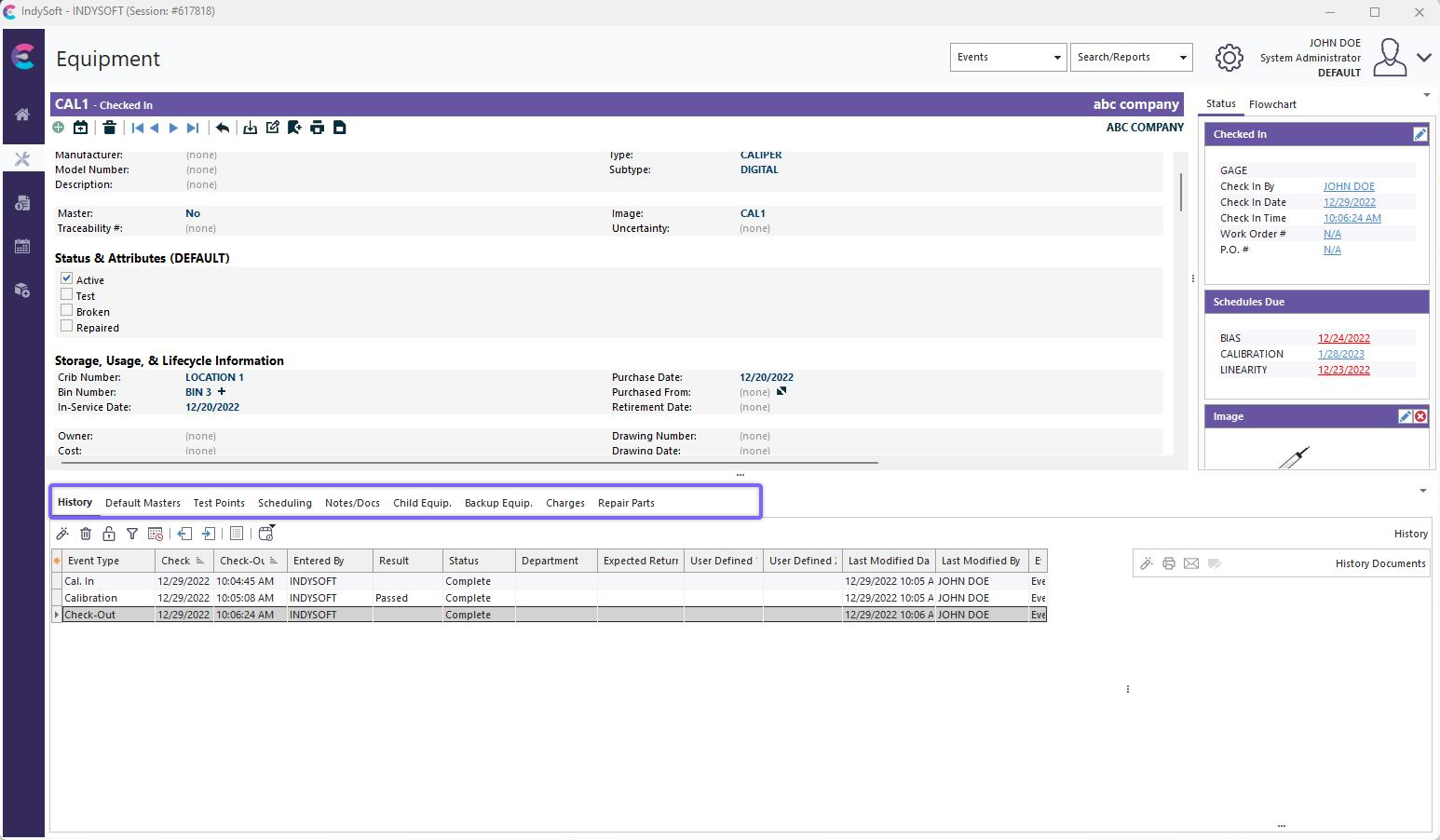
Dashboard View - Details as Tabs
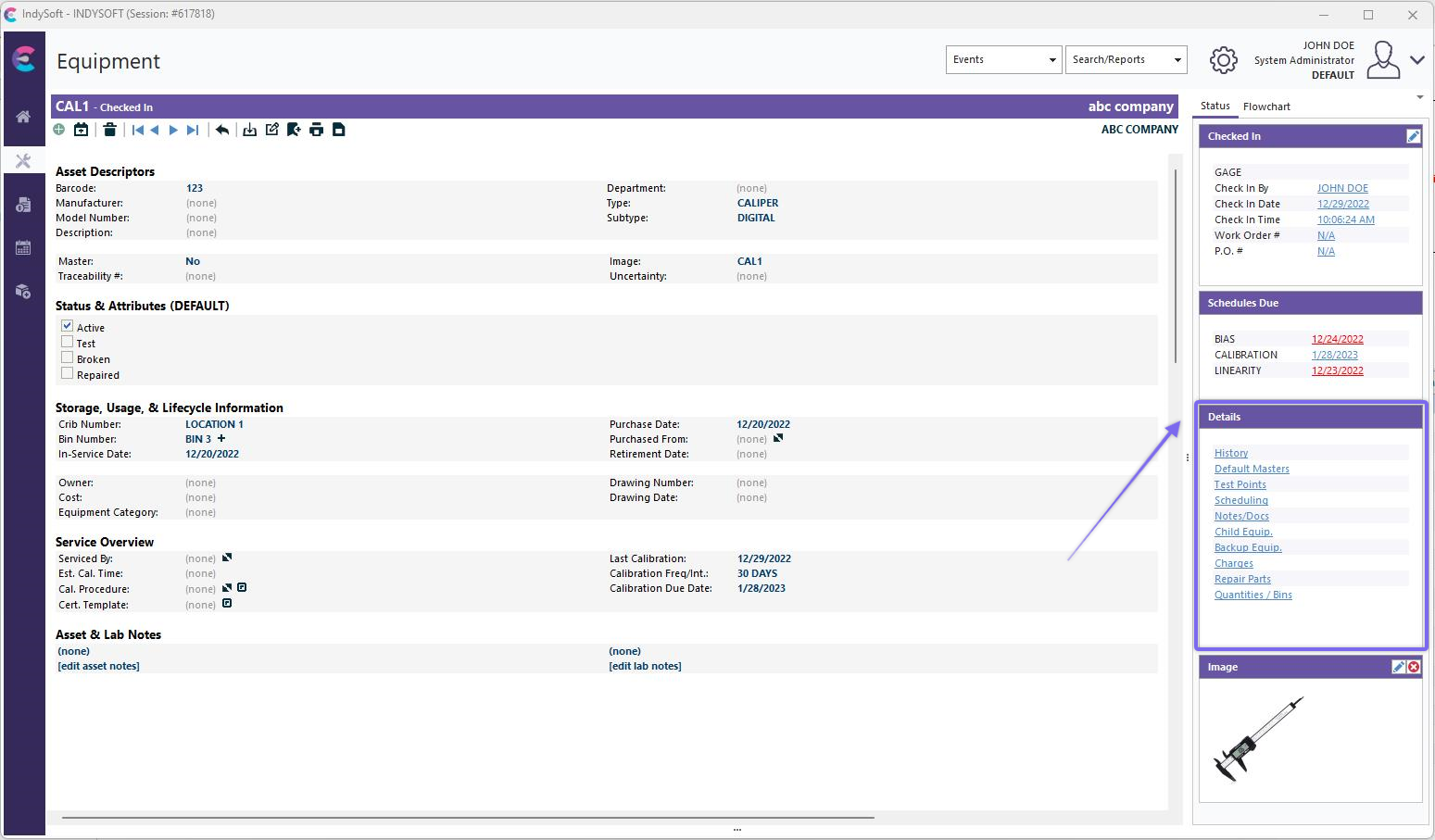
Dashboard View - Details as Dialogs - Right-Hand Panel
To find and edit the 'Dialogs' dialog, go to the 'Home' tab of the IndySoft Layout Designer and navigate to the upper left corner. Here, under the 'File' tab, we will see a button labeled 'Dialogs.'
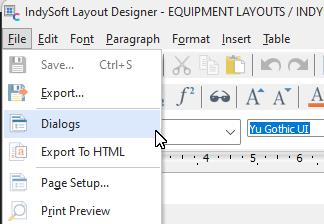
Layout Designer - Locate Dialogs
The interface for selecting the visible detail dialogs, specifying their order (top to bottom in the list) is shown below:

Setup Dialogs
The second column for 'Caption' can be modified with your custom captions. Turn on 'Visible' to make a dialog appear as an option. Specify the order in the last column. |