Saving Equipment as a Template
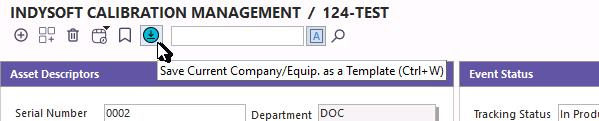
When data has already been entered into the system, and you want to create a template based on existing equipment information, IndySoft provides this option. To add templates from existing equipment information, select the 'Save As Template' option within the header of the standard Equipment layout.  Note: If it does not yet exist, it can be added using the right-click "customization" option (must be a System Admin).
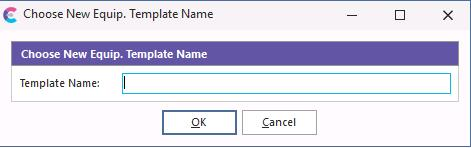
Name the new Template and click "OK."
After pressing the OK button, all related equipment attributes will be saved as a template. |