Adding Equipment Information
To add a new piece of equipment, first, select the company you want to the equipment to, then click the "Add New" icon 
located on the Equipment Layout.
Once you have selected "New" a New Equipment dialog will open.
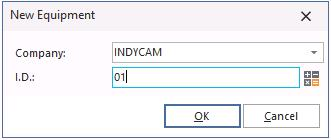
Enter the new I.D number for the piece of equipment (this acts as the unique identifier for each piece of equipment) and click "OK". The screen will clear and you can begin the process of entering a new piece of equipment.
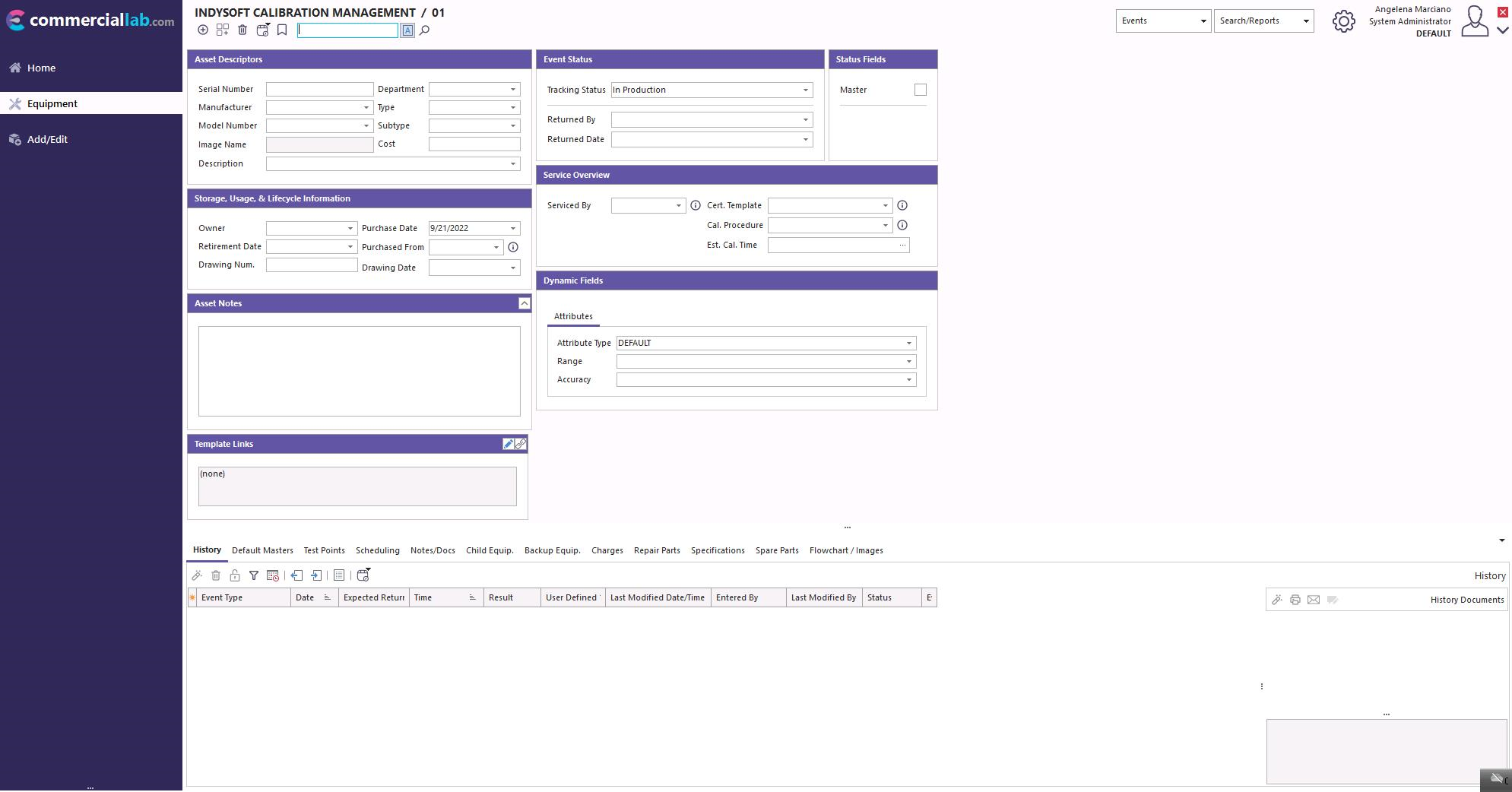
You can edit the information on the Equipment Layout by simply clicking on the "(none)" beside each piece of information.
NOTE: The Additional Info, and Calibration information tabs have now been conveniently placed on the Equipment Layout instead of being assessed through the Tabs. |