Customize Fields
Occasionally IndySoft grids will have a right-mouse click option for 'Customize Fields.' When this option is selected, you will see a small tool window appear, as in the example below:
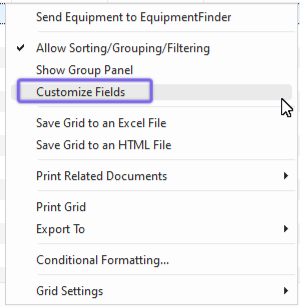
Example - Customize Fields for Grid
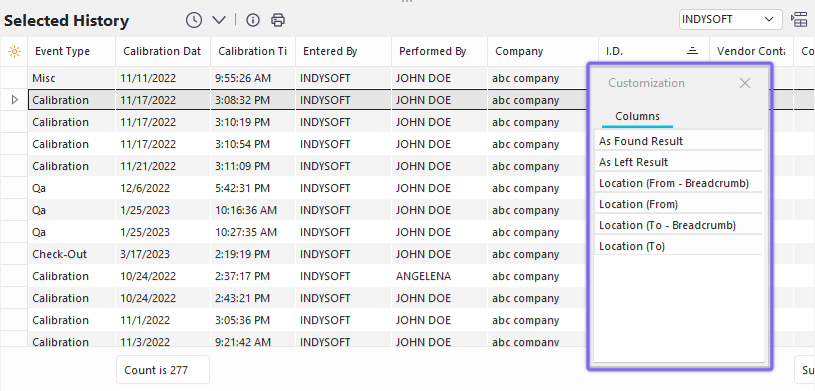
Customize Fields Dialog
When this tool window is visible, you can drag/drop fields from the floating window into or out of the column headers in the grid. Columns can be placed at any position in the grid header. If you move your mouse beyond the right edge of the grid, then after a short pause, the fields will automatically scroll to the right. Or you can hover on the left edge to automatically scroll the columns left. When the 'Customize' tool window is visible (and only when this window is visible), it is also possible to select a column in the grid header and drag it to a different position. When all field adjustments are complete, close the 'Customize' window with the small 'x' in the upper right, and the fields will be saved. |