Launching IndySoft
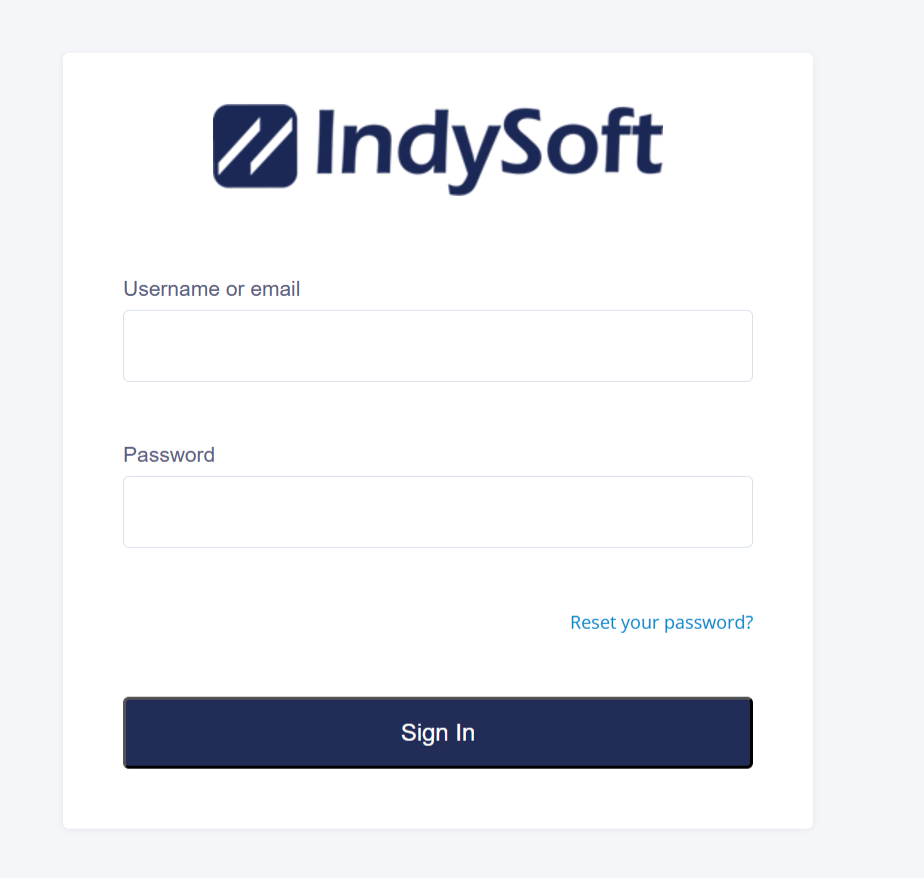
To log into IndySoft, go to the provided URL for the cloud-based login.
Double-click the IndySoft icon on your desktop or taskbar if installed on your company's network.

You will be prompted to enter your username and password. Your System Administrator is responsible for setting up and establishing user profiles for IndySoft. If you are logging in for the first time, you will be given a generic password by your System Administrator that will allow you to enter your password. Once you have set your password, you will use it each time you log in until it is either necessary to change it or you want to change it.
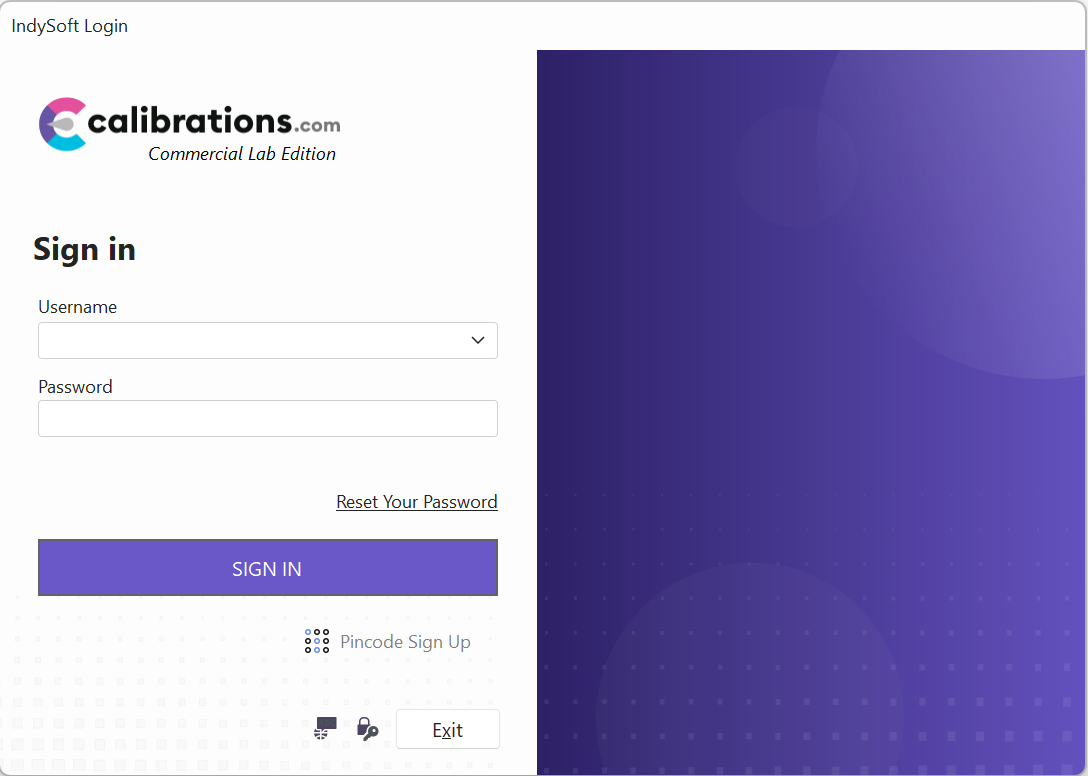
Individual passwords can be changed anytime by clicking the "key" icon
 on the login screen and clicking "next." This will enable the dialog box to allow users to change their passwords.
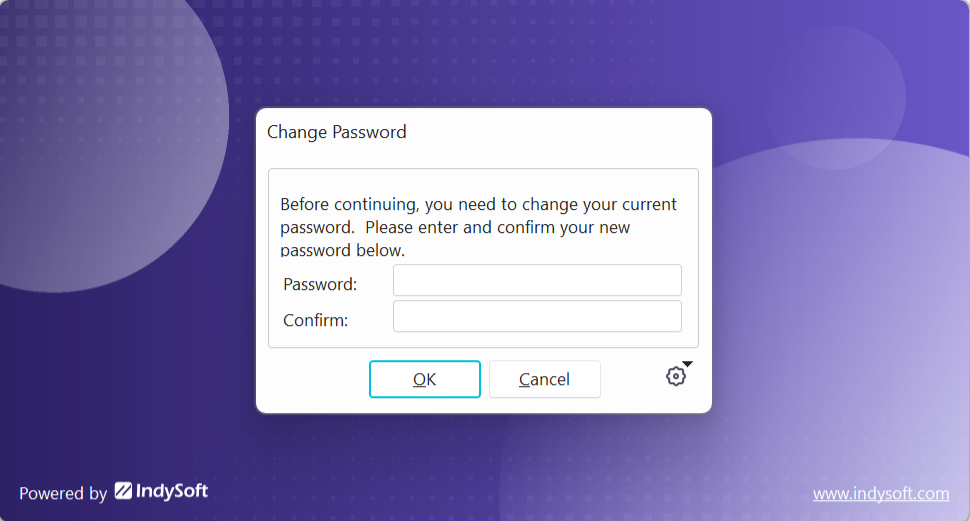
After the password has been changed and confirmed, IndySoft will launch. |