Selection Rules
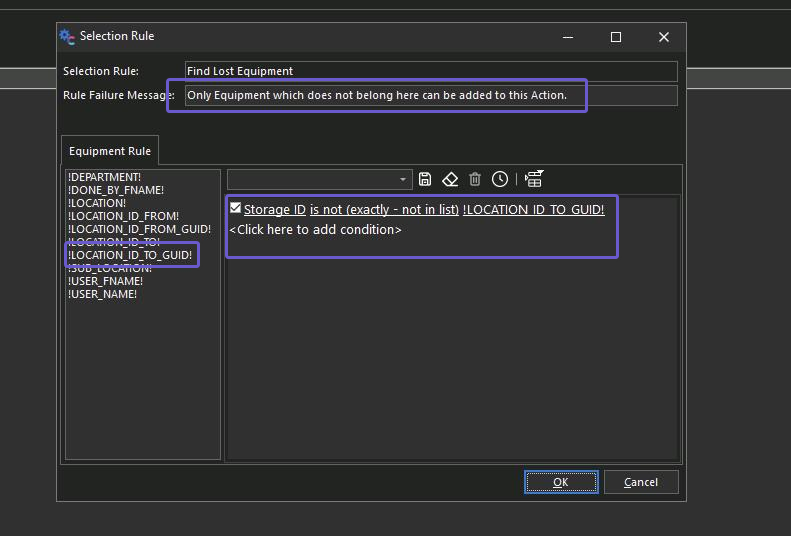
Selection Rules can be used to restrict which types of equipment can be added to an action or event. IndyGo events specifically can use event fields as a way to filter against equipment. For example, if the user needs to scan areas and only find equipment that does not belong in that specific location, the user could use the option below in an event where the first step is to scan your current location. These options are generally geared toward the RFID workflow when scanning for assets.
For non-RFID applications, these selection rules may require a specific tracking status or that an item is not coming due to checking out a piece of equipment.
Importantly, if using the IndyGo mobile application in RFID mode, the messages stating why something cannot be added to an event will be suppressed. They will only appear when adding items to events by barcode or simple search.
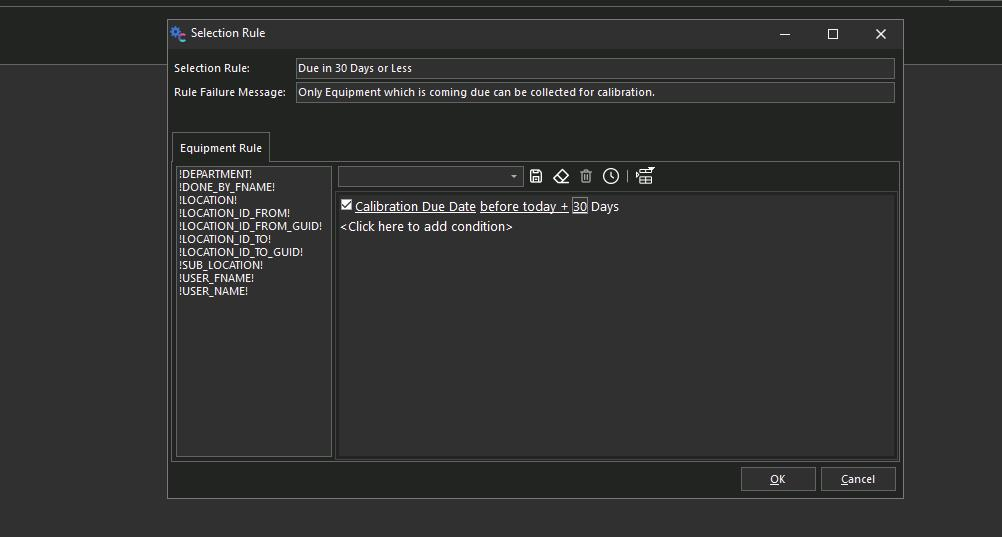
Another Example would be only finding assets due in 30 days or less.