Add/Edit...System-Wide...Countries
The System-Wide Countries list can be populated with specific country names that can be accessed throughout several address locations in IndySoft.
Add/Edit System-Wide Countries List
To add to or manage the System-Wide Countries Lists, click Add/Edit in Dashboard View and select System-Wide --> Countries from the drop-down menu.
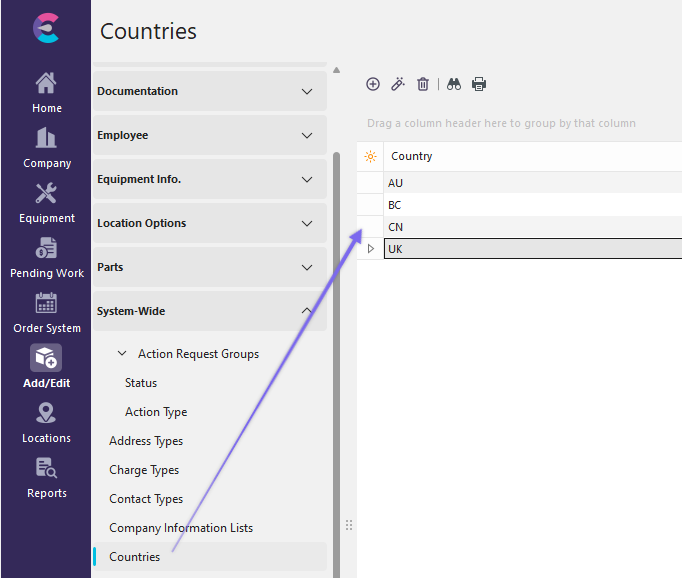
Add/Edit Countries
Click  'New Item' to add a new Item or
  to 'View/Edit Item.'
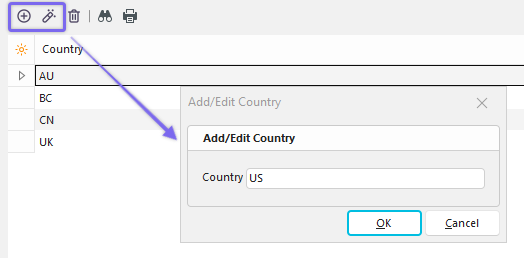
Add New Country
Using System-Wide Countries List
One of the locations where you can use the System-Wide Countries List is the Parent/Billing Company Wizard:
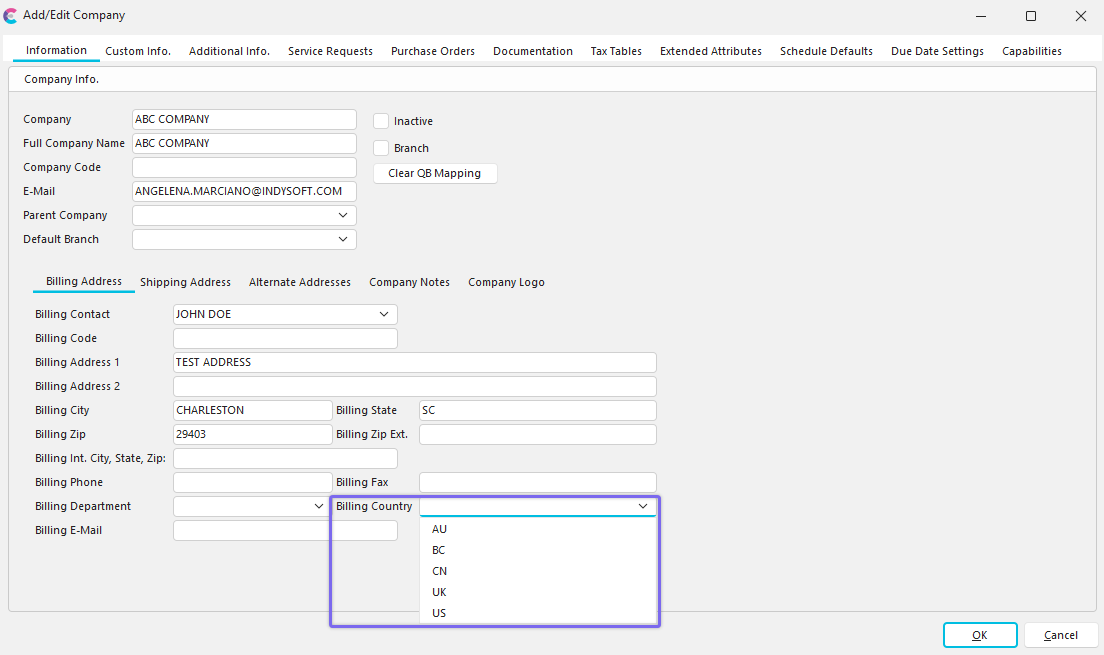
Add/Edit Parent Billing Company Wizard with Billing Country List |