System-Wide Vendor/Branch Locations and Device Presets
Starting in Version 14.1.0, Administrators can utilize System-Wide Vendors, which are linked with Branches, to Create and Manage Vendor/Branch Preferences for Users. After the Vendor/Branches are associated with a user, the related System-Wide Vendor name will show up as a location that can be utilized by the user. In a drop-down list, these are marked with a "Globe" icon. These settings cannot be altered by users from the main interface, but can be viewed for reference. Only in Profile Manager can these be modified by System Administrators and qualified users with Vendor/Branch and Profile associations.
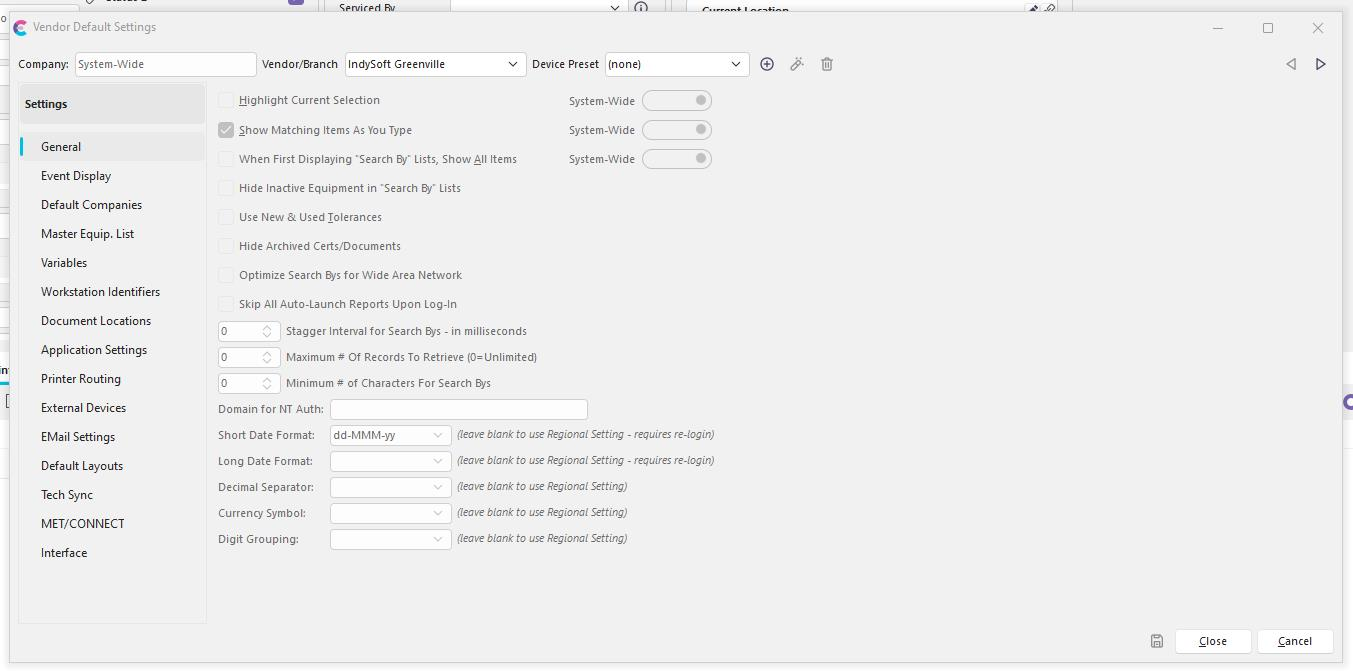
Vendor Default Settings
As this is helpful for administrative purposes, some settings still need to be defined by the user. Device Presets are unique to the administrative Vendor/Branch Locations and are not available in the classic User/Location settings.
Device Presets can be stored: per Vendor/Branch Location and are available to all users who have an association to a System-Wide Vendor Branch OR can be stored per individual User. Regardless of the Vendor/Branch Location which is chosen, the user will be able to see ANY device preset from any of the Vendor/Branches which they have an association with. Changing your Location will not force you to modify your Device Preset as you may want to work in various Branch settings from the same workstation. Users can be blocked from Creating, Editing, and Deleting their Presets.
If the user is utilizing a Device Preset, they will be able to see an icon next to their current Location in the upper right hand corner. Hovering over this image will show the user their current preset name.
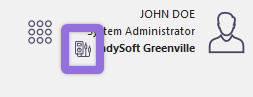
View Device Preset
Device Presets can be selected both by clicking on the User/Location Preferences Icon and by Clicking on the Location name. Again, only users who accessing the Vendor/Branch Location will be able to choose a Device Preset.
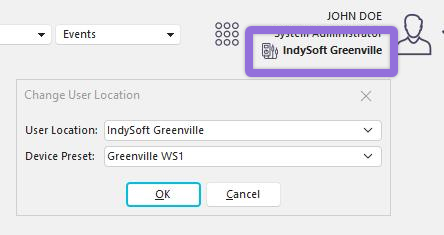
Change User Location/Preset
Device Presets can be created, edited, and deleted from the User/Location settings screen. When pressing the create button, the user will be creating the Device Preset under the currently selected Vendor/Branch Location. These settings can be shared by multiple users at the same time.

Vendor Default Settings - Device Presets
All Device Preset Settings have matching features in Vendor and User/Location settings. Device Presets will appear as they are set in the main User/Location screen but are stored in and referenced from a separate table.
Device Presets as of 14.1
- Printer Routing Options
- External Devices
- Default Calibration Standards
- WebTier Tools Settings