Pipette Calibration
The Pipette Calibration event is a copy of a typical calibration event, but with extra logic to support extra pipette calculations. Before calibrating a pipette, basic checks are made to ensure the Pipette has been set up before you attempt to collect data for it.
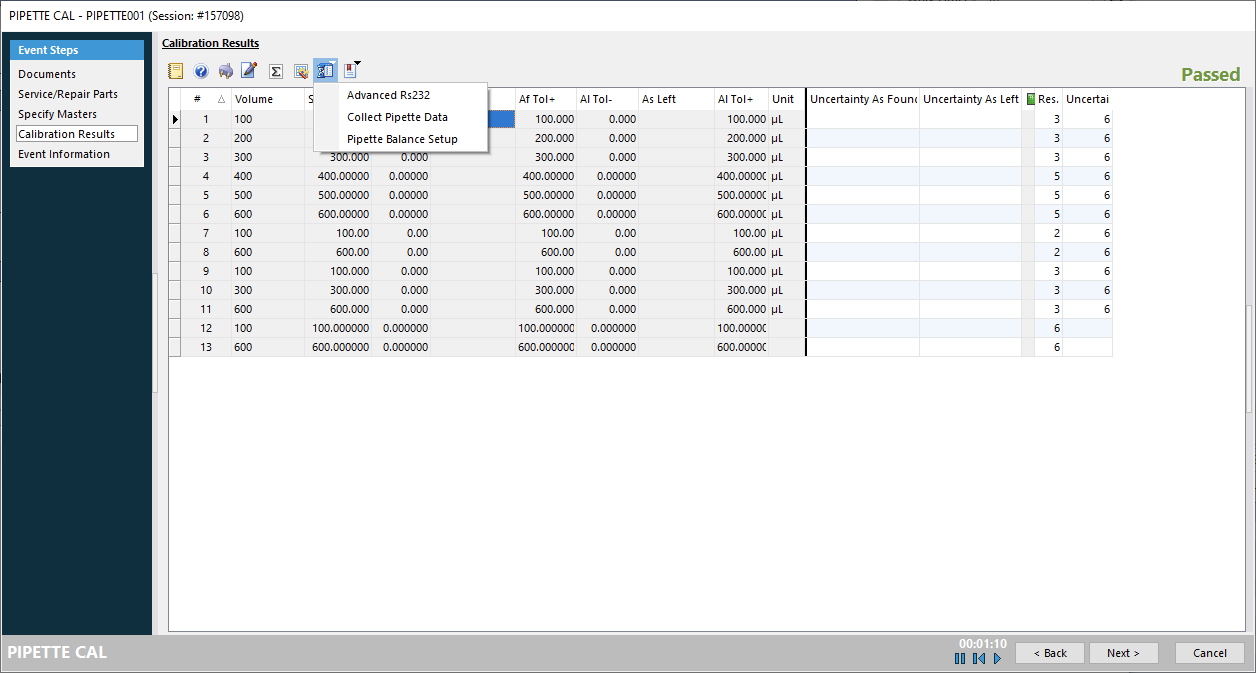
The special pipette functions can be launched from the Calibration Results screen. If you are running IndySoft on a local machine, you will use the first Call External Program menu.
If you are running IndySoft in webtier, you will instead use the second Call External Program menu, which will launch the corresponding scripts through your local webtier tools.
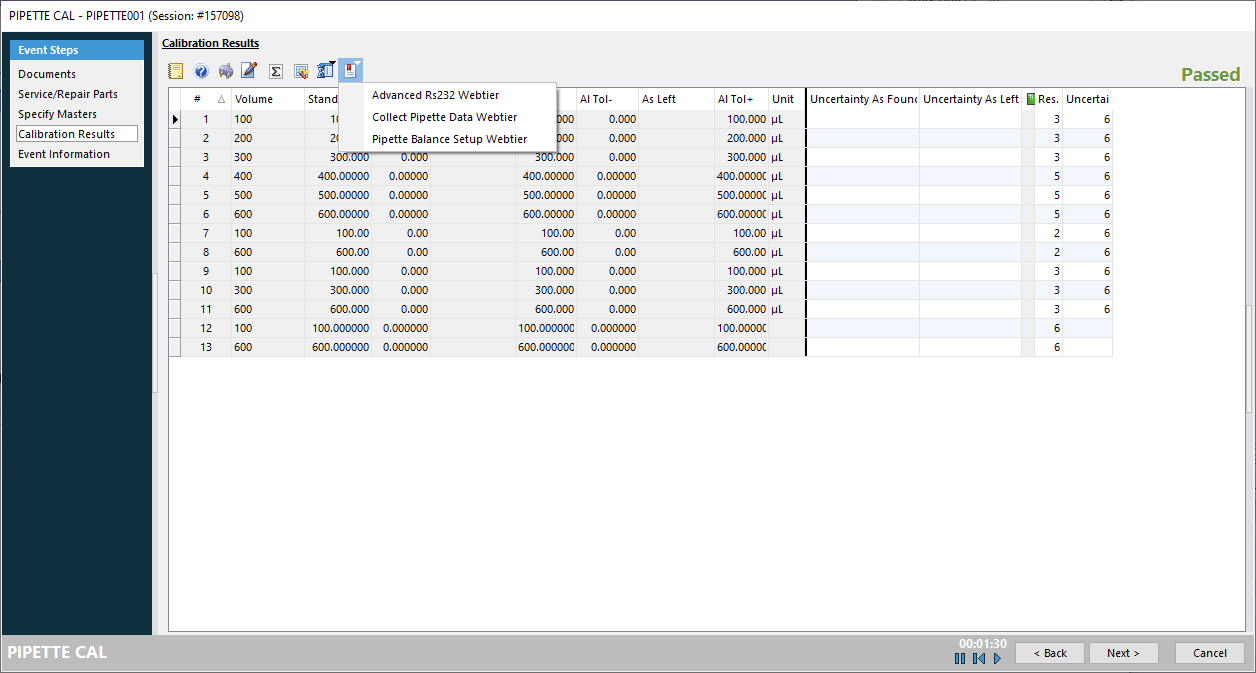
Advanced RS232 is a mirror of the Advanced RS232 Equipment project script.
Collect Pipette Data launches the project script described in the following sections.
Pipette Balance Setup allows you to run Pipette Balance Setup from within the event, in case you need to tweak settings to connect.