Add/Edit...Parts...Service/Repair Parts Lists...Category
Categories can be created to help further define the Service/Repair part you add.
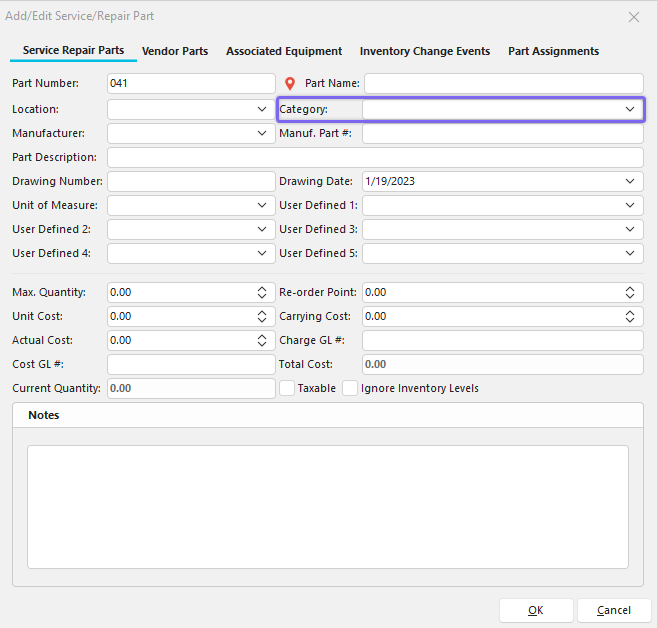
Add/Edit Service Repair Part with Category Example
Add/Edit Categories for Service/Repair Parts
To add to or manage the Category list, click on Add/Edit in Dashboard View and select Parts -> Service/Repair Parts Lists --> Category from the drop-down menu.
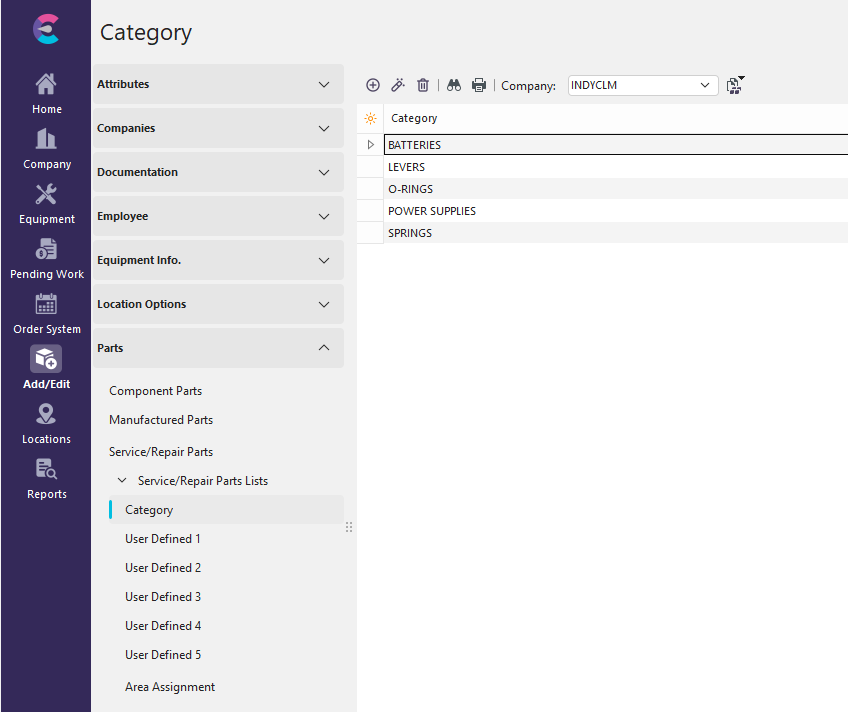
Add/Edit Category Dialog
Be sure you're adding a Category to the right Company. Click  'New Item' to add a new Category or
  to 'View/Edit Item.'

Add New Category
](/pt/Storage/indysoft-help-publication/bw_clip0340.png)
 Productivity Tip
The Add/Edit Category dialog box can be filtered and customized in many ways. See General Interface for more information.
Buttons and Icons are detailed here.