Action Requests
You will be presented with the following dialog when adding, editing, or viewing Action Requests.
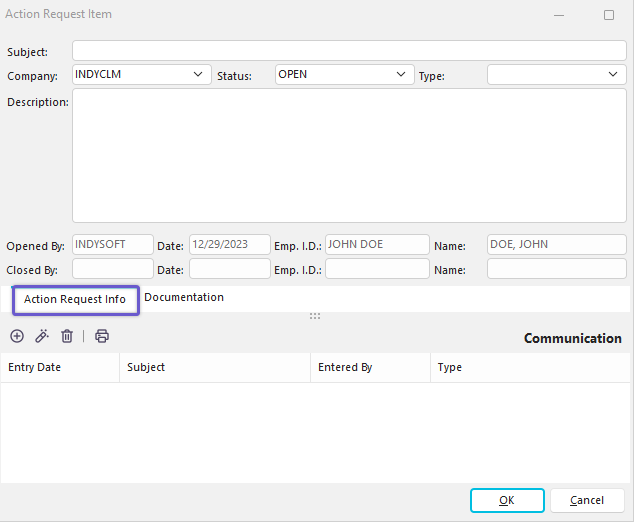
Action Request Item Dialog
Users can add a subject, related Company, Status, Type, and description of each action request. The user that opens the action request is logged along with the closing user (when a closed status is selected).
Documentation can be attached through the documentation tab.
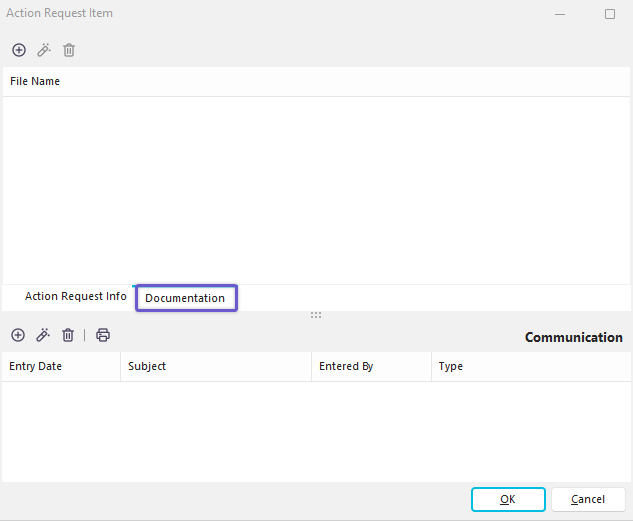
Action Request Documentation Tab
Communication required to close the Action Request can be entered at the bottom of the dialog - using the familiar new/edit/delete toolbar interface.
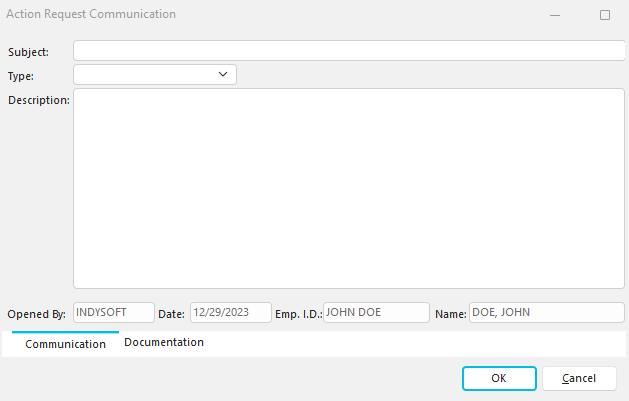
Action Request Communication
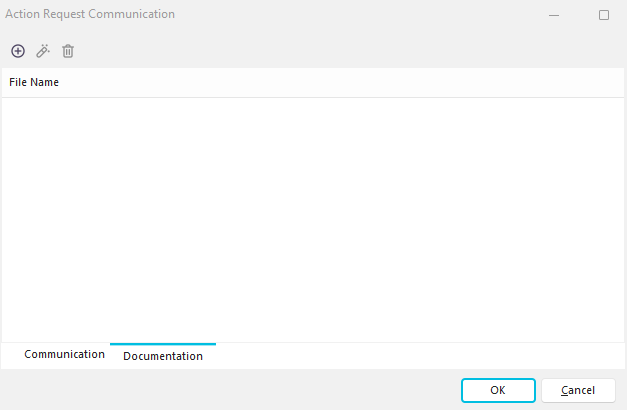
Action Request Communications can be recorded, and documentation can be saved with each communication item.
 |
|