Search By
All searching and reporting can be performed through custom dialogs setup in PrintBuilder 'Equipment' or 'General' templates. A default set of search dialogs is provided upon installation of IndySoft. These search options are available in a menu drop-down in the header of the main screen:
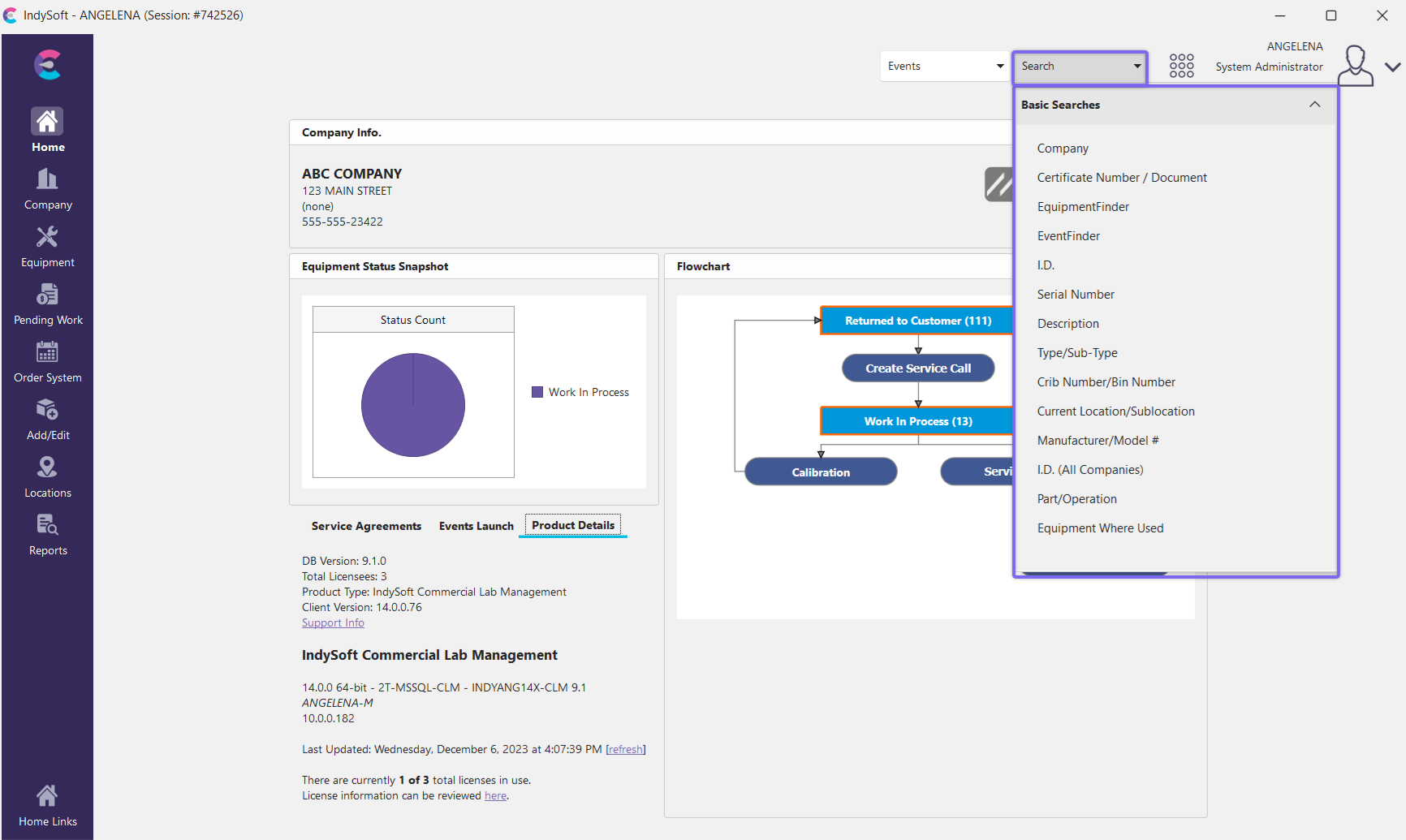
Search Operations - Main Screen Header
The top 2 items are always available:


·Company: search by Company details (company name, full name, address, phone, alternate addresses, etc.). Once a company is selected, this dialog will be automatically followed by an equipment selection dialog.
·Certificate Number / Document: search by Certificate Number or Document Number, and find related equipment/event.
The middle section represents popular search by dialogs. Search-related options include:
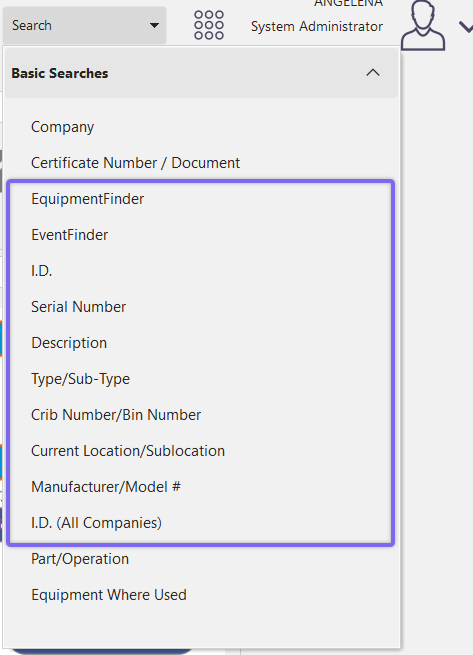
Note the search-by items are in the four groups above.
1. See Search By Dialogs for more details.
2. See EquipmentFinder for more details.
3. See EventFinder for more details.
4. See Standard Reports for more details.
Note: if you are using a tooling-related product type for IndySoft, you will also see 2-3 additional search-by options:
·Part/Operation Search
·Equipment Where Used Search
·Out-Inventory Custom Search
Search Bys
- Search By Dialogs
- Equipment Search By/Report Dialogs
- General Search By/Report Dialogs
- Custom Search By's
- Searching for Company & ID through Single Barcode
hm-custom-search-bys.md