Viewing a Kit Report
Getting a report on the kits that have been set up is easy. Select Reports: Kit from the Kitting Module's main menu.

Print Kit Options
oReport: Select any Kitting report that has been set up. Edit Template: Click on this icon to launch the IndySoft Report Designer; see the screenshot below:
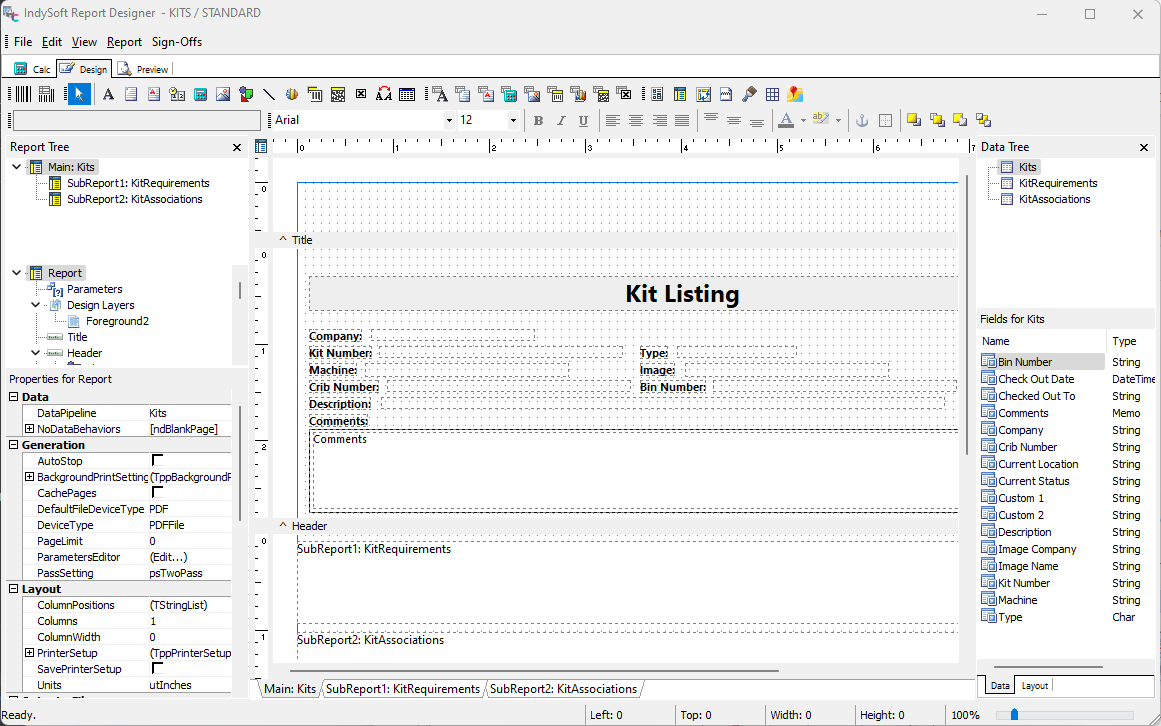
IndySoft Report Designer - Test Kit
oPrint To: E-mail, Printer, or Screen.
oPrinter: select any printer
oEmail Address(es): enter the appropriate address
After pressing 'OK,' you will get a list of all the kits.
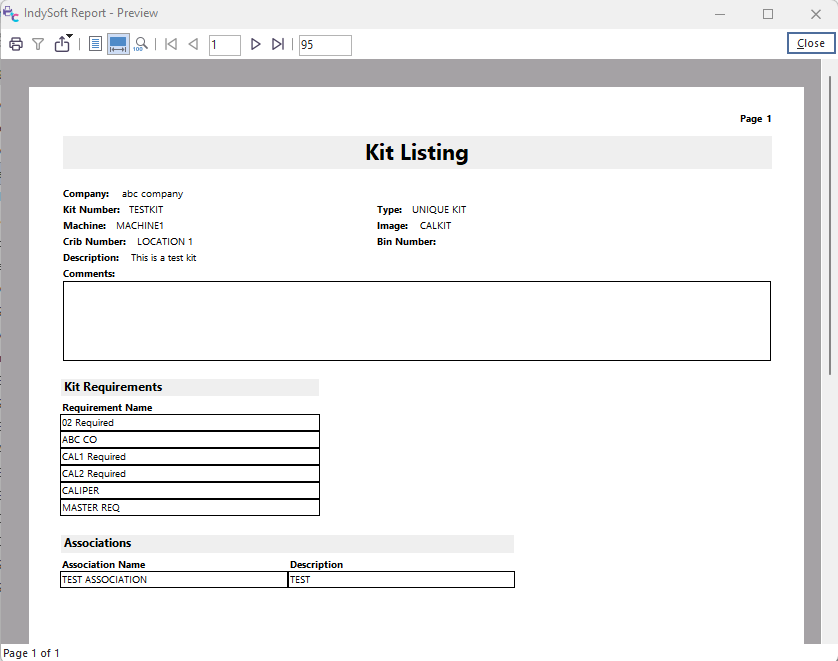
Kit Report Preview |