Locations
IndySoft has three types of locations for equipment. The first type is the Storage Location for an object.
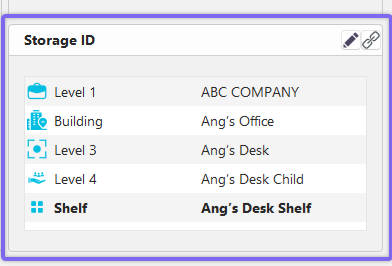
Storage Location for a Piece of Equipment (Dashboard Interface)
If assigned, a piece of equipment's Storage Location is where it is to be returned whenever someone finishes working with it. This corresponds to the idea of a home address. It doesn't matter where you are, you have the same home address at all times. If you live in New York City, and are on vacation in Miami, your home is still in New York. For a calibration lab, the 'home address' is not in your building, it is your customer's storage location. This can be useful information, however, for detecting problems with the customer's storage methods. If a certain bin is producing a number of gages that show signs of being stored under damaging conditions, you could inform your customer.
The second type of location is Current Location.
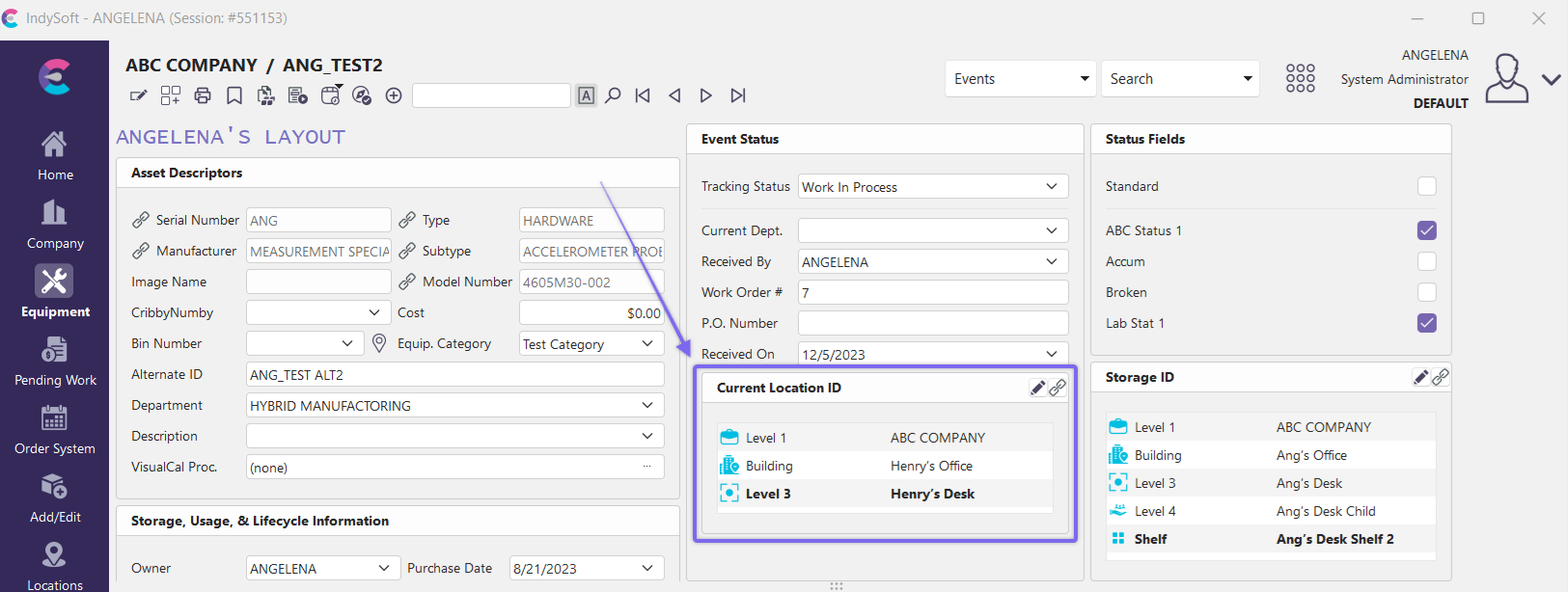
Current Location of a Piece of Equipment
The Current Location represents where a piece of equipment actually is right now, or where it was last seen. In the example above, if you are vacationing in Miami, your Current Location is Miami, regardless of where you live. Your vacation may last a few days or a few months, but it is only your Current Location. Your home address is New York City. The same is true of a gage that is being repaired. This is where you track where, in your lab, the gage is. You can specify which of your departments, labs, etc has the gage to keep track of it locally. The lab is its Current Location.
Finally, an object can have a Transit Location.
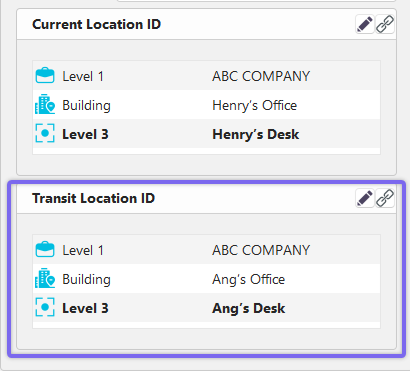
Transit Location of a Piece of Equipment
The Transit Location, along with the Current Location, allows you to keep track of a piece of equipment that is being moved. Equipment is moved from its Current Location to its Transit Location. In this case, the Current Location serves as the 'last known location' while the Transit Location is the 'expected destination'. Working with the vacation example, when you leave Miami to return to New York, your Current Location would be Miami, and your Transit Location would be New York. Once you arrive, your Current Location would become New York and the Transit Location would be cleared. Current and Transit Locations are changed by Events. See Event Configuration and Info. Transfer for more details.
For more details on setting up locations, see the Location Tree Editor section. |