Calibration Results
Calibration Results
The calibration results screen is used to record As Found and As Left data for a calibration.
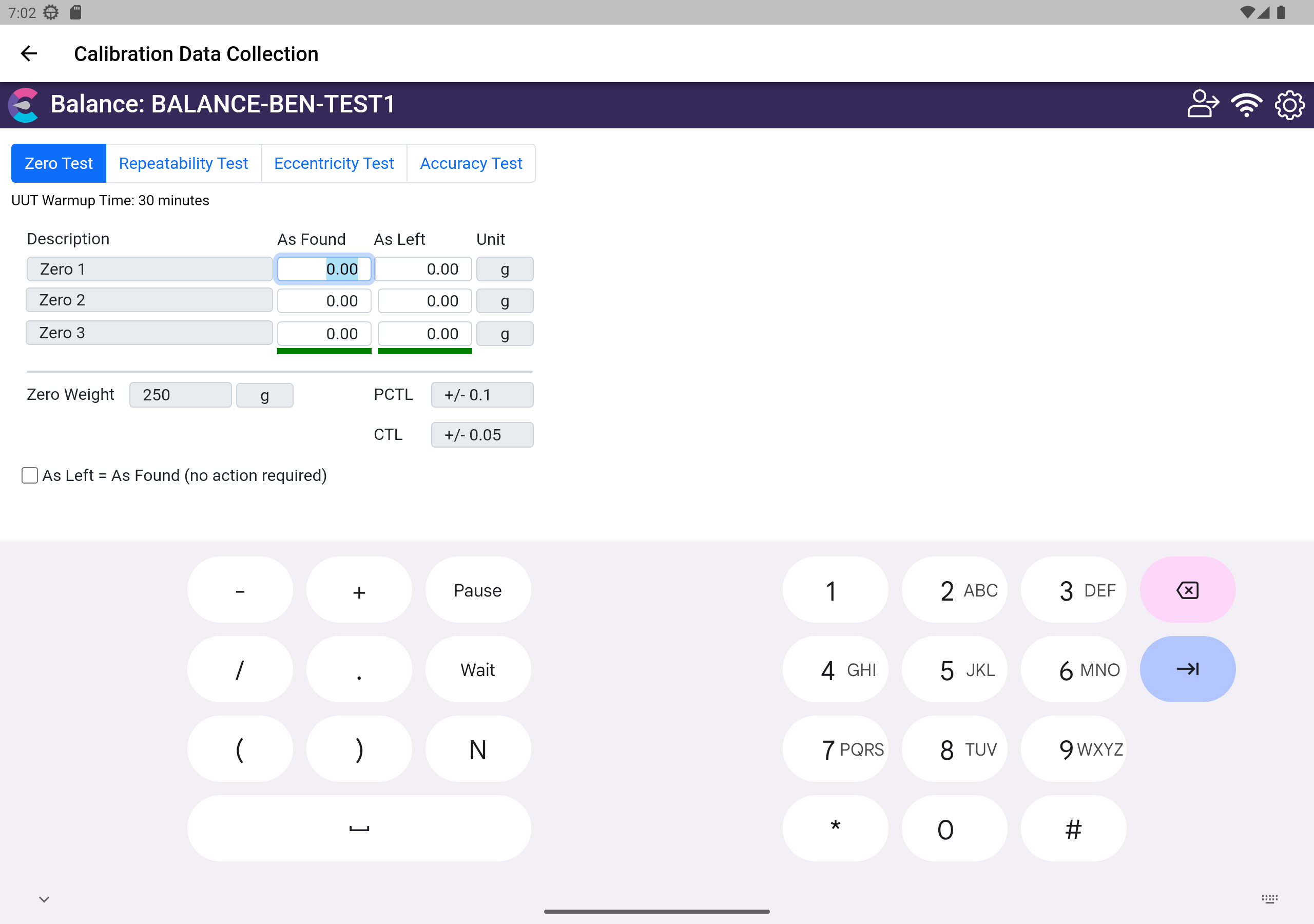
Calibration Results - Step 4
- As Found/As Left - To perform your calibration, enter the As Found as As Left Data in the appropriate columns. The Pass/Fail result will automatically be calculated based upon the set tolerance information.
- If As Left = As Found where no data is to be collected for As Left, you can use the checkbox on screen to de-activate the As Left column in grid.
© IndySoft. All rights reserved. Send feedback on this topic to IndySoft.