Equipment Details
Calibration Data Collection
The Calibration Data Collection screen is first presented when double-clicking the Calibration.
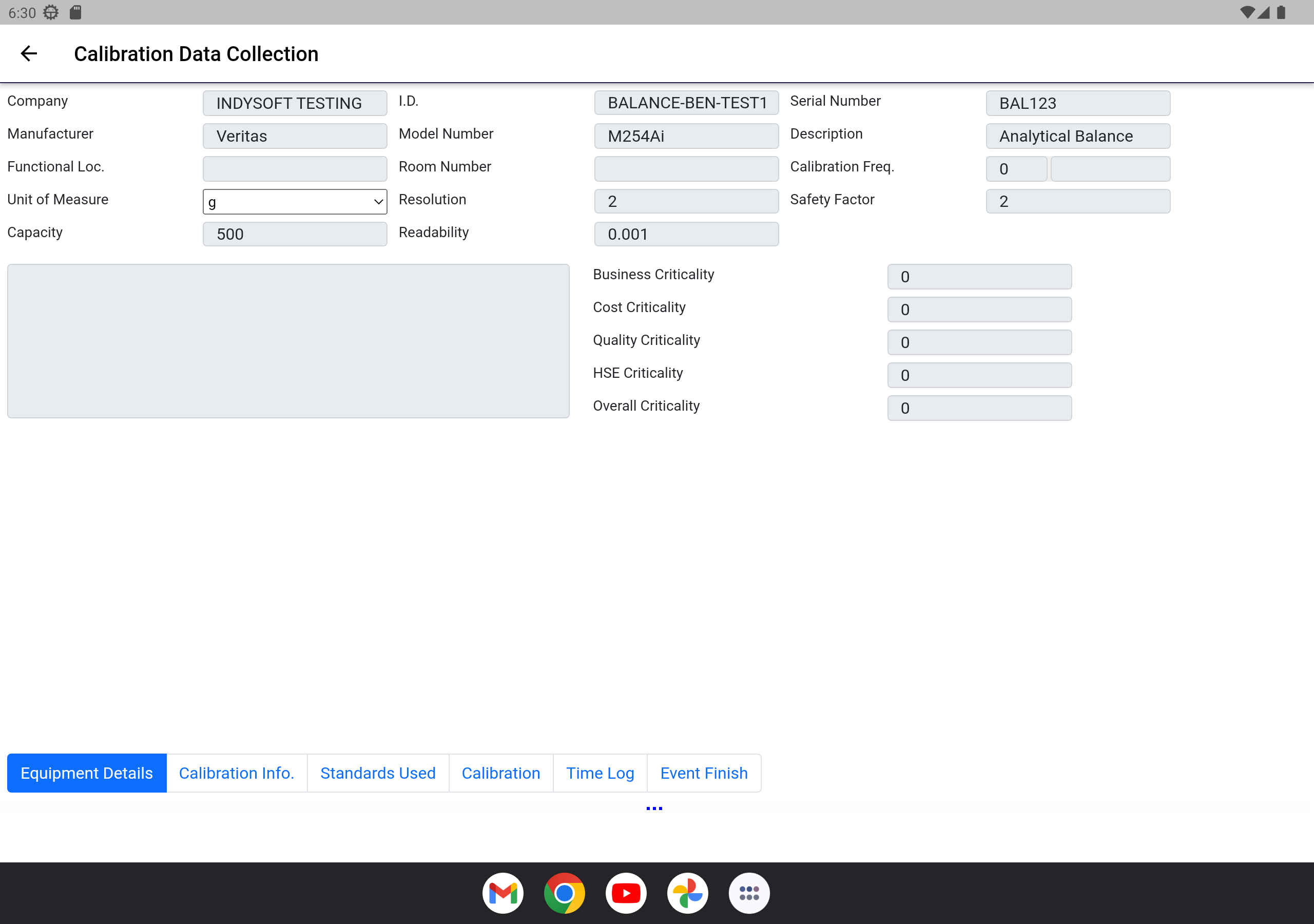
Equipment Details - Step 1
The first step of the calibration is for basic information to be entered.
- Start Date - Defaults to the current Date of the calibration
- Start Time - Defaults to the current Time of the calibration
- Temperature - the Temperature during the calibration
- Relative Humidity - the Relative Humidity during the calibration
- Total Time - Total Time the calibration takes to perform (this can be auto-calculated when the calibration is completed)
- Received Condition - The condition the equipment was received in at calibration time
- Vendor - The "Vendor" performing the calibration. If an internal calibration, this will be your own company name.
- Cert Number - The Cert Number for the calibration. Certificate Number is calculated uniquely by using the technician initials and a combination of year/month/date/time to create a unique certification without the requirement of being tied to a central database.
- Certification Type - The type of certificate template to use for the calibration. This option dictates how the certificate will look when created.
- Branch - An option Branch that is calibrating the equipment in multi-location calibration instances.
- Notes - Any relevant notes about the calibration.
When ready to move to next step, click the appropriate tab above.
© IndySoft. All rights reserved. Send feedback on this topic to IndySoft.