Profile Groups
Profile groups can be set up from the main Options menu in Profile Manager; select 'Profile Groups':
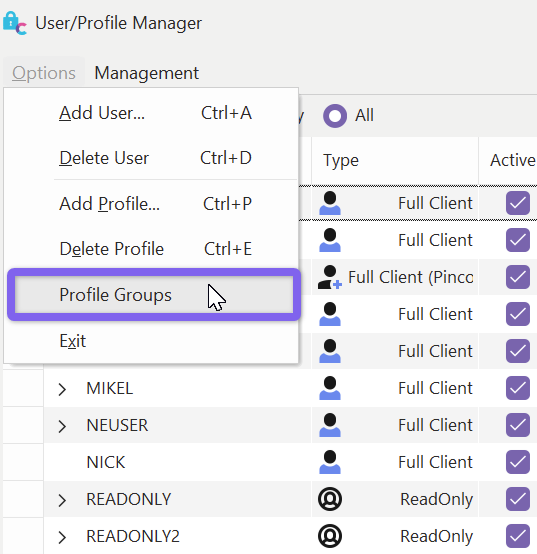
Profile Manager Options - Profile Groups
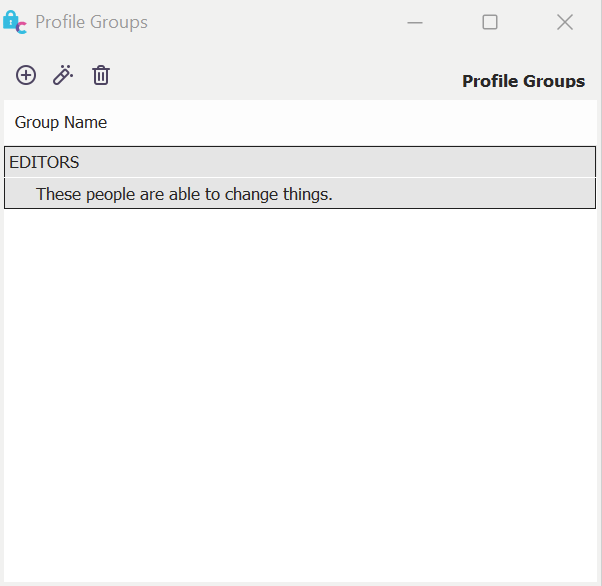
Profile Groups
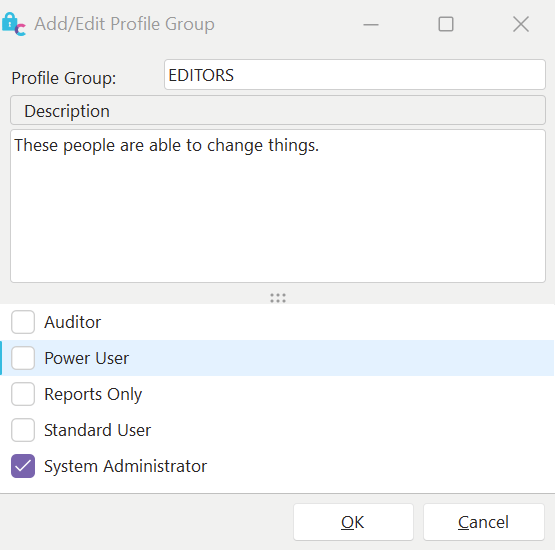
Add New Profile Group
Profile groups can be set up for reference in Charge Type filters or EMBEDIF or EMBEDIFNOT layout merge items. For example, to display a particular embedded layout only when the login's profile belongs to a particular profile group, use a merge item like:
!EMBEDIF=EDITORLAYOUT;EDITORS!
So in the above example, the EDITORLAYOUT would only be embedded at the current position in the layout if the current profile was in the EDITORS group. Similarly, you could do the display only if the current profile was NOT in the group by using this merge item:
!EMBEDIFNOT=EDITORLAYOUT;EDITORS!
Also, profile groups can be referenced from charge type filters and event display filters, like:
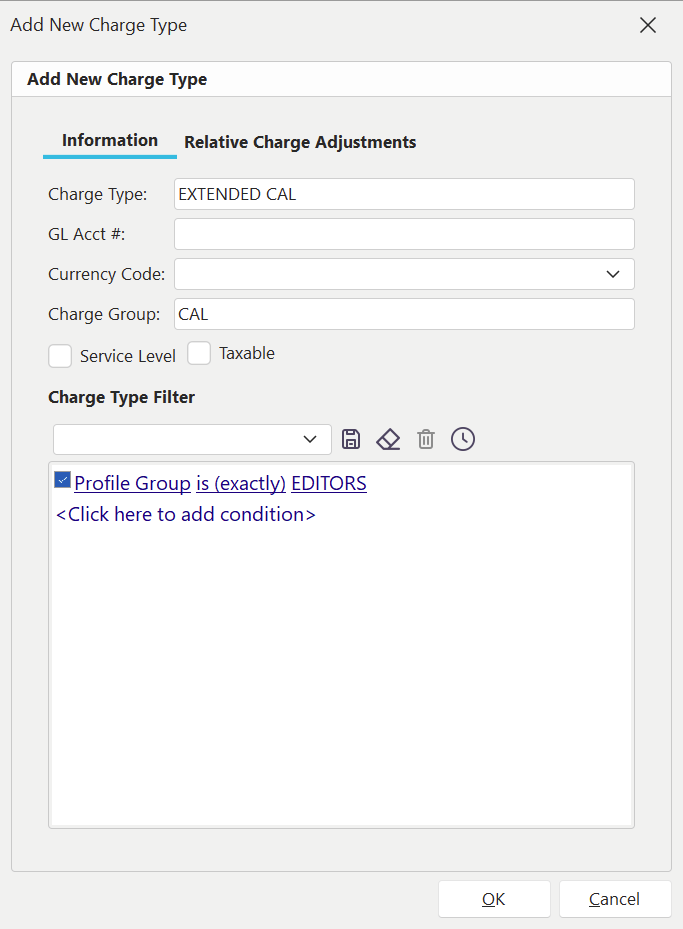
Example - Profile Group Filter - Charge Types
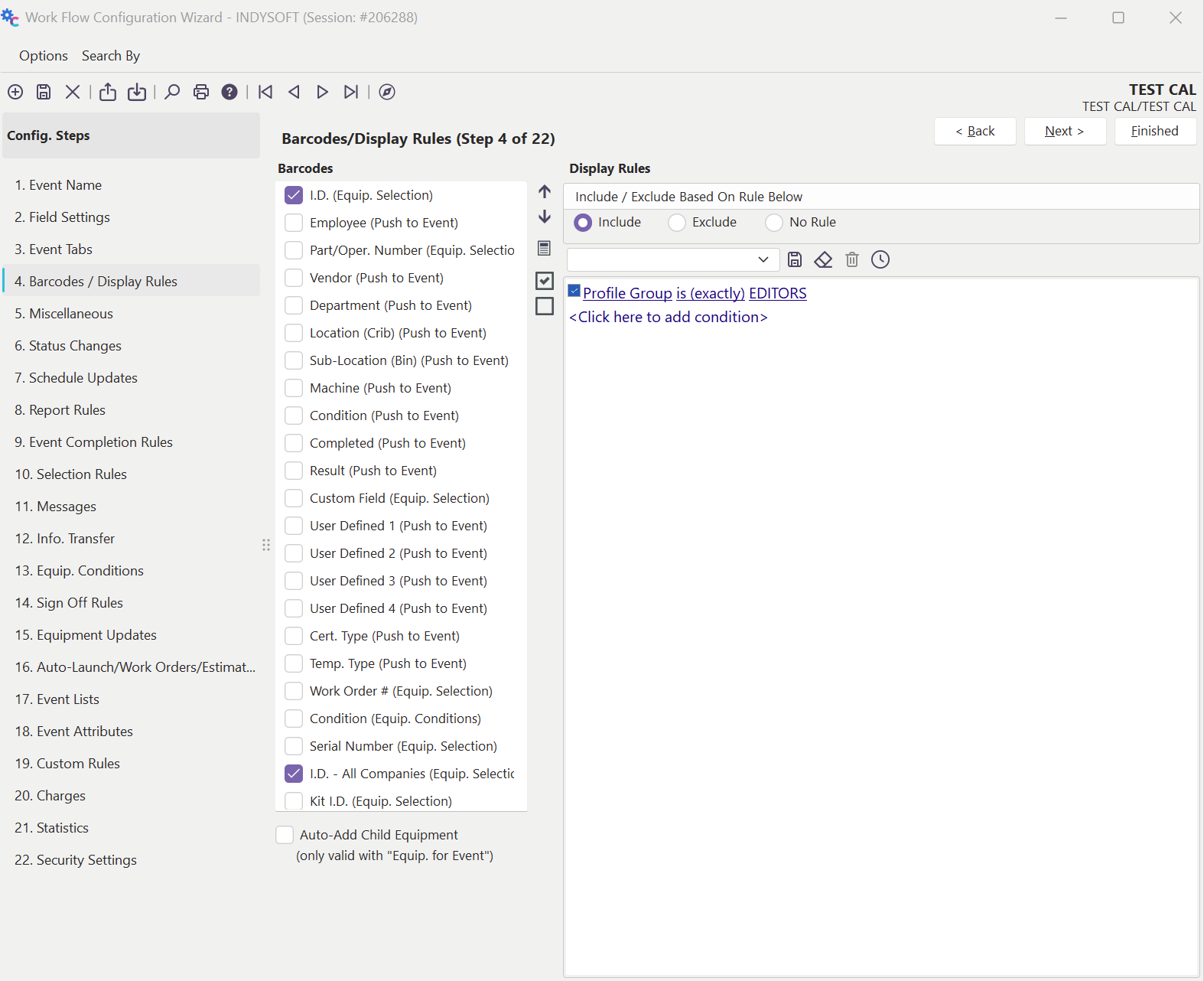
Example - Profile Group Filter - Event Display Rule
Finally, profile groups can be used in the InProfileGroup scripting function, available in all scripting types. |