Edit Company
The 'edit company' operation is equivalent to editing the selected company through the Add/Edit...Companies...Companies wizard. In the Dashboard interface, you can edit a company through the 'EDITCURRENTCOMPANY' hyperlink. You can add this into the left-hand panel or in a user created field within the equip view:
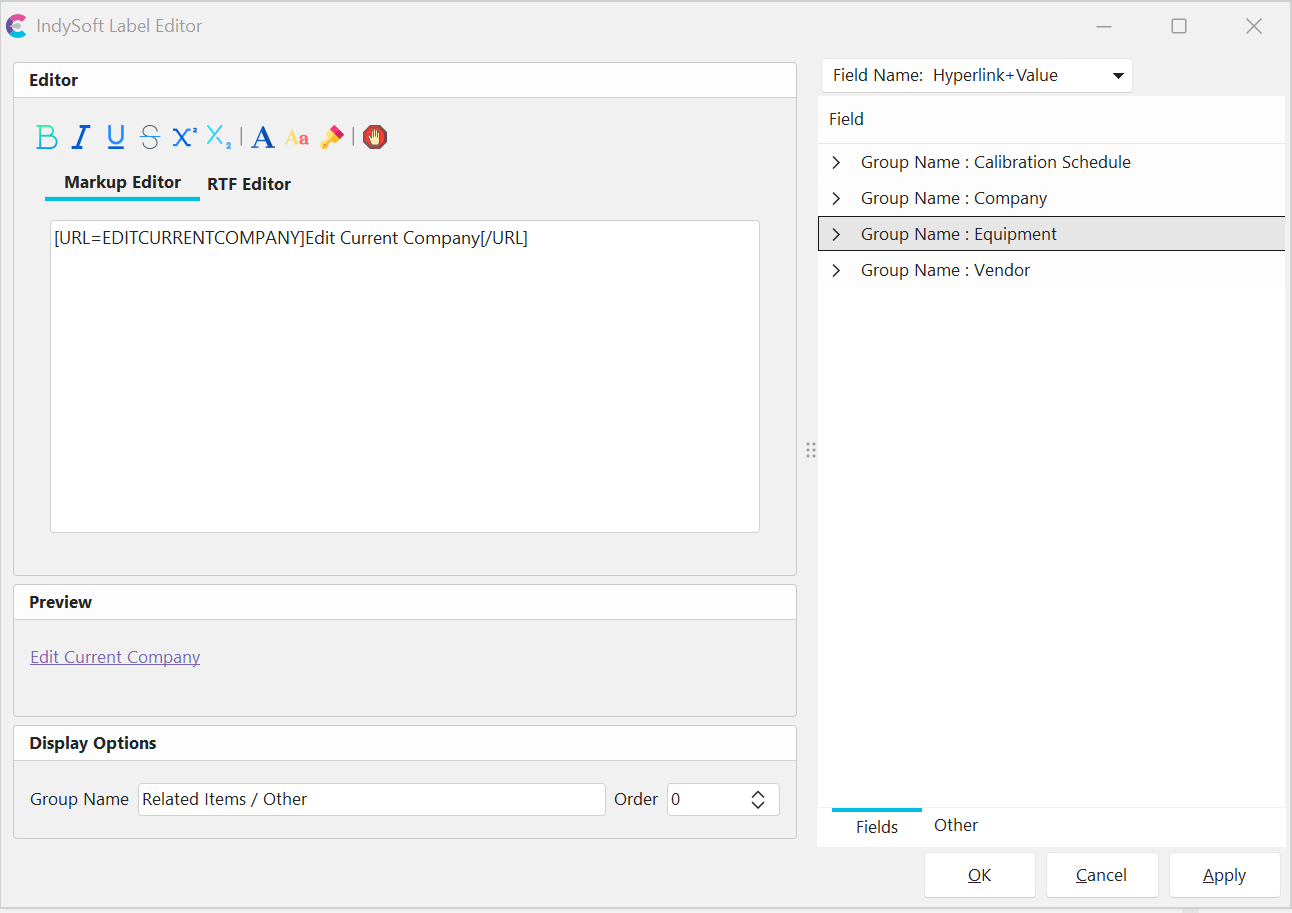
Label Editor - Edit Company Hyperlink
If embedded within the left-hand panel, the hyperlink will look as follows:
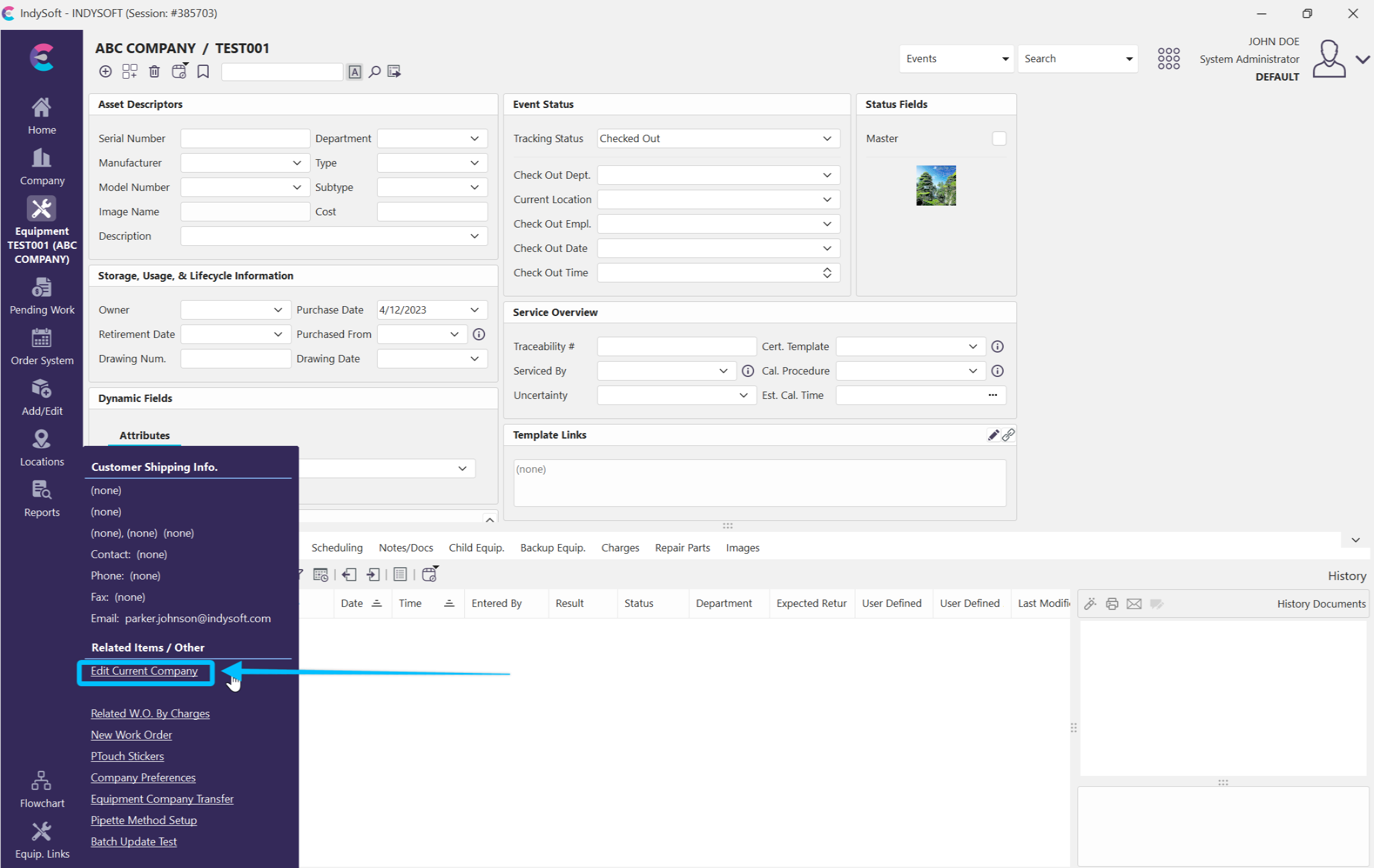
Left-hand Panel - Edit Current Company Hyperlink
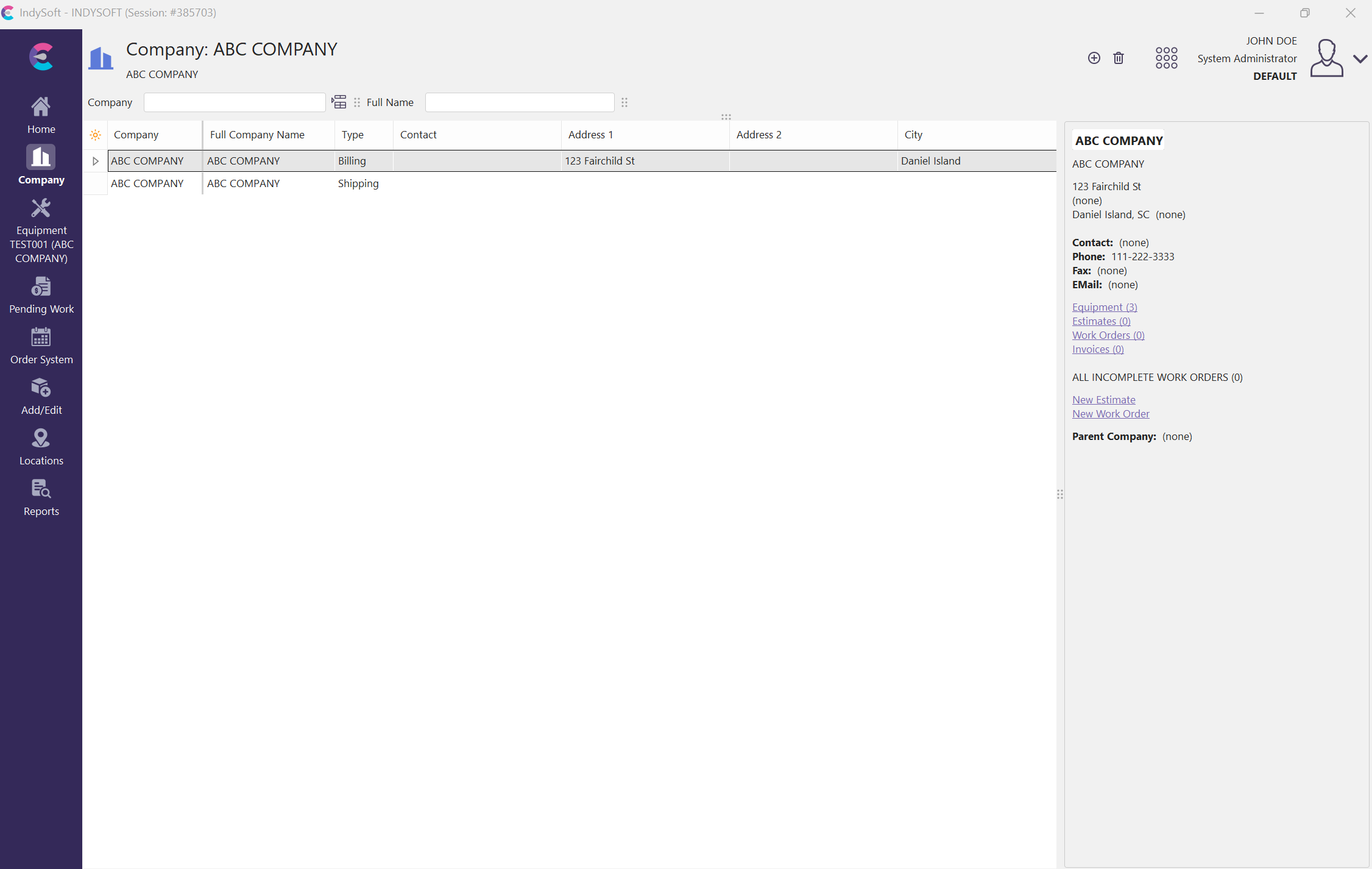
New Companies Tab
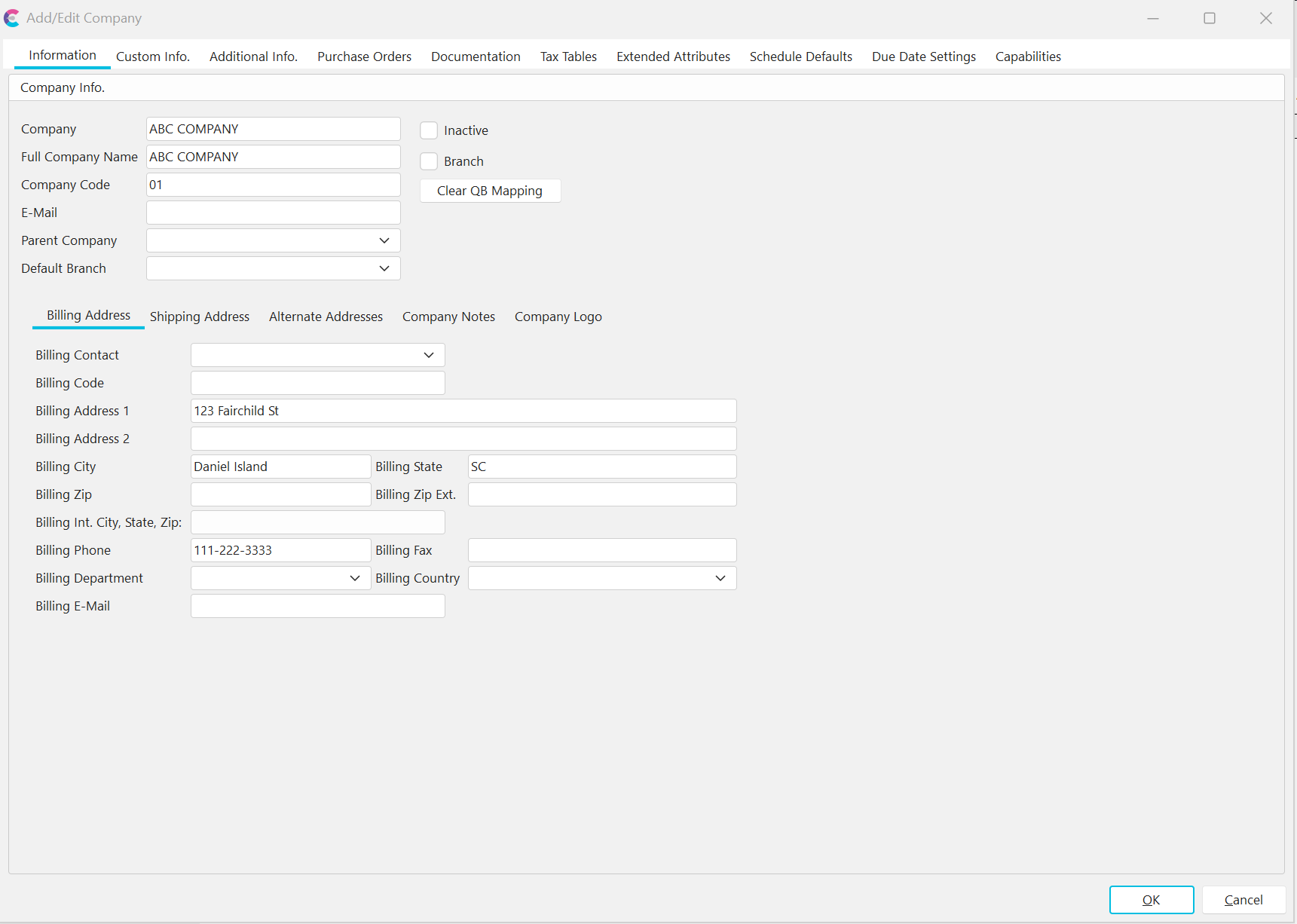
Example - Edit ABC Company |