Save As Template
This option is available in the Dashboard interface from the 'SAVEASTEMPLATE' hyperlink. You can also add a button to the equipment view header  (can also be launched with Ctrl+W):

Save as Template Button in Equipment View Header
This operation will save the current company/equip as a template in template editor. It will prompt the user for a new template name:
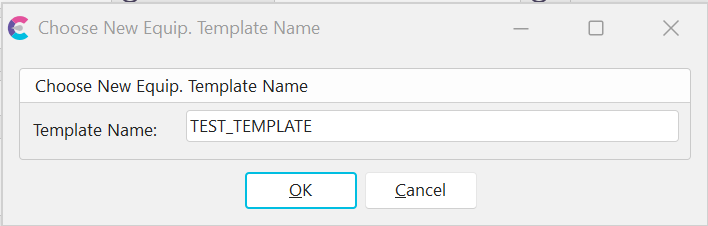
Choose New Equip. Template Name
After selecting OK the equipment settings will be cloned to the new template. See the Template Editor topic for more details on modifying existing/new templates. |