New Equipment From Template
New equipment can be created by starting from an empty set of equipment fields, cloning from another asset, or cloning from an existing template. To create a new asset from a template using Dashboard main screen's Equipment View, press any button/text with the 'NEWEQUIP-TEMPLATE' hyperlink. The default equipment view has a button with this hyperlink in the header  (can also be launched with CTRL+T):
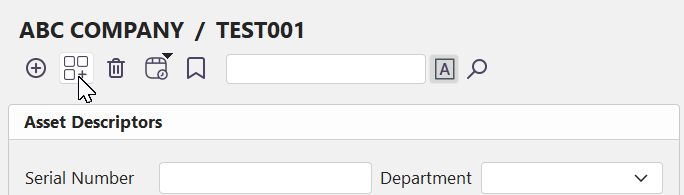
Create new Equipment from Template - Dashboard View
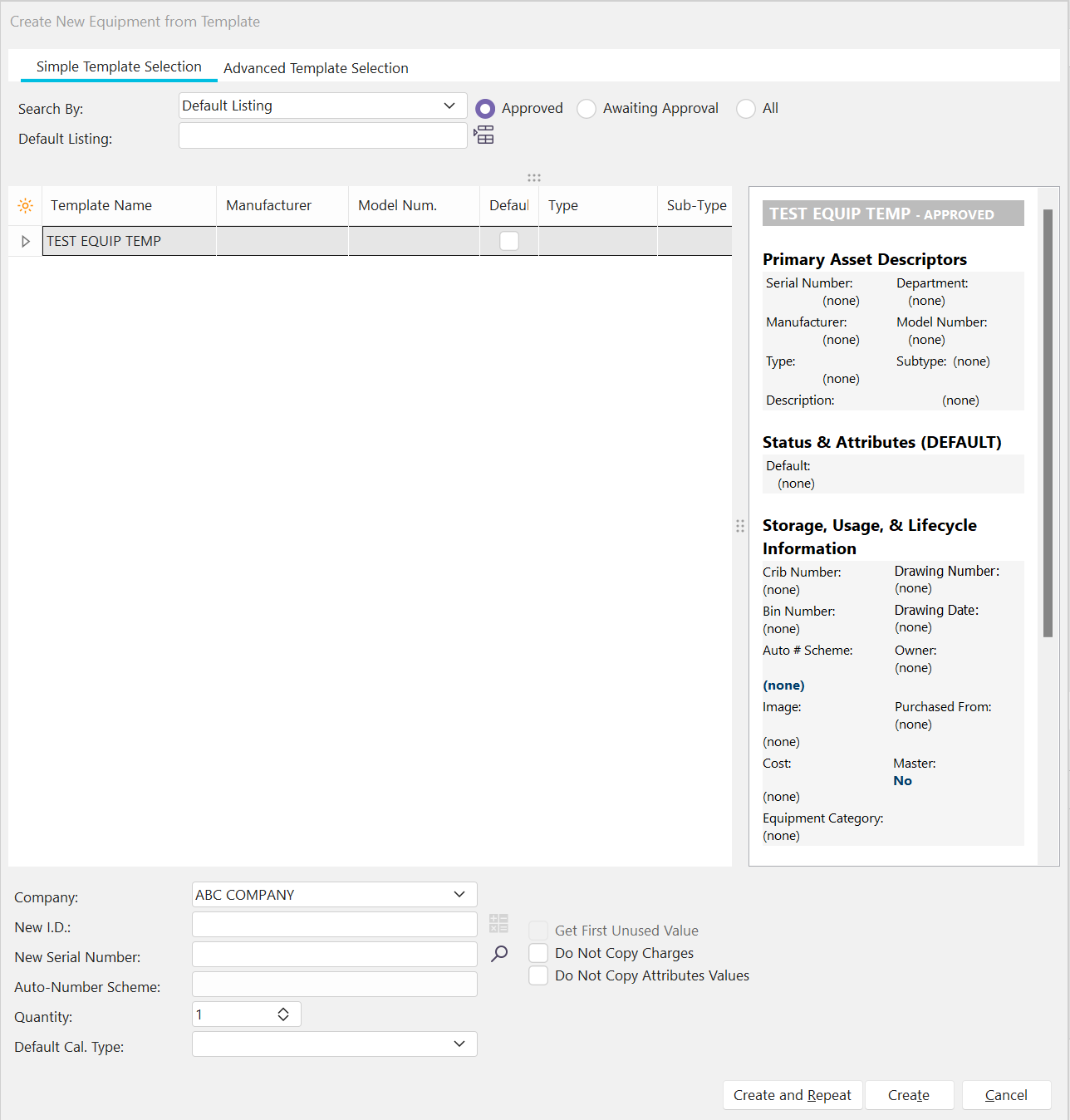
Template Selection Dialog |