Put On Hold
The Put On Hold Event places an item in a specific hold status depending on your workflow needs. This list is customizable along with the statuses, so you have accurate tracking of why items have not continued moving through your process.
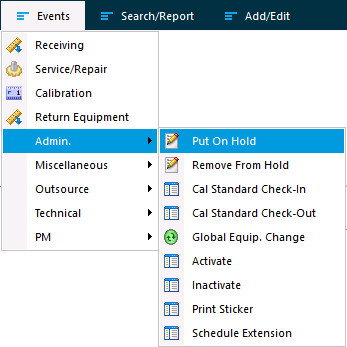
After selecting the Put On Hold event, single or multiple items can be selected through the Choose Equipment.
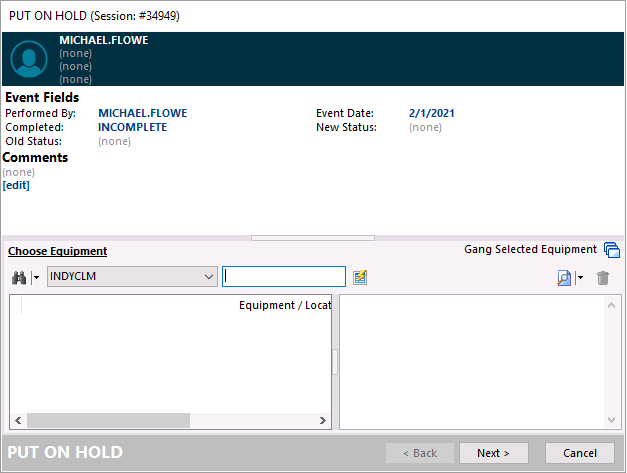
Options from the New Status selection will then move all items within the event to the new status.
 |
|