Login Custom Rules
PLEASE NOTE
The following topic may include references to the custom scripting aspects of the IndySoft product line. Some aspects of the discussed features may not be accessible to end customers. For reference, the affected features will use the word 'script' or 'custom script.' Refer to the Custom Scripting Overview topic for more information about custom scripting and how it is implemented and supported within the product.To log in a custom rule, open Profile Manager and navigate to Management...Login Custom Rules. See below for more details:
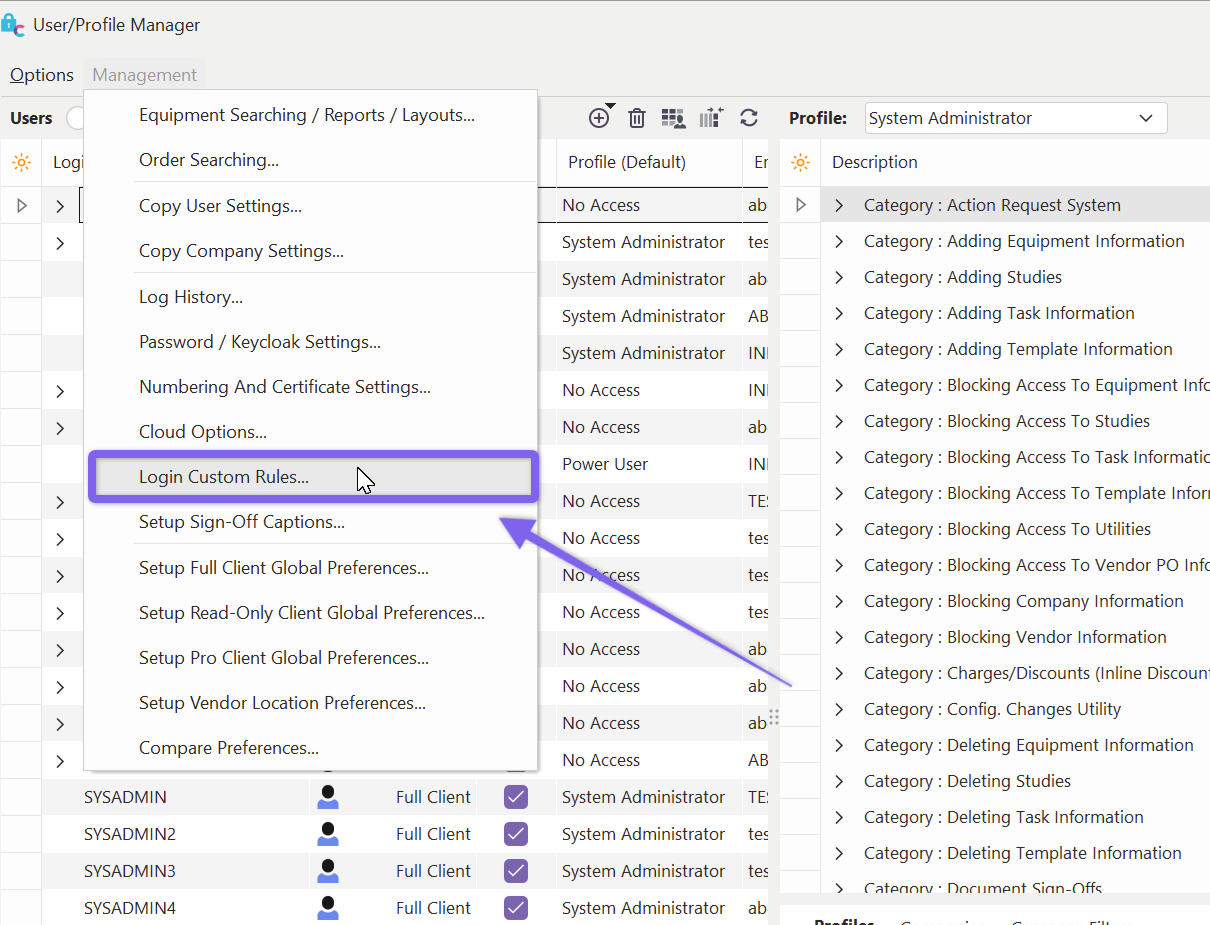
Profile Manager - Locate Login Custom Rules
The Login Custom Rules dialog will then open. You can add/edit/remove any custom rules you've created here. See below:
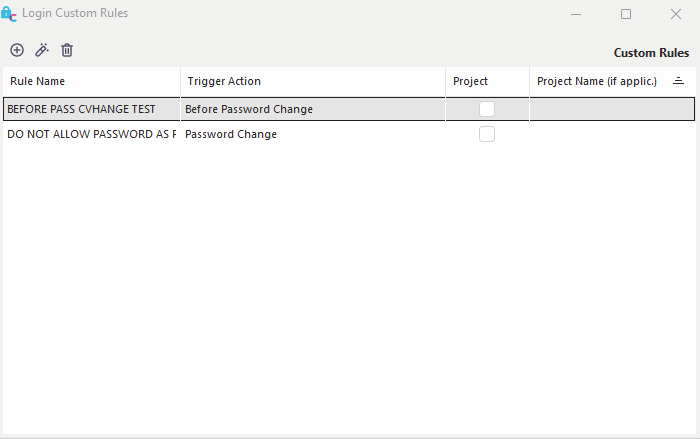
Login Custom Rules Dialog
Executing custom scripting upon each password change operation in IndySoft is possible. These scripts can be used to implement custom rules for password validation. For example, a company may have a strict policy against using the word 'PASSWORD' for authentication. An example script hook can be added through custom scripting to accomplish the password requirement.
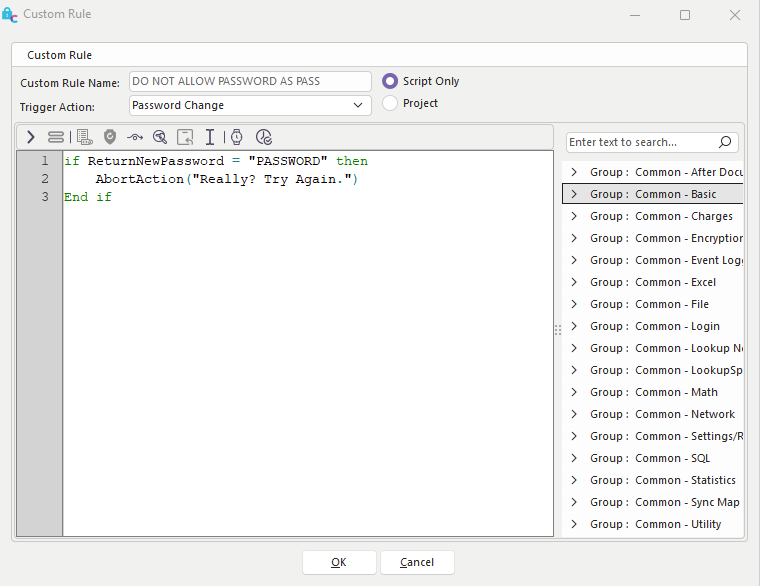
Password Change Custom Script Example
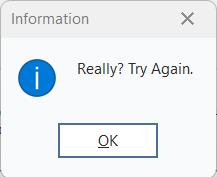
Abort Action Prompt from a script.
Note **:**This is the only trigger action available for login custom scripts. This trigger action is called whenever a password is set/changed from within Profile Manager or any IndySoft login screen (possibly when prompted for a scheduled password change). |