Home Field Layouts
Home View
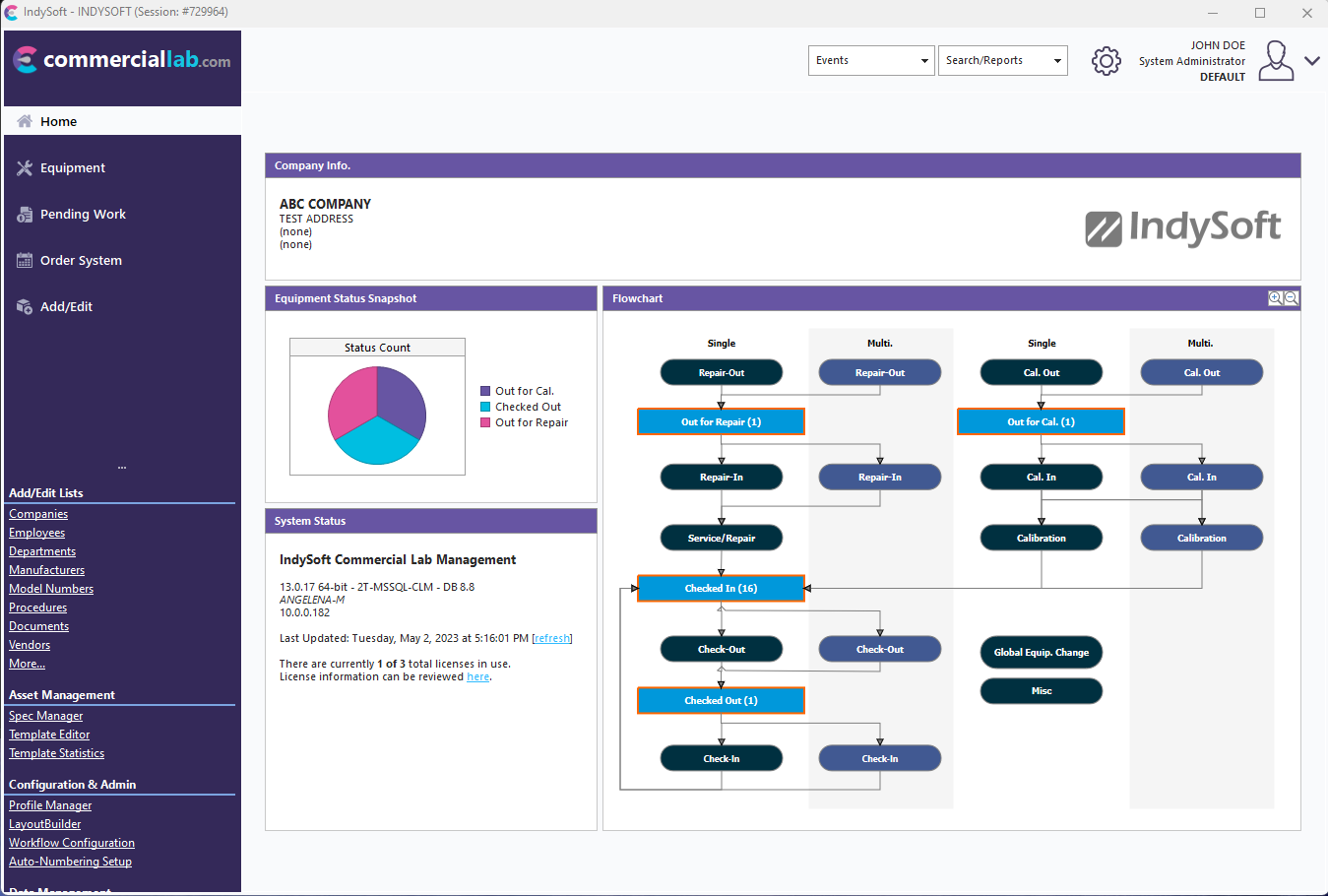
Customize
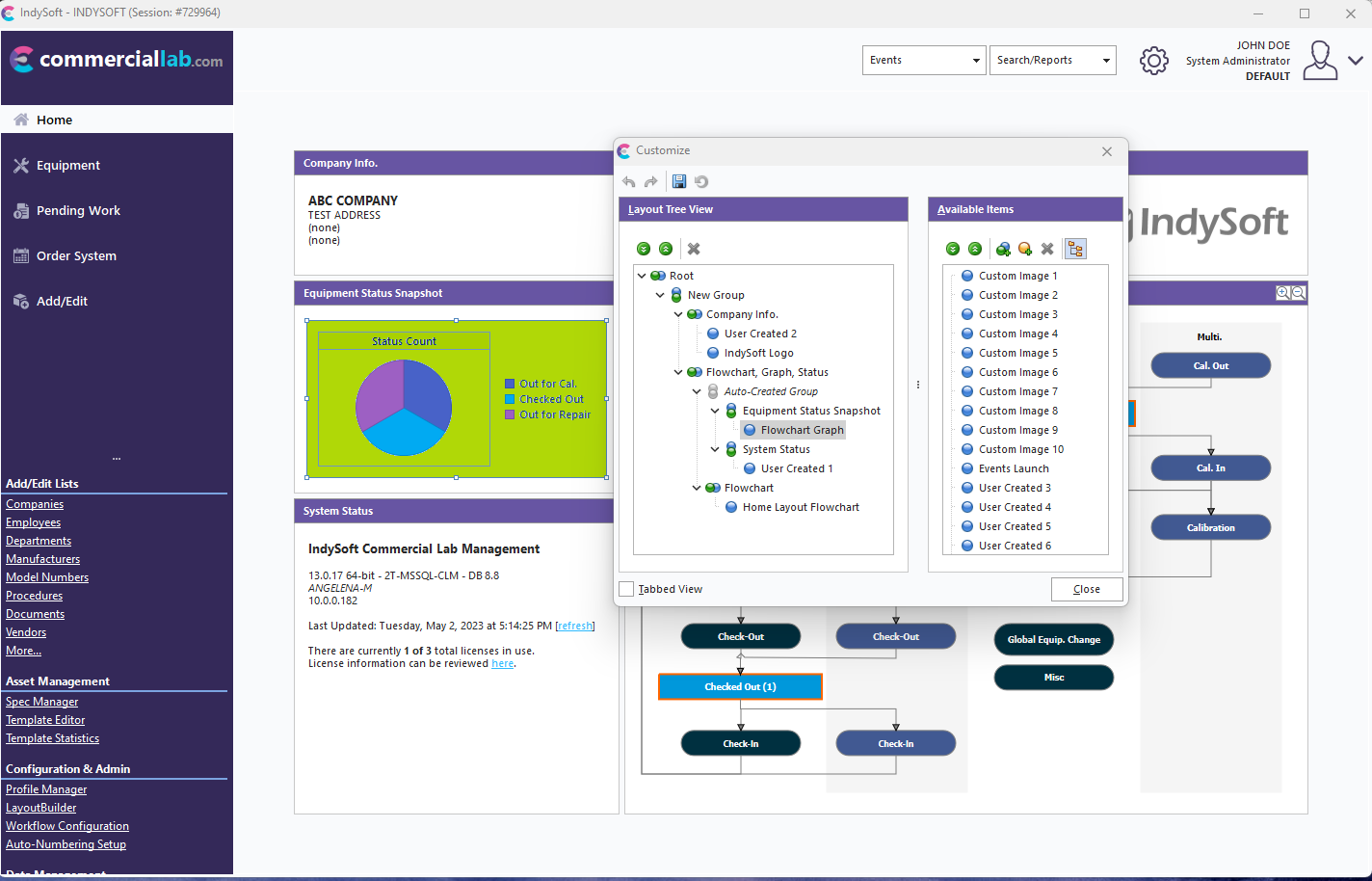
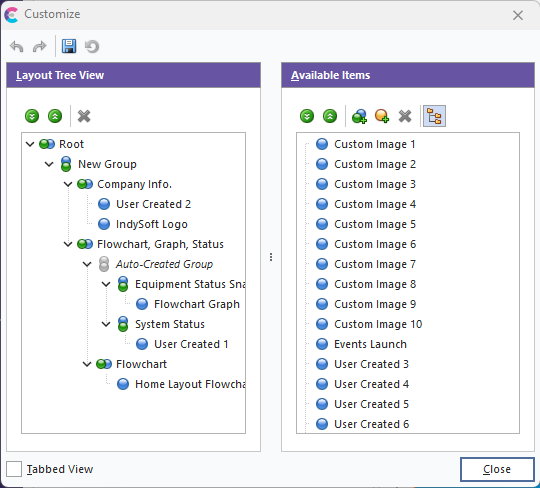
Available Fields
- Flowchart Graph
- Home Layout Flowchart
- Custom Image 1-10
- User Created 1-30
- IndySoft Logo
- Company Image
- Events Launch
Right-Click Options
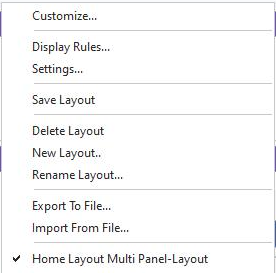
- Customize...
Use the Customize option to launch the dialog with available fields to drag/drop into the layout view.
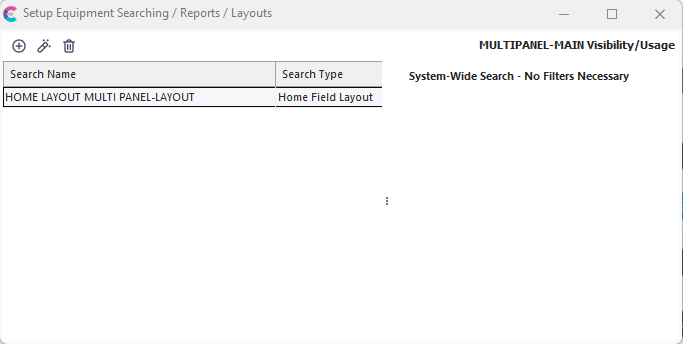
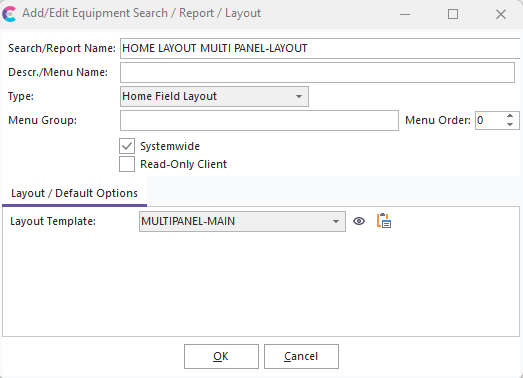
- Display Rules...
The Display Rules option represents the search name and visibility rules associated with the current layout.
- Settings...
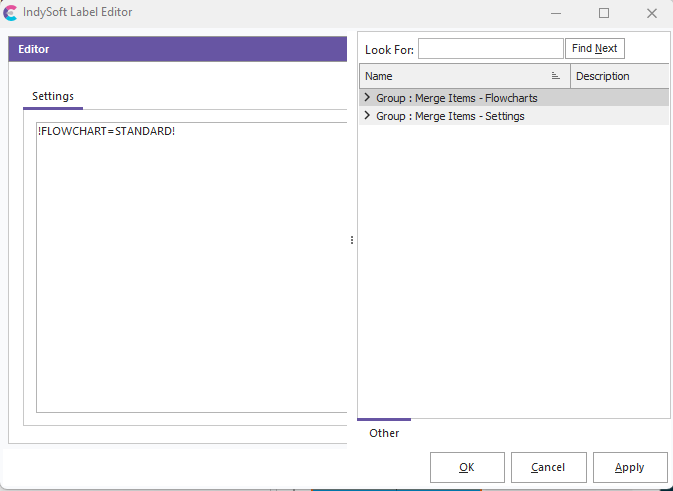
The Settings section represents any additional merge items that are associated with the current field layout:
- Save Layout
This button will save the current layout changes.
- Delete Layout
This button will delete the currently selected layout.
- New Layout...
Use this button to create a new layout (cloned from the current in view)
- Rename Layout...
Use this button to rename the selected layout.
- Export to File...
Use this option to export the layout to a file (for import, use the Import from File option)
- Import from File...
Use this option to import a layout from a Layout Export File (created when using the Export to File option)
- Visible Layout List Names
The bottom section of the right-click options will display a list of the visible layouts for that user. The user can then click on a layout in this list to select it and pull it into view.