User/Location Settings - Master Equip. List
Default Calibration Standards
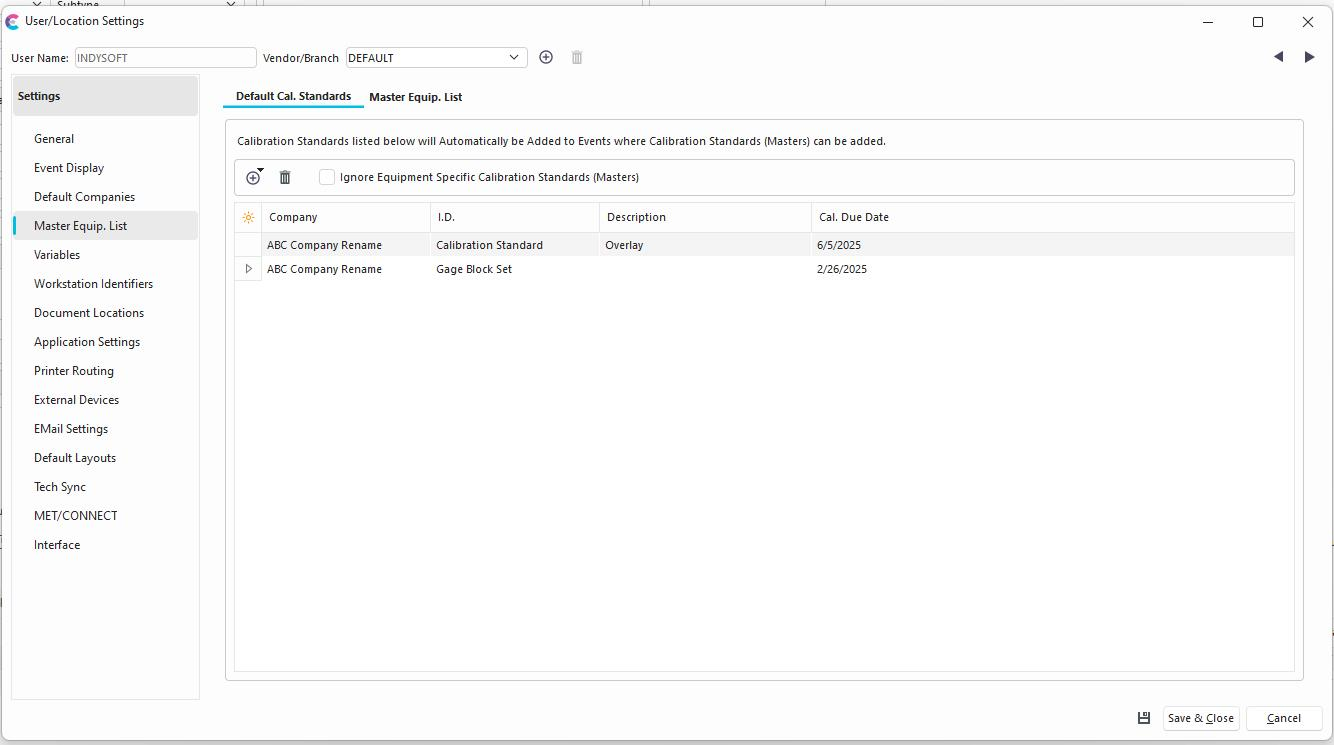
User/Location Settings - Default Cal. Standards
Users can associate their own specific Calibration Standards which they might always use at a workstation in their User/Location settings or Device Presets. These options will always be added in an event, but will still be subject to any selection rules specified in the event. Equipment which is past due (Calibration Schedule) cannot be added as a default standard in this way. This feature also has an option to ignore any equipment specific calibration standards or "Masters."
Note: if you see any setting in the User/Location Settings dialog that has this toggle visible to the right:

Then this setting is setup as a global preference, and CANNOT be modified by individual users in the User/Location Settings. Please have your Administrator edit this setting in Setup Global Preferences within Profile Manager as needed.Master Equip. List
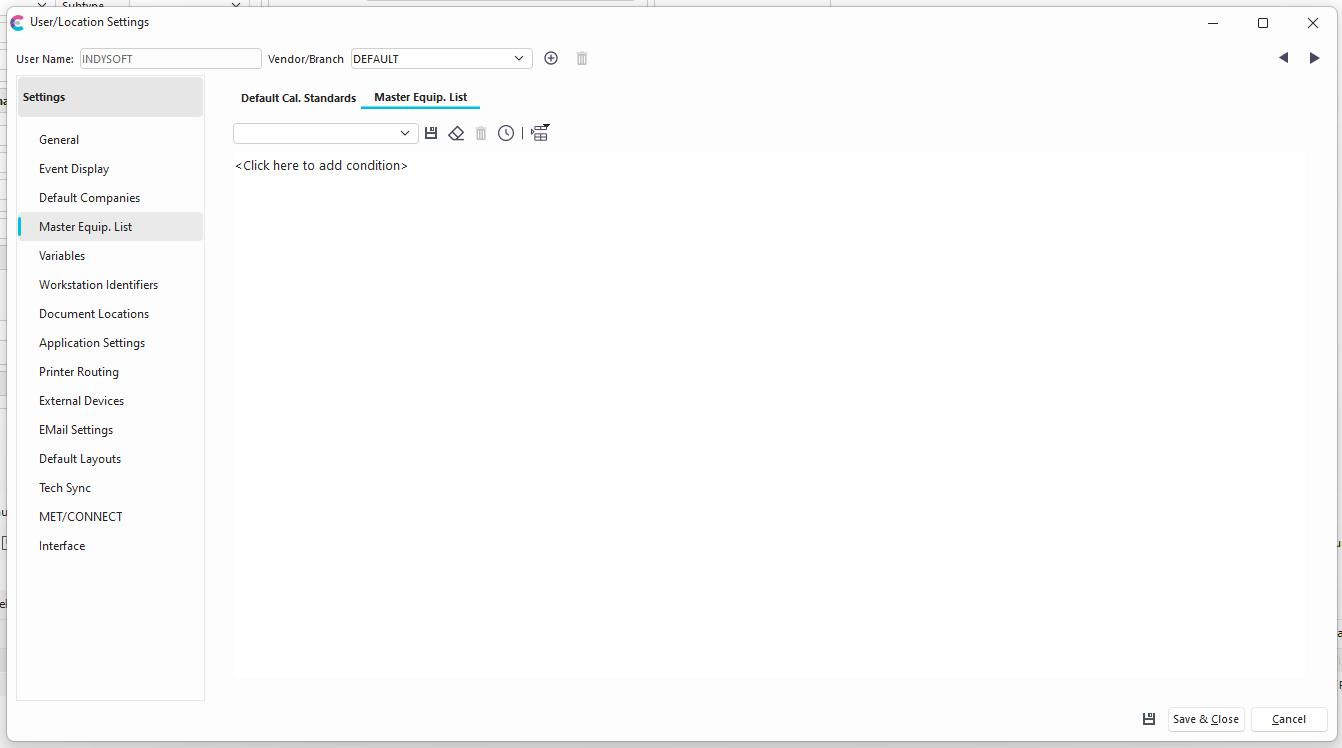
User/Location Settings - Master Equip. List
In addition, Users can set up a filter in the Master Equip. List. This may be beneficial if your workflow is designed to move Calibration Standards to different areas or departments and it is helpful to pull in a subset of Standards based upon where the user is located at the time. This filter is generally used when using the "Add A Default Master - Use Employee Filter..." option. This can be used at the equipment, equipment template, or event level when selecting Standards.

Selecting Masters with Employee Filter |