Pulling MET/CONNECT Results During Calibration
After configuring your Calibration event with the MetConnect script, you will see a new button on your Calibration Results tab within the event:
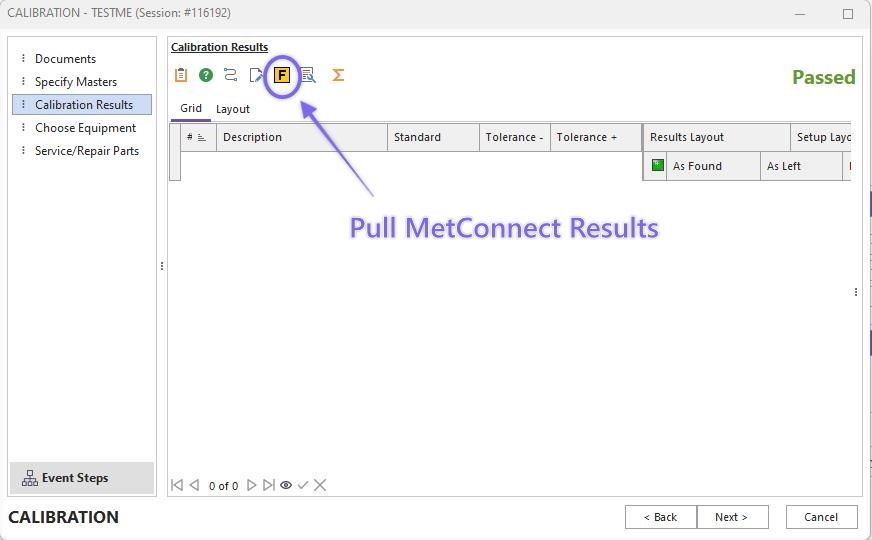
Calibration Event - Calibration Results MetConnect Fluke Button
Once you click this button, the project will launch and automatically connect to the MetConnect server to pull the results corresponding with the asset in the event.
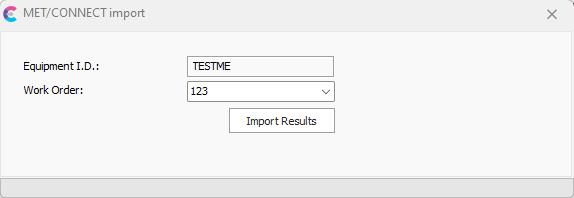
MetConnect Import Dialog - Select Work Order
The asset/equipment ID will automatically be pulled in and should match the asset number in MetConnect 1:1. The next field is a dropdown of associated Work Orders containing the result set. Once you select the Work Order you want to pull in, click the 'Import Results' button.
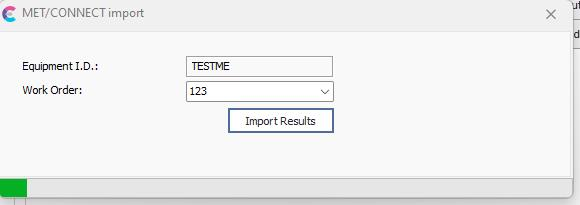
MetConnect Import Dialog - Importing Results
A progress bar will populate along the bottom of the project dialog so that you can track your import progress. Once complete, the results will be automatically populated into the calibration results grid:
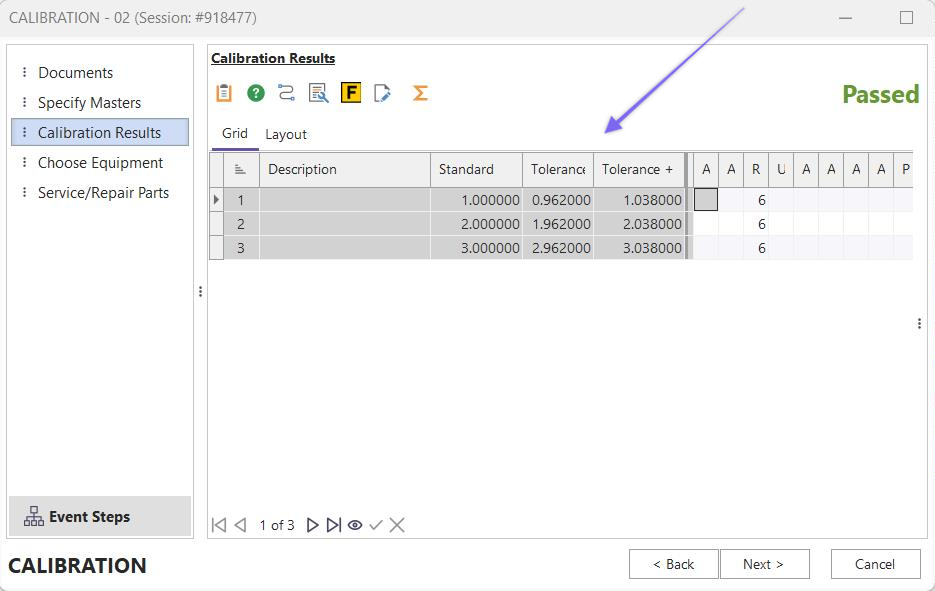
Calibration Results Grid - Imported from MetConnect |