Closing Action Requests
To close and complete an Action Request, choose the appropriate Closed status from the below dropdown. Next, press ok and say 'yes' to the prompt for closing the action request. Note: Your system administrator can add custom statuses to your system if needed. ****
Once closed, an action request must manually be re-opened before it can be edited again.
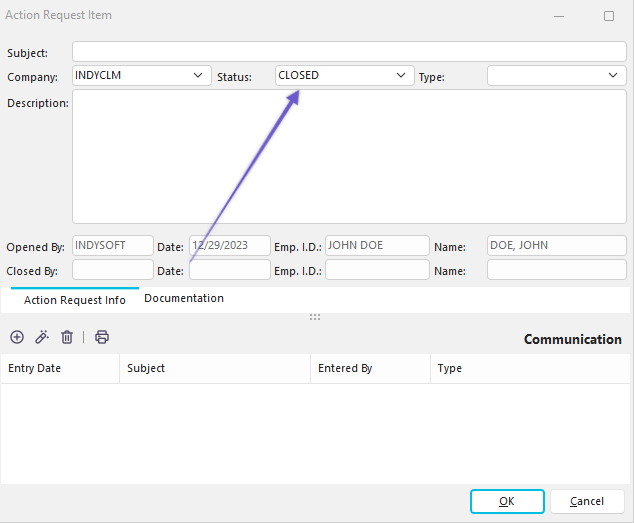
Closing An Action Request
The following confirmation dialog will appear once you hit 'OK' :
 |
|