Selecting Data
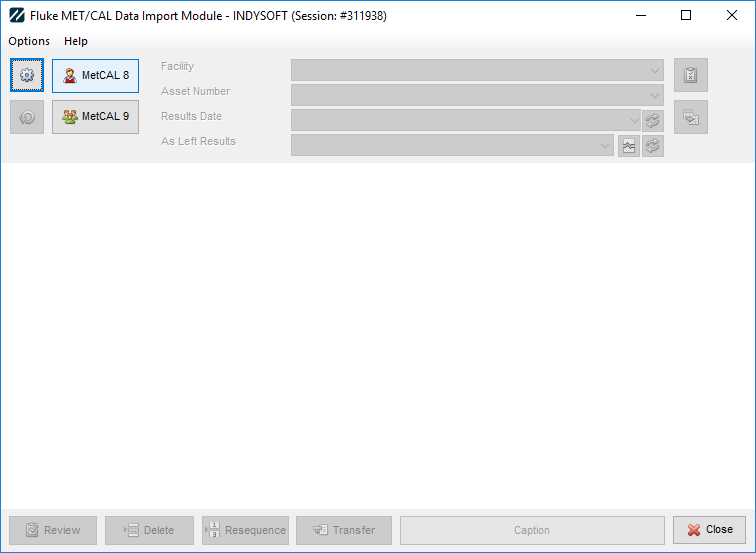
The import launches with the editions of Fluke you have configured available for use. If you have multiple versions, and no default, you will need to select either MetCAL8 or MetCAL9 to proceed.
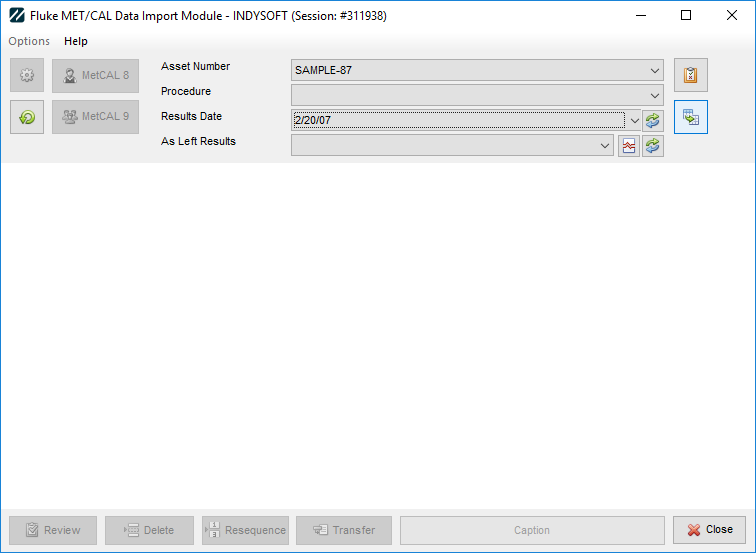
Having selected the desired asset and optional procedure, you can launch into Fluke MetCAL to then carry out the procedure.
Once data is available in Fluke, either from launching within the Importer or from a previous calibration, select the desired calibration event and click the import button located next to the As-Found list. |