Studies - View Study Results - Step 6 (R&R)
Step 6
This step allows you to review the R&R and ANOVA results for the study. You can review three reports or thirteen charts to analyze the results.
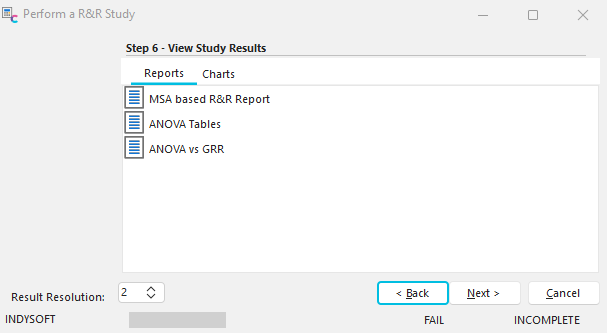
Step 6 - View Study Results (Reports)
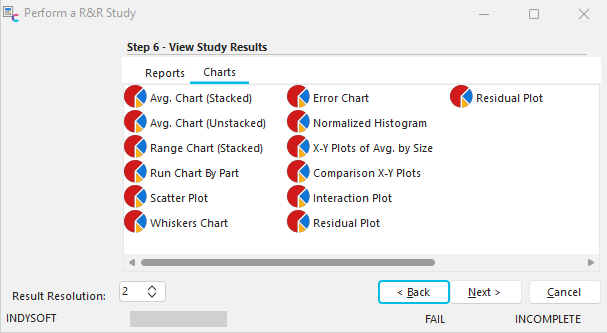
Step 6 - View Study Results (Charts)
If you receive a screen similar to the following screenshot:
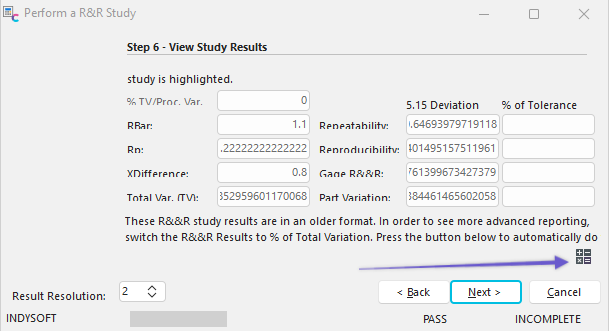
Step 6 - View Study Results (older format)
Click on the magic wand button in the lower-right corner to switch the R&R results to % of Total Variation and display the screens as shown above. |