Action Request Manager
The Action Request system tracks any call to action and all communication dealing with the action request until the action request is closed. If using the DataView Browser Edition of IndySoft, users can also make action requests through its interface.
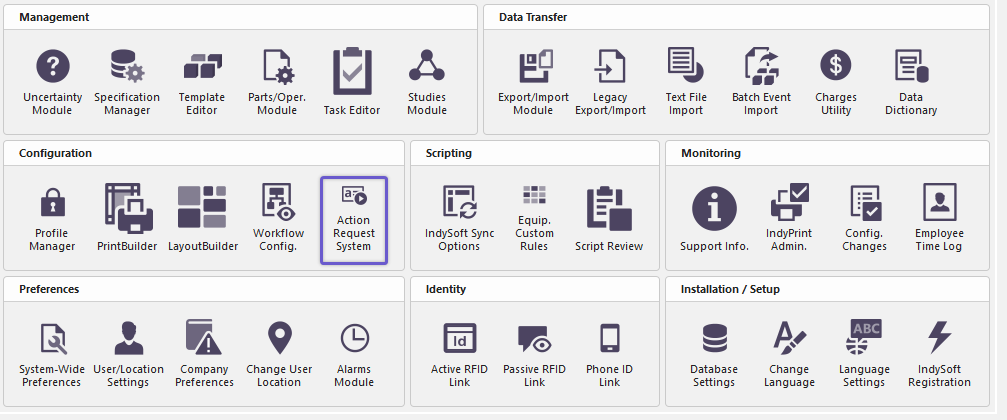
To open the Action Request System manager - choose Utilities-->Action Request System.
 ../Storage/indysoft-help-publication/99245954.png
Locate Action Request System - Home
Note: the first time you use the Action Request System, you will be prompted to specify a filter for your action requests. This aims to narrow the system to show only relevant action requests.
A dialog like the one below will appear:
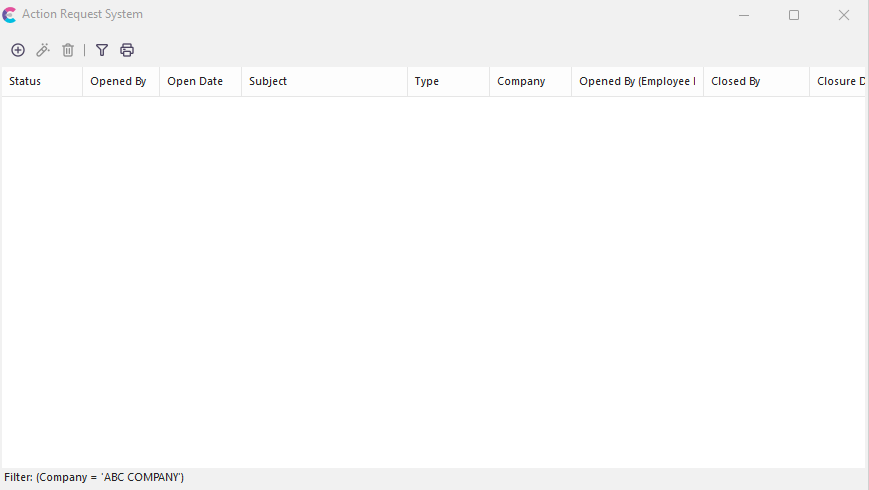
Action Request System - Listing
All filtered action requests will be shown in the Action Request System Manager. Each column title explains the contained information. To view more information about each action request, double-click it.
Filtering Action Requests
To filter action requests, press the Filter button. 
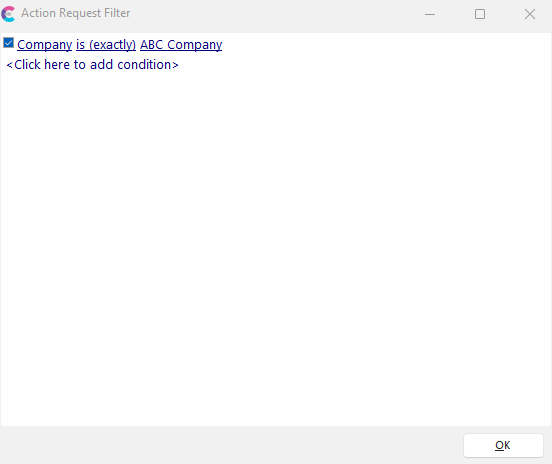
Action Request Filter
The Action Request Filter will let you build a filter list for all your related action requests. After setting your filter, it will be stored with your username and automatically filtered each time you log in. |