Re-Opening Action Requests
Once an action request has been closed, it can be re-opened if you have the proper security access rights. To re-open a closed action request, view the action request and press the Re-Open button at the bottom of the screen. The status will revert to the default status for action requests. Note: The Default Status is set up by your system administrator.
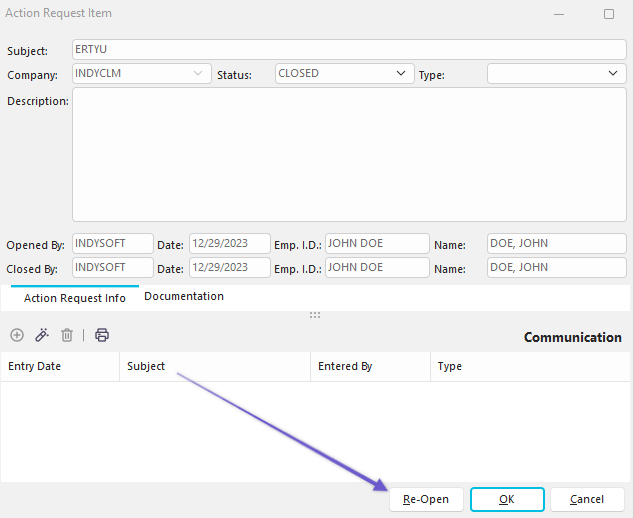
Action Requests - Re-Open Button
The following confirmation dialog will appear once you hit 'Re-Open' :
 |
|