Calc Tab - Data
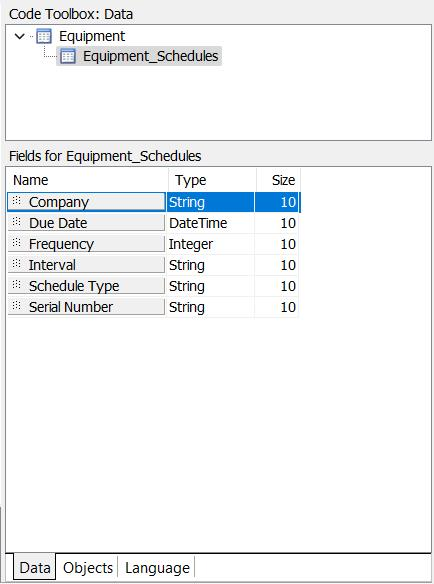
The Data sub-tab is in the bottom right of the Calc tab. This tab shows a comprehensive listing of all data pipelines in the report in outline form, starting from the main pipeline on the top:
Calc Tab - Objects
As a pipeline is selected in the Data outline tree, that pipeline's fields are displayed below. These fields are read-only - for reference. The fields can be modified for Custom reports through the main Data tab. For event-related reports, the # of fields is defaulted by IndySoft and cannot be modified. The fields can be modified for Equipment and General reports by selecting additional fields into the preview grid before entering the Report Designer. The Properties section on the Calc Tab - Data tab is helpful because it allows field references to be dragged/dropped into the Calc tab code. Note the small dots to the left of each field - drag from this field title into the appropriate position in the Calc tab code:
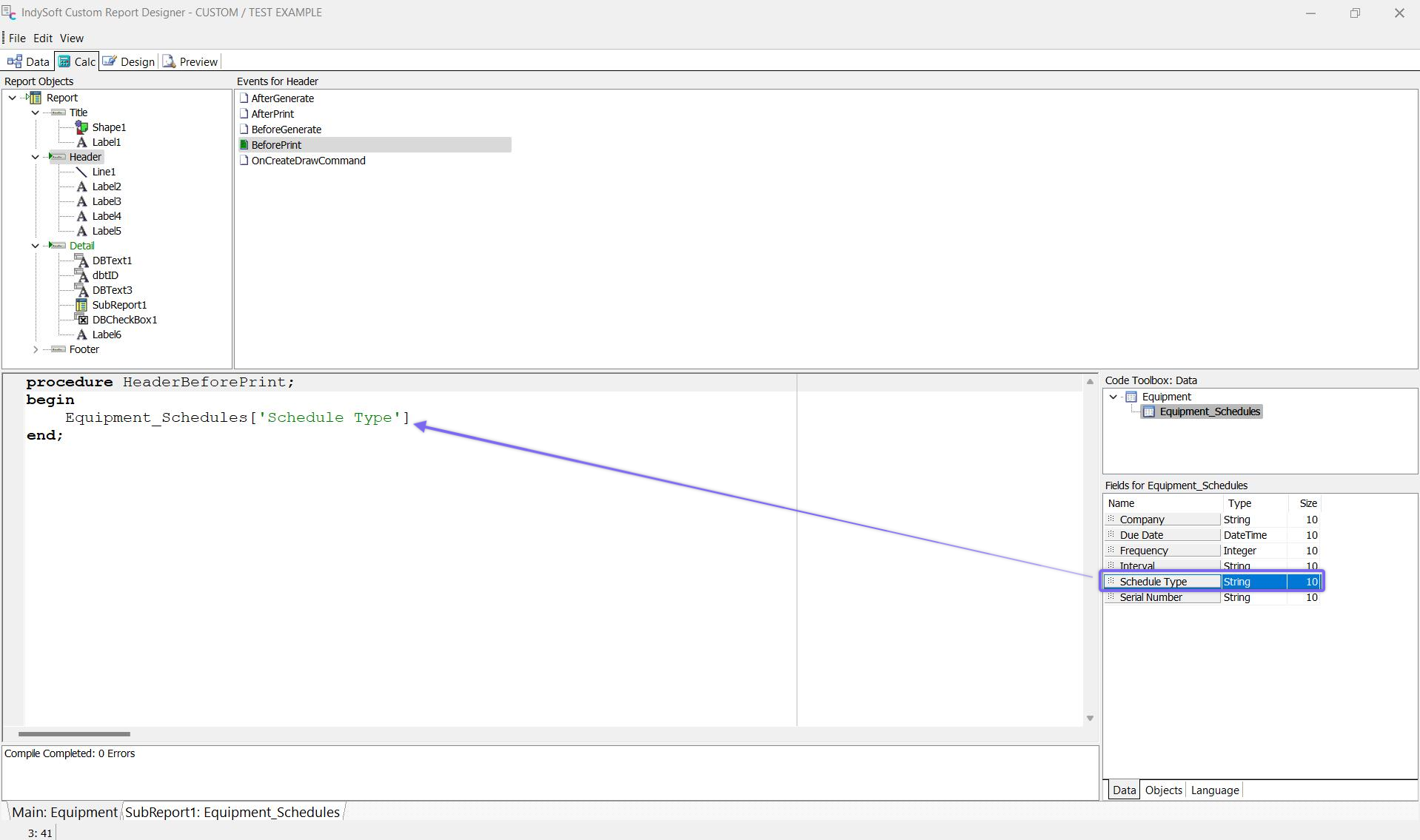
Drag/Drop of Data Field References into Calc tab Code |