Alarm System - Overview
The IndySoft alarm system allows you to schedule reports to run unmanned and then be sent to various locations such as email, printer, or screen. Alarms can be set for varying intervals, and when multiple alarms are used, this application becomes an extremely flexible method for alerting various users to the status of equipment in the IndySoft system without spending time in front of the computer.
In the past, IndySoft had managed all alarms directly from the Alarm System itself - allowing the option to run the application as a "Windows Service" and having alarms sent out even when a user was not logged in. Because of new security measures implemented by Microsoft and the subsequent locking down of Windows resources for "Service" applications, IndySoft has transitioned all automation to run through the Windows Task Scheduler instead of our service. This is the new recommended way of performing automated functions that need access to email, printers, etc. This new Task Scheduler based scheduling gives the same flexibility you've grown to expect but more reliably as Microsoft releases future Windows updates. Please see the Alarm System - Upgrading Prior Versions section for more information.
To start the IndySoft Alarms Manager application, click on the IndySoft Alarms Manager icon from the appropriate IndySoft program group (usually in your Start Menu). Starting in version 13, a module launch button can also be added within the Admin Panel. You will be prompted to log in after clicking the IndySoft Alarm Manager Icon.
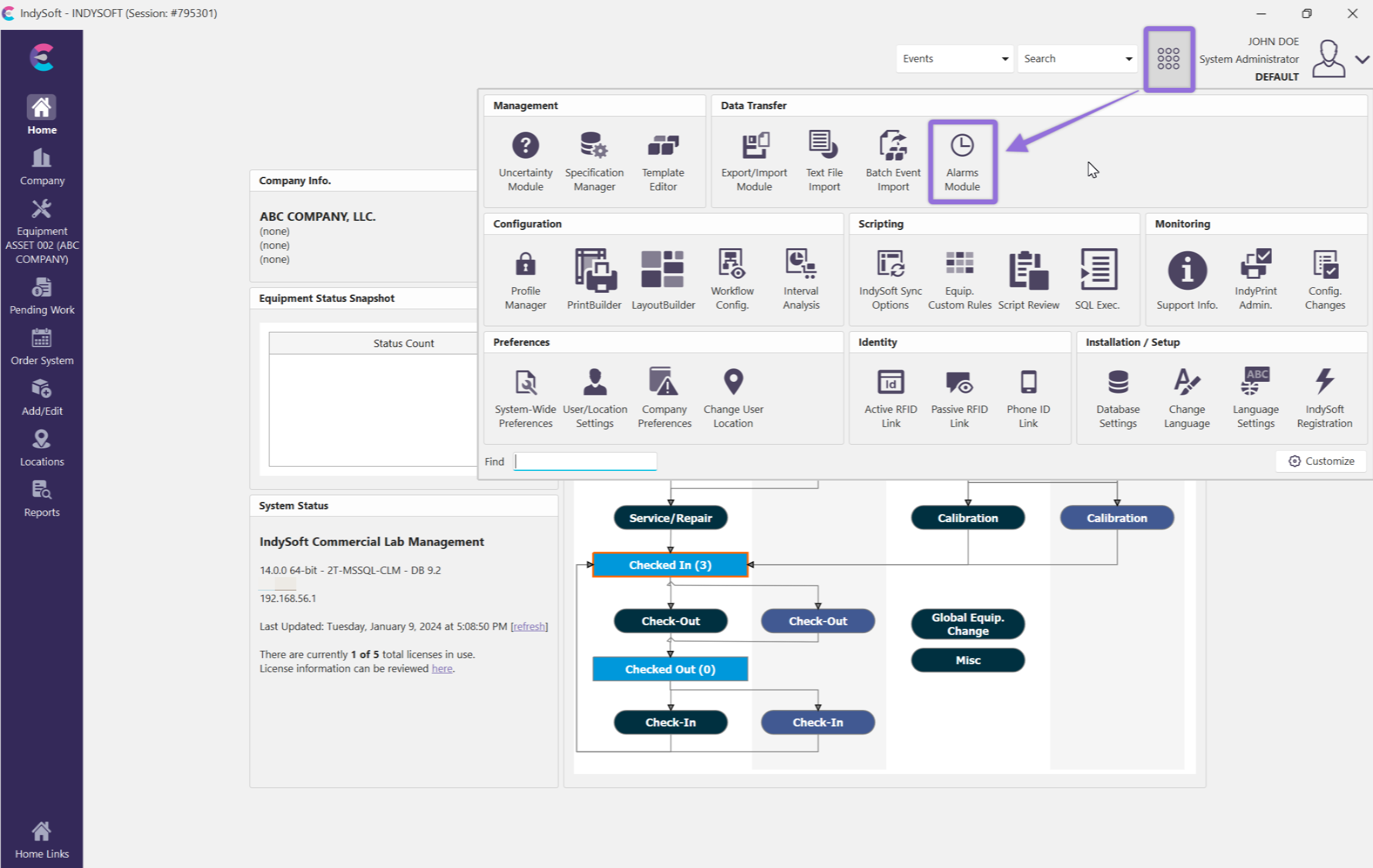
Admin Panel - Alarms Module
Enter your assigned User Name and Password, and click the next button to continue.
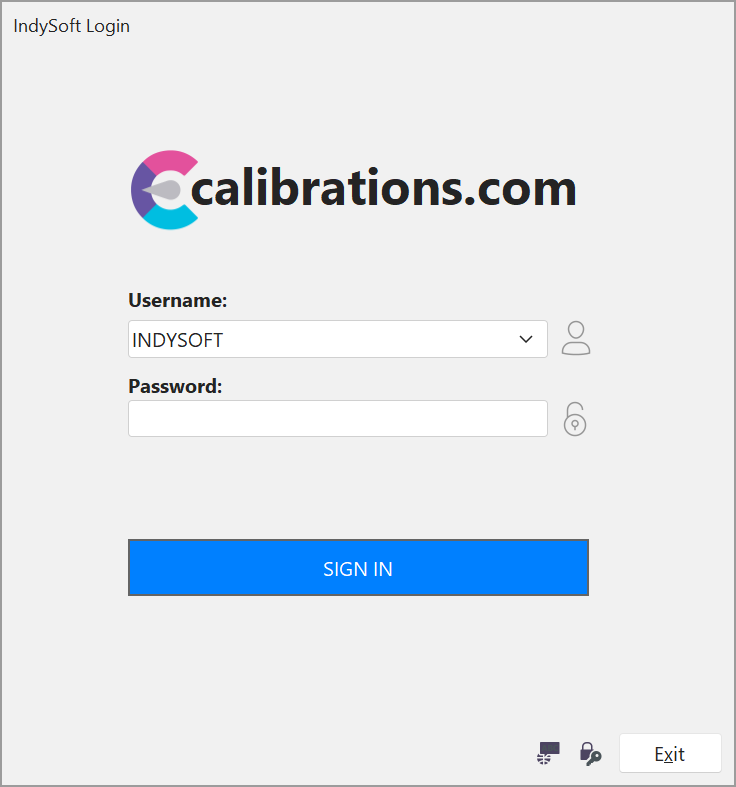
Alarms - Login Screen |