Print Grid (Preview)
The print preview dialog below will be displayed when a print job is initiated from an IndySoft grid. This Print Preview dialog confirms the grid's appearance so that any last-minute changes can be made before printing.
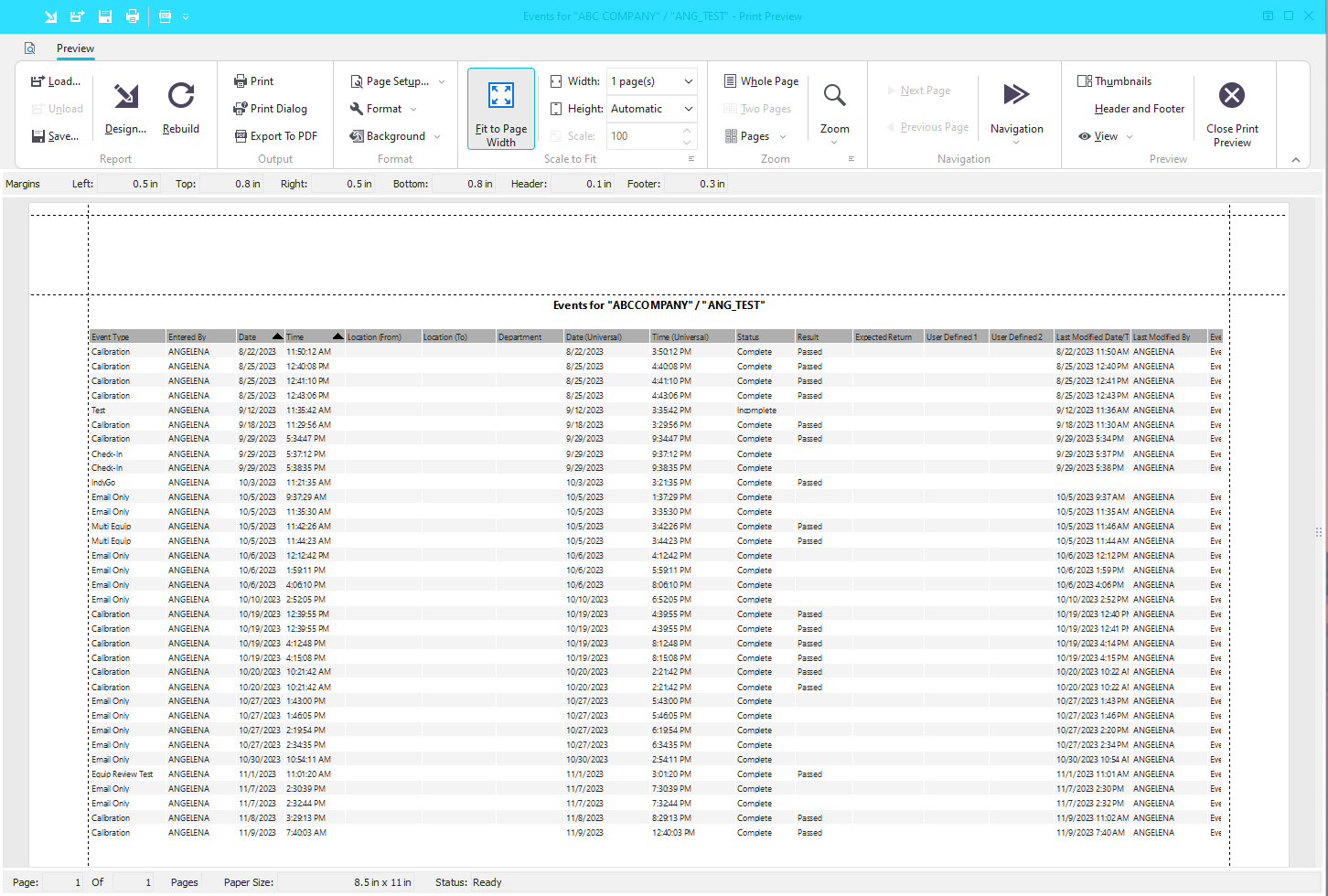
Print Preview Dialog
Much of this functionality is common to other utilities in Windows. Of special interest:
 Design Report
This important dialog contains many formatting options for the report data.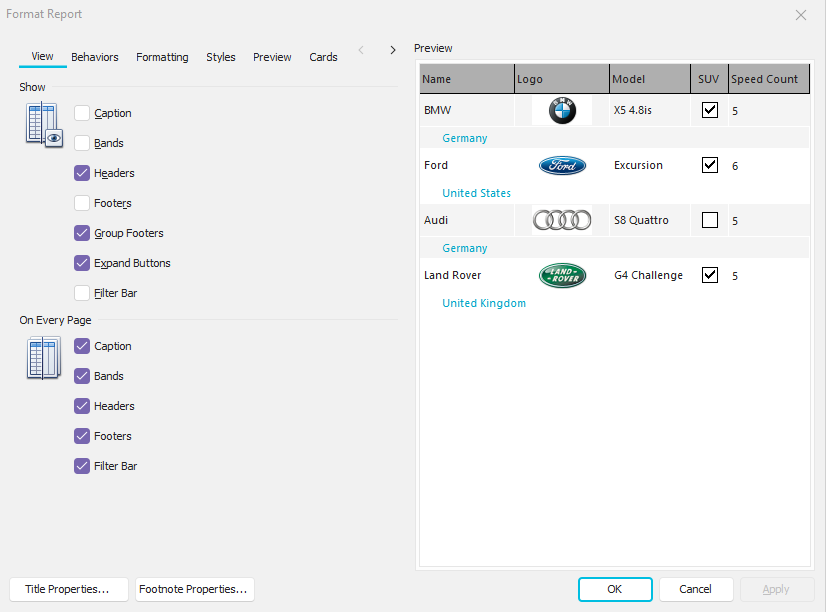
 Page Setup
This will display a 'Page Setup' dialog where margins, page footer, page header, and scaling options can be selected.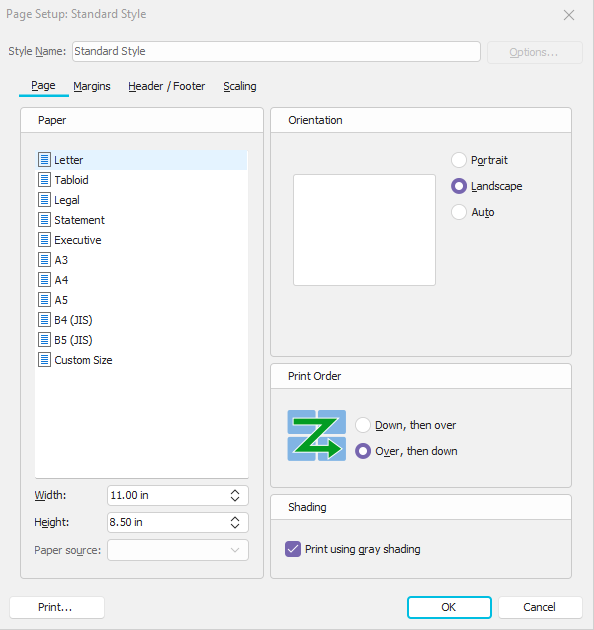
 Page View Options
Use these options to modify the view currently in preview quickly.
Margin Adjustment
Use these dotted lines in the corners of the document for quick modifications to the page margins (horizontally and vertically).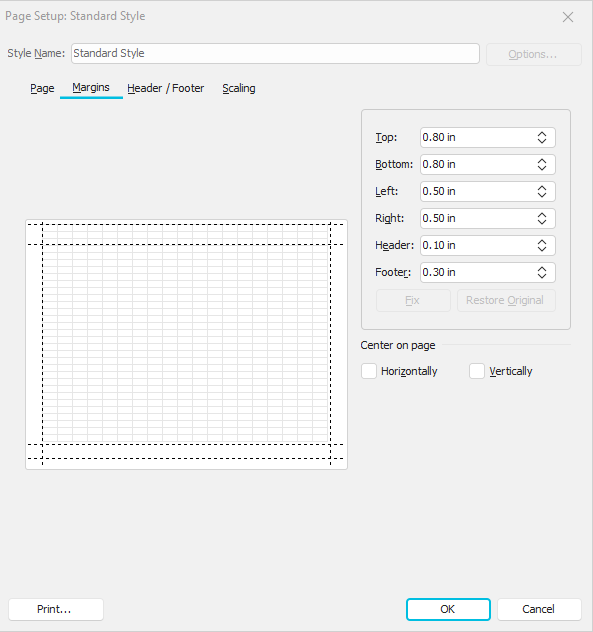
 Print
Print
Once all options have been confirmed, press this button to send the job to the selected printer. A reminder of the currently selected Windows printer is shown in the button hint. Select an alternative printer using the 'Print Dialog' button to the right. |