Alarm Time
Enter the Alarm Type and Times
You will now select your alarm type and desired interval. Instructions for doing so vary depending on the desired type of alarm. The types of alarms offered are:
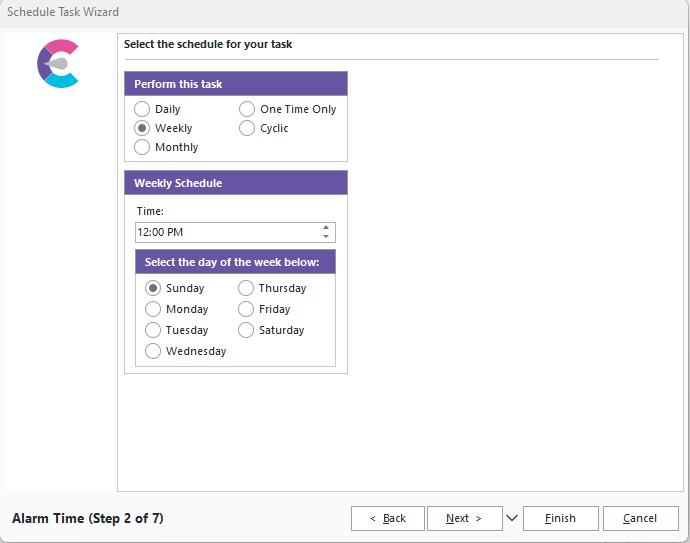
IndySoft Alarm - Time Schedule
Daily Alarms
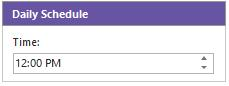
Daily alarms are designed to run once per day at a specified time. First, select the daily alarm selection item from the Alarm Type tab to use a daily alarm. Next, click on the Times tab and set the exact time to execute this alarm.
Weekly Alarms
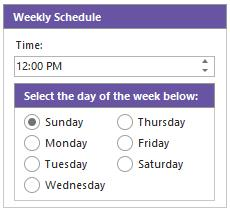
Weekly alarms are designed to run once weekly at a specified time on a specific day. To use a weekly alarm, first, select the weekly alarm selection item from the Alarm Type tab. Next, click on the Times tab and set the exact time and day of the week to execute this alarm.
Monthly Alarms
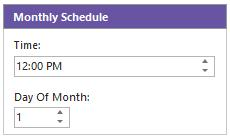
Monthly alarms are designed to run once per month at a specified time on a specific day of the month. To use a monthly alarm, first select the Monthly alarm selection item from the Alarm Type tab. Next, click on the Times tab and set the day of the month and the exact time to execute this alarm.
In version 14, we implemented a new checkbox to allow for "End of Month" scheduling of tasks - this will trigger the alarm on the last day of every month.

One-Time Only Alarms
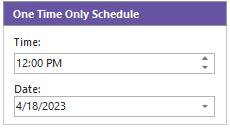
One Time Only alarms are designed to run only on one specific date and time. First, select the One Time Only alarm selection item from the Alarm Type tab to use this alarm. Next, click the Times tab and set the exact date and time to execute this alarm.
Cyclic Alarms
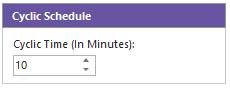
Cyclic alarms are designed to run continually at specific minute intervals. First, select the Cyclic alarm selection item from the Alarm Type tab to use this alarm. Next, click on the Times tab and set the exact number of minutes to wait before this alarm is executed. |